- Help Center
- Katalyst POS
- Table Management
Unblock a Table Using the Grid View
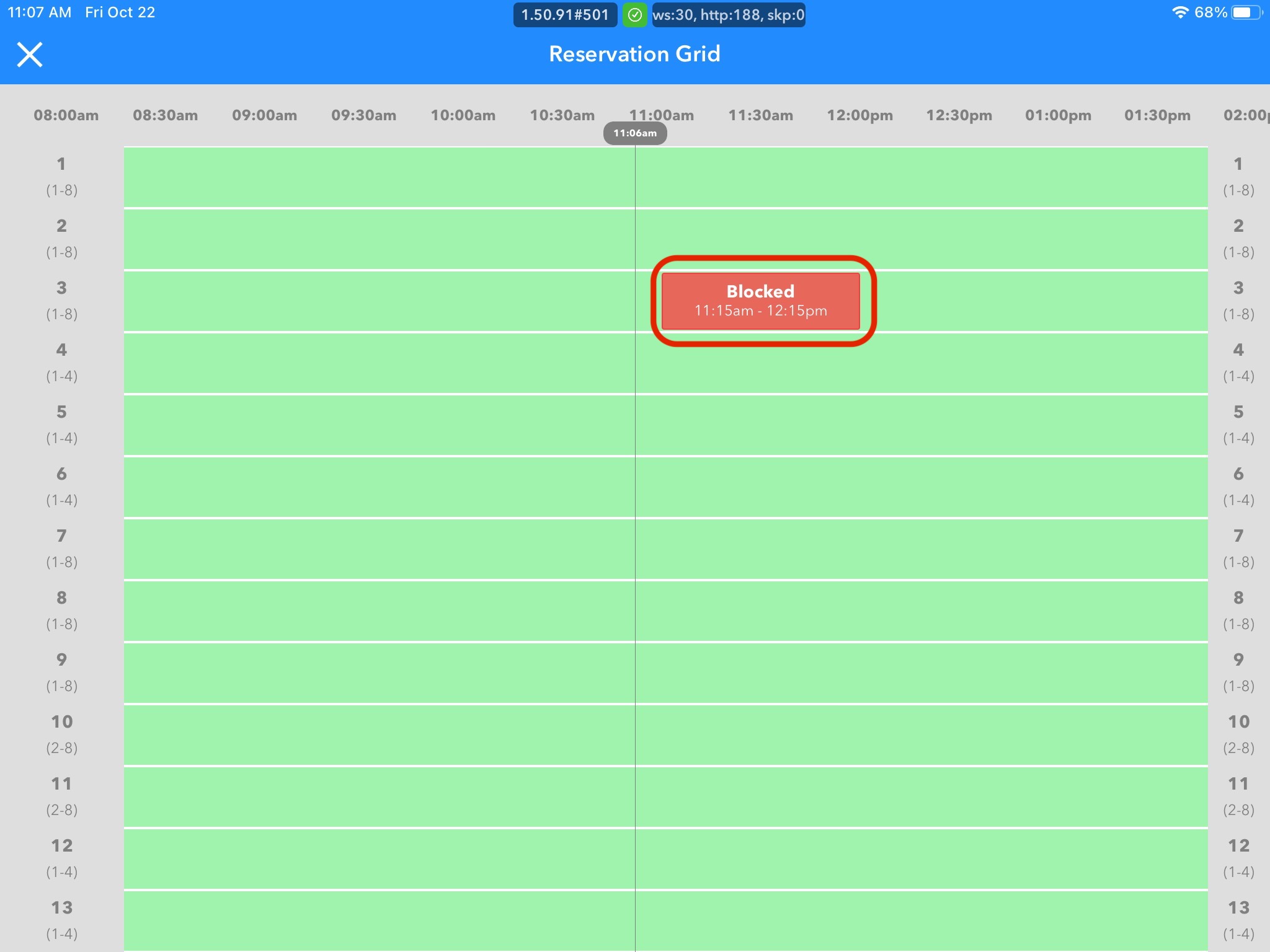
1. In the grid, select the blocked table you wish to unblock
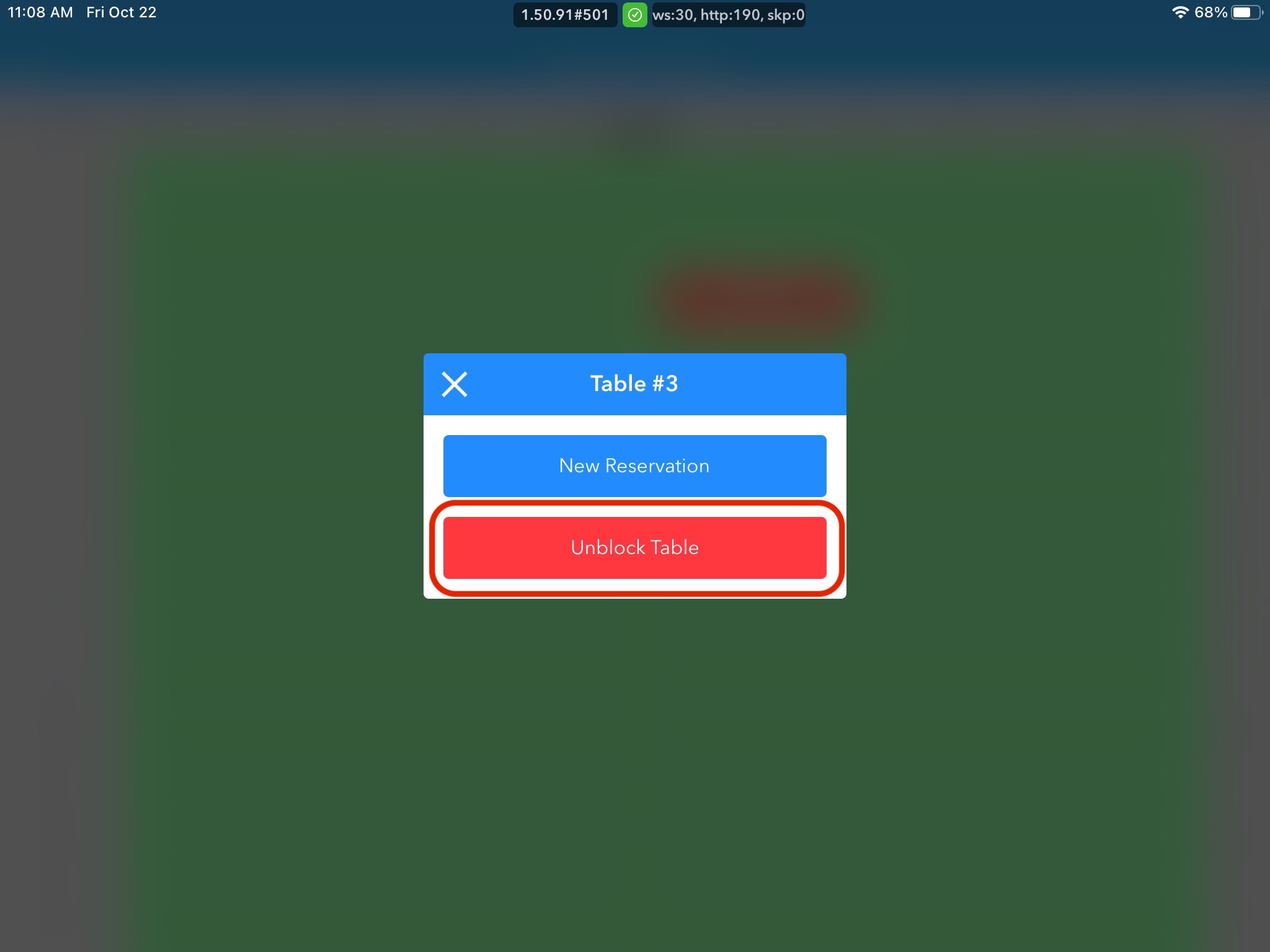
2. Click Unblock Table in the new pop-up box
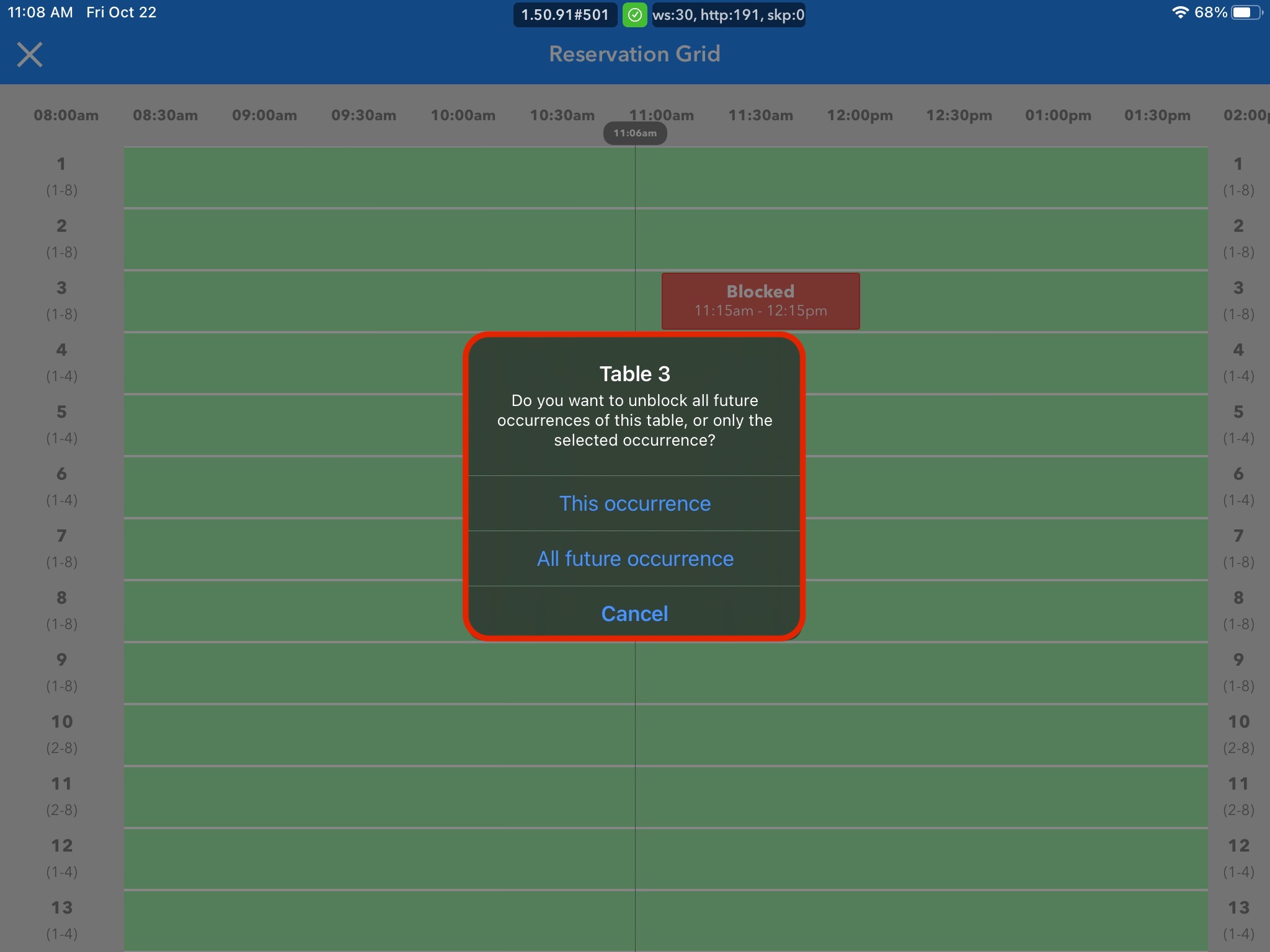
3. A confirmation box will appear for you to confirm that you would like to unblock the table. Click Unblock to confirm or Back to undo changes