If the device is saying Unbolted, and not taking payments, use the following steps to troubleshoot the issue
What to do if the device says ‘Unbolted’:
This means the device is not connected to the correct network or at all; check to make sure the network is working properly from the device. Sometimes restarting the network is helpful.
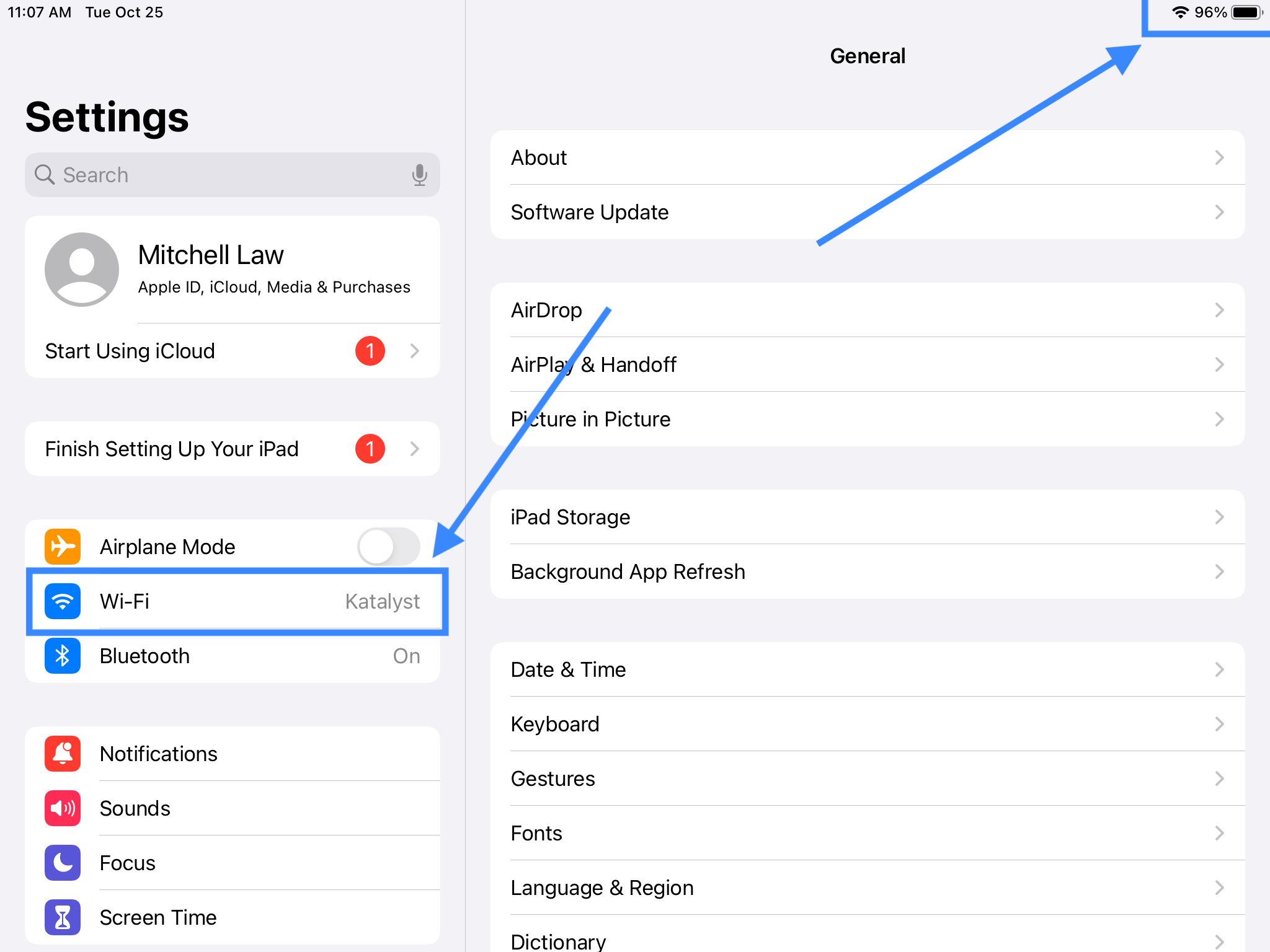
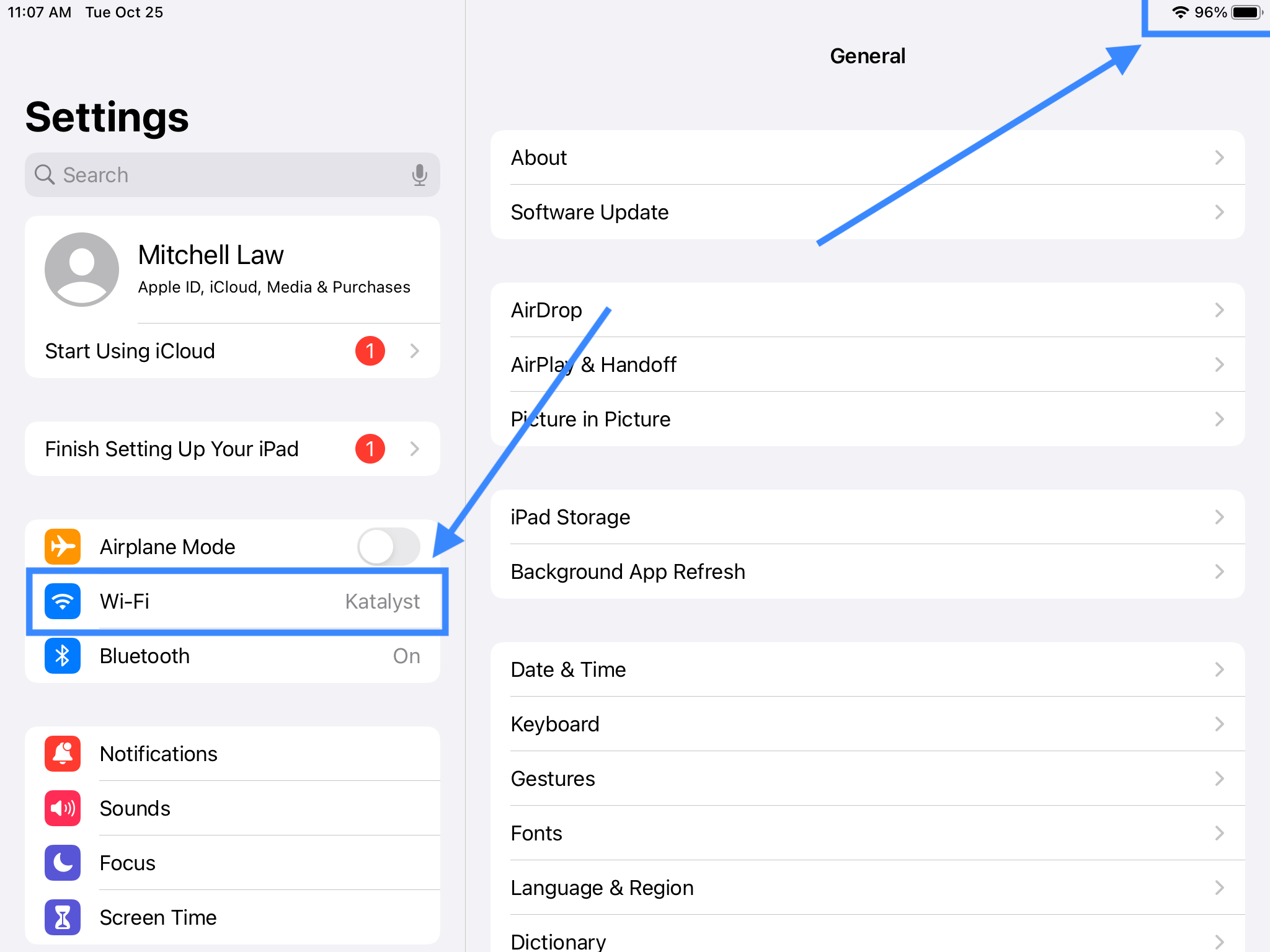
Follow these steps to troubleshoot:
- Make sure the correct wifi is connected on the iPad
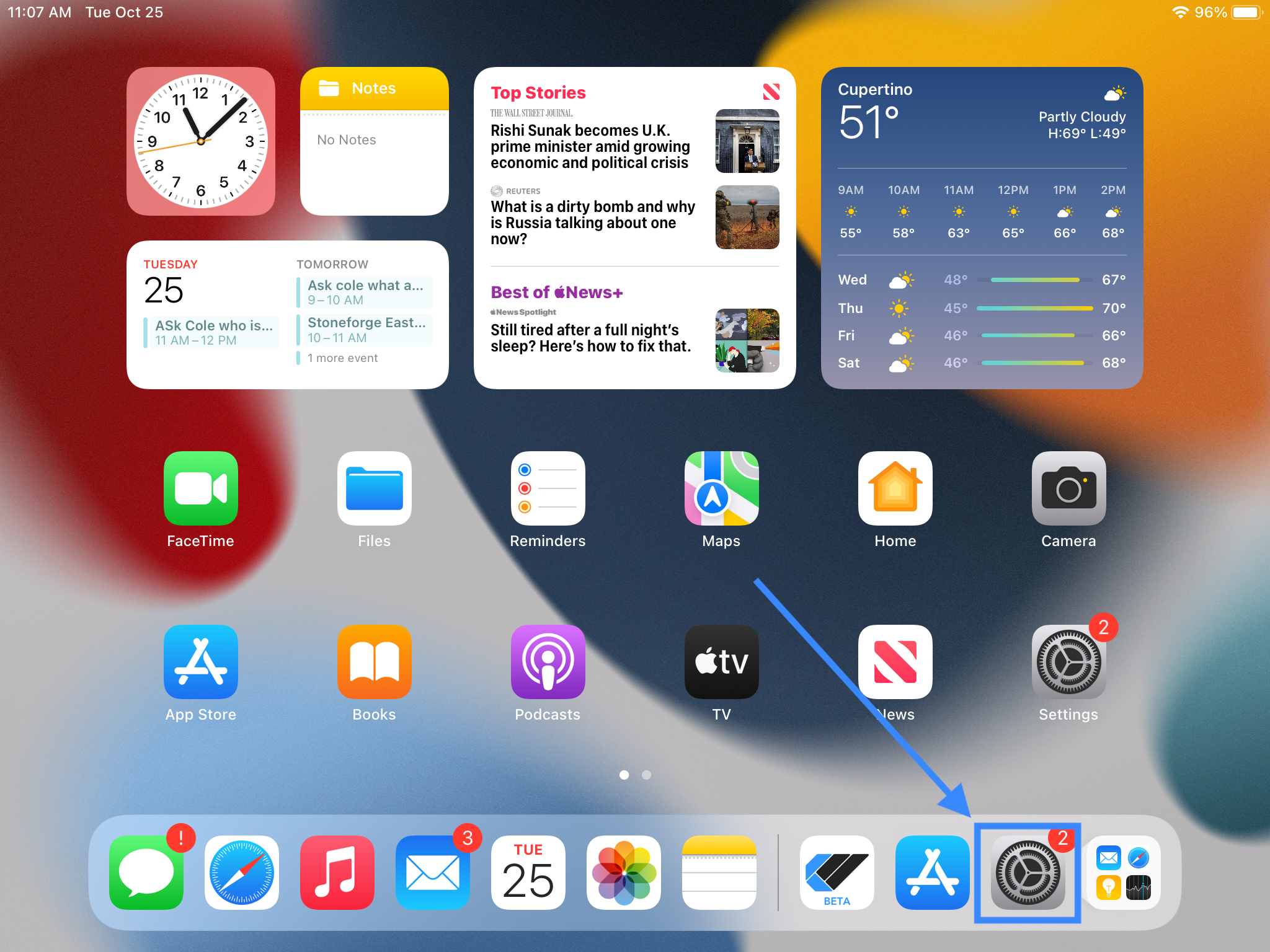
-
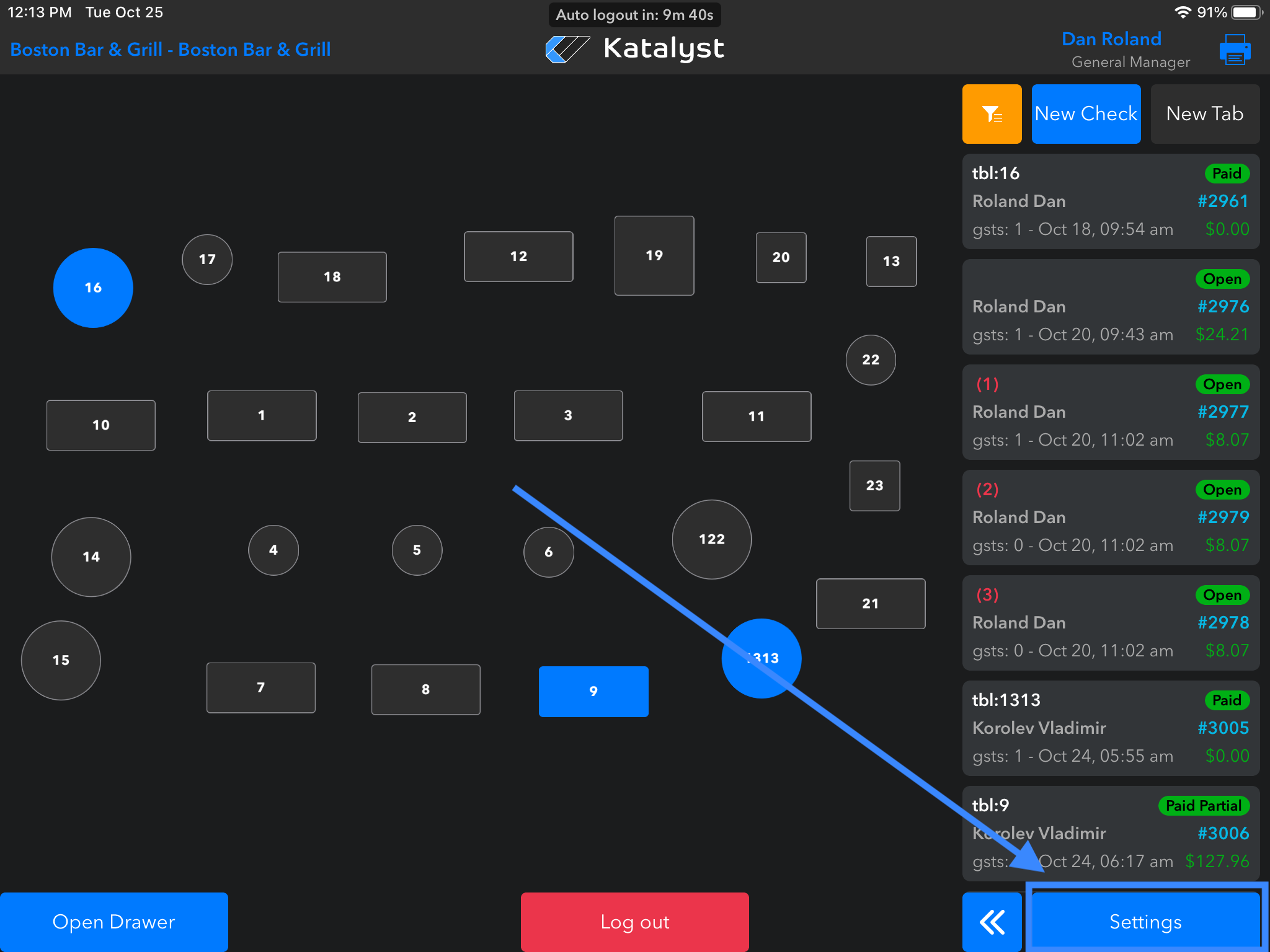
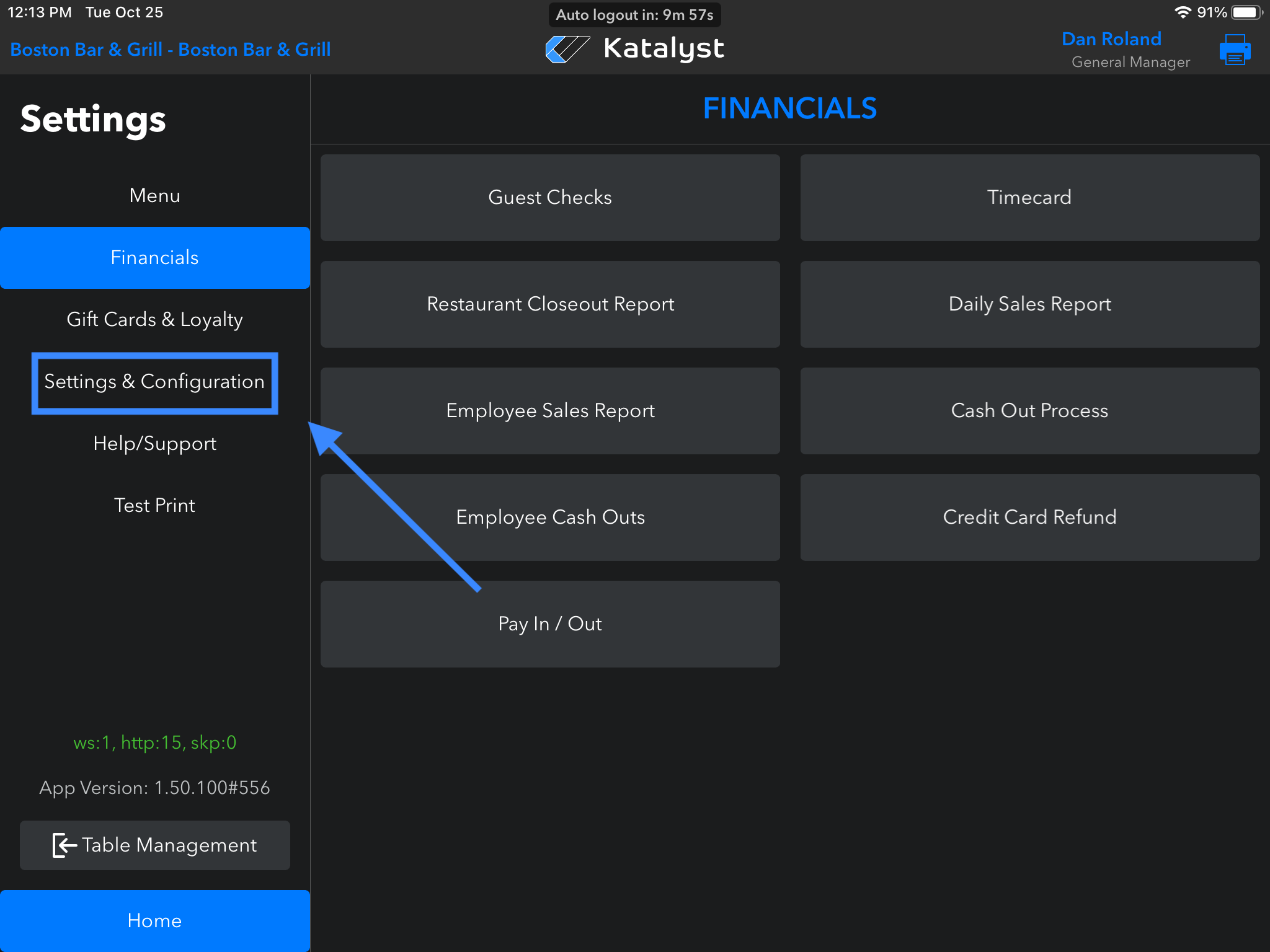
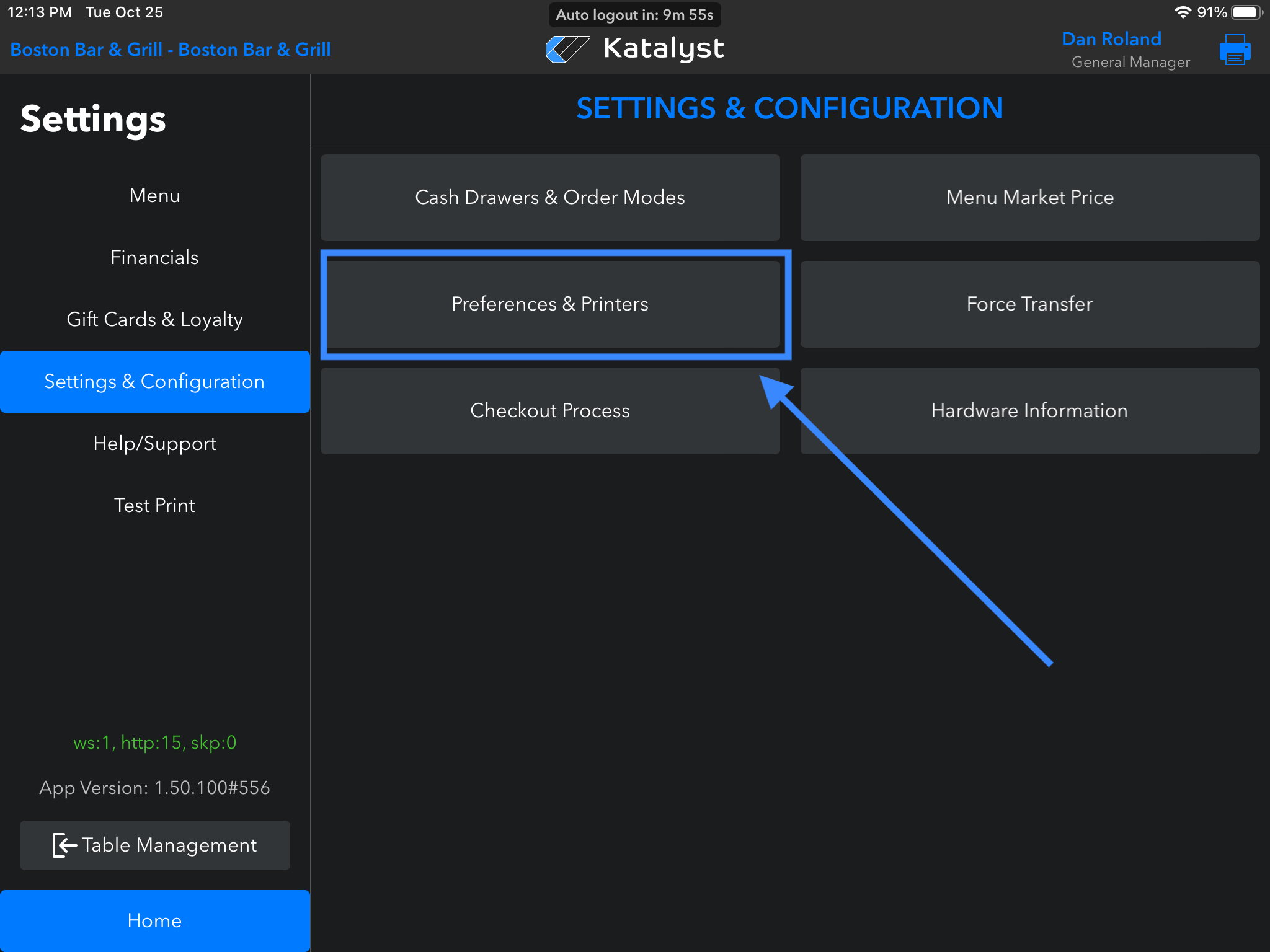
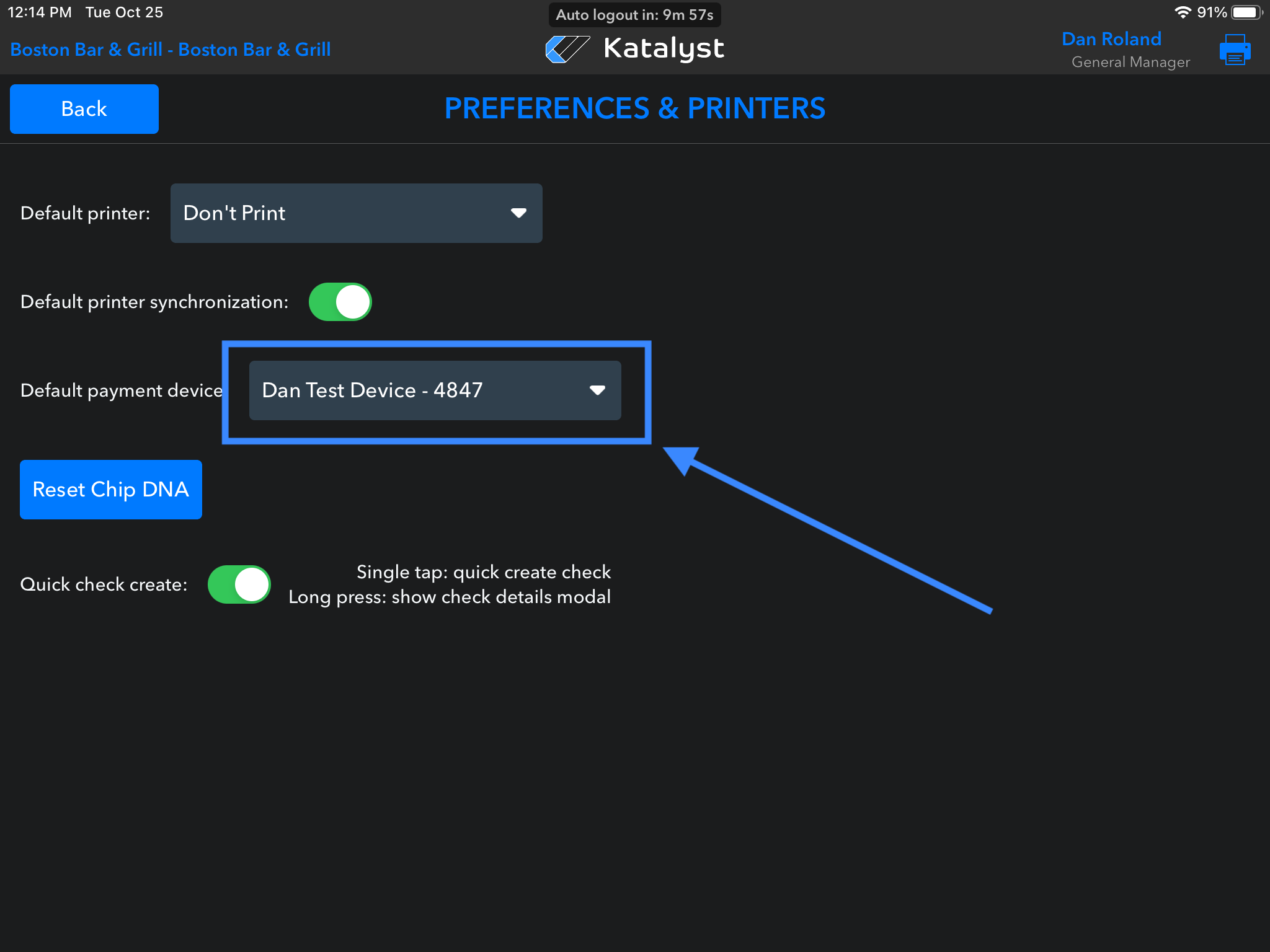
Check in the Katalyst POS Settings that the correct device is selected in Settings > Settings & Configuration > Preferences & Printers > Payment Device Dropdown. Tap into each and select the corresponding device - even if it's already selected, tap again
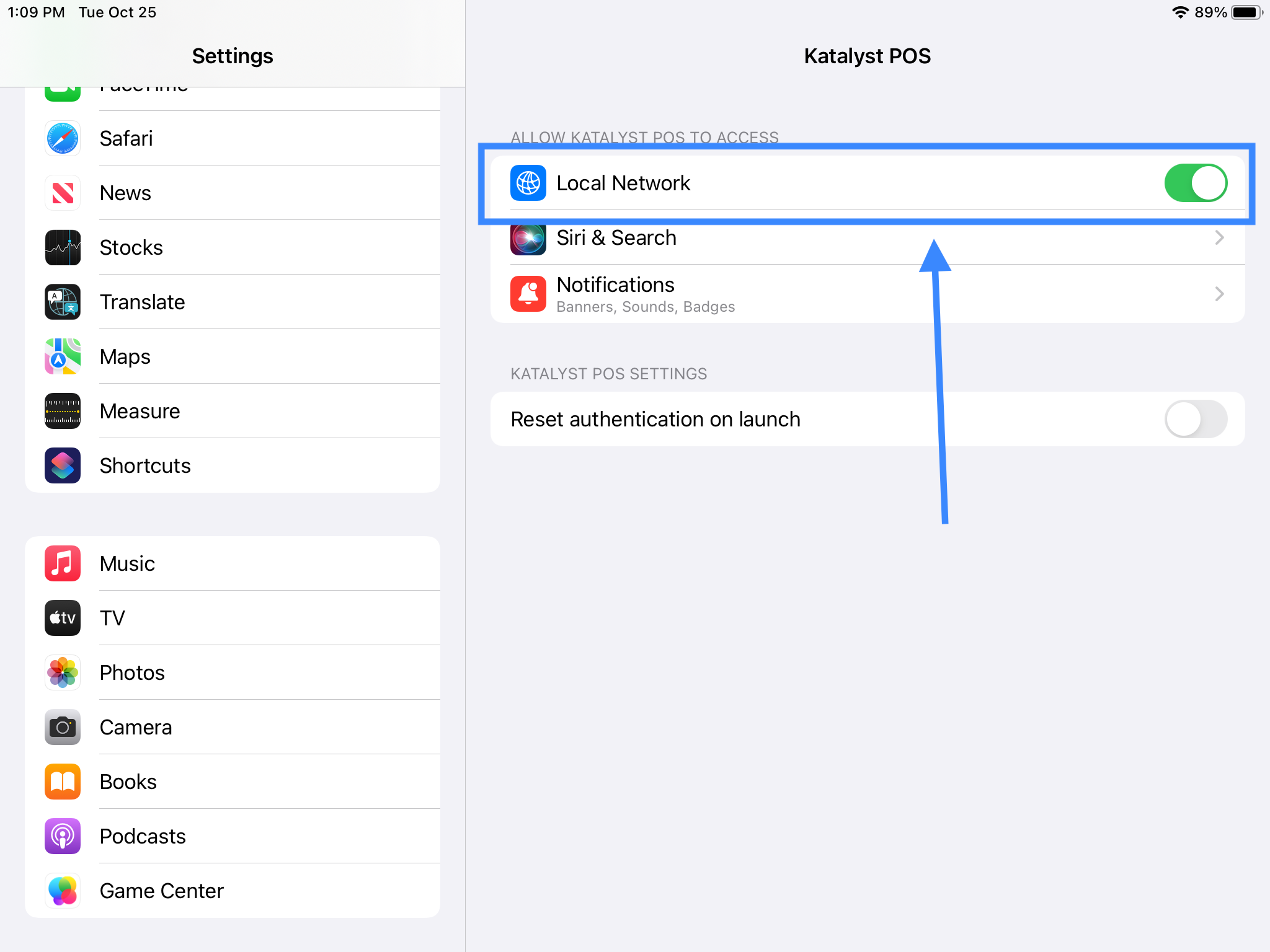
- In the iPad, go to the iPad settings and scroll down on the left. Click on Katalyst POS and make sure the Local Network toggle is green - uncheck and check again just to make sure the connection is actually established
- If the device is selected correctly, power cycle/restart the device; hold down the Yellow button and ‘#’ button at the same time. The device will restart automatically, then try the payment again
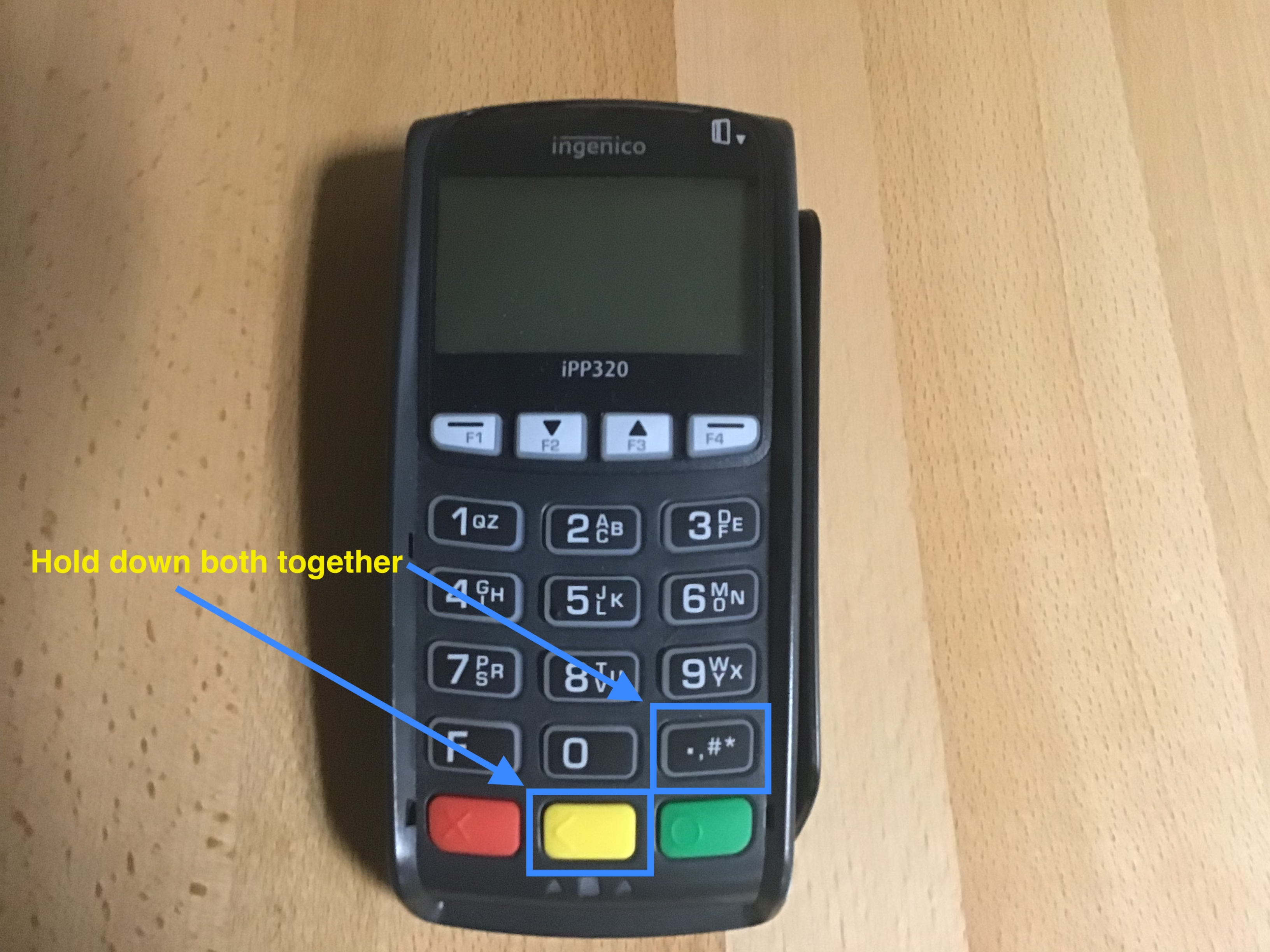
- Lastly, check the wiring power and network cabling - unplug and plug back in the network cable
- If none of the above steps work, you will need to speak with your processor's Support Team.