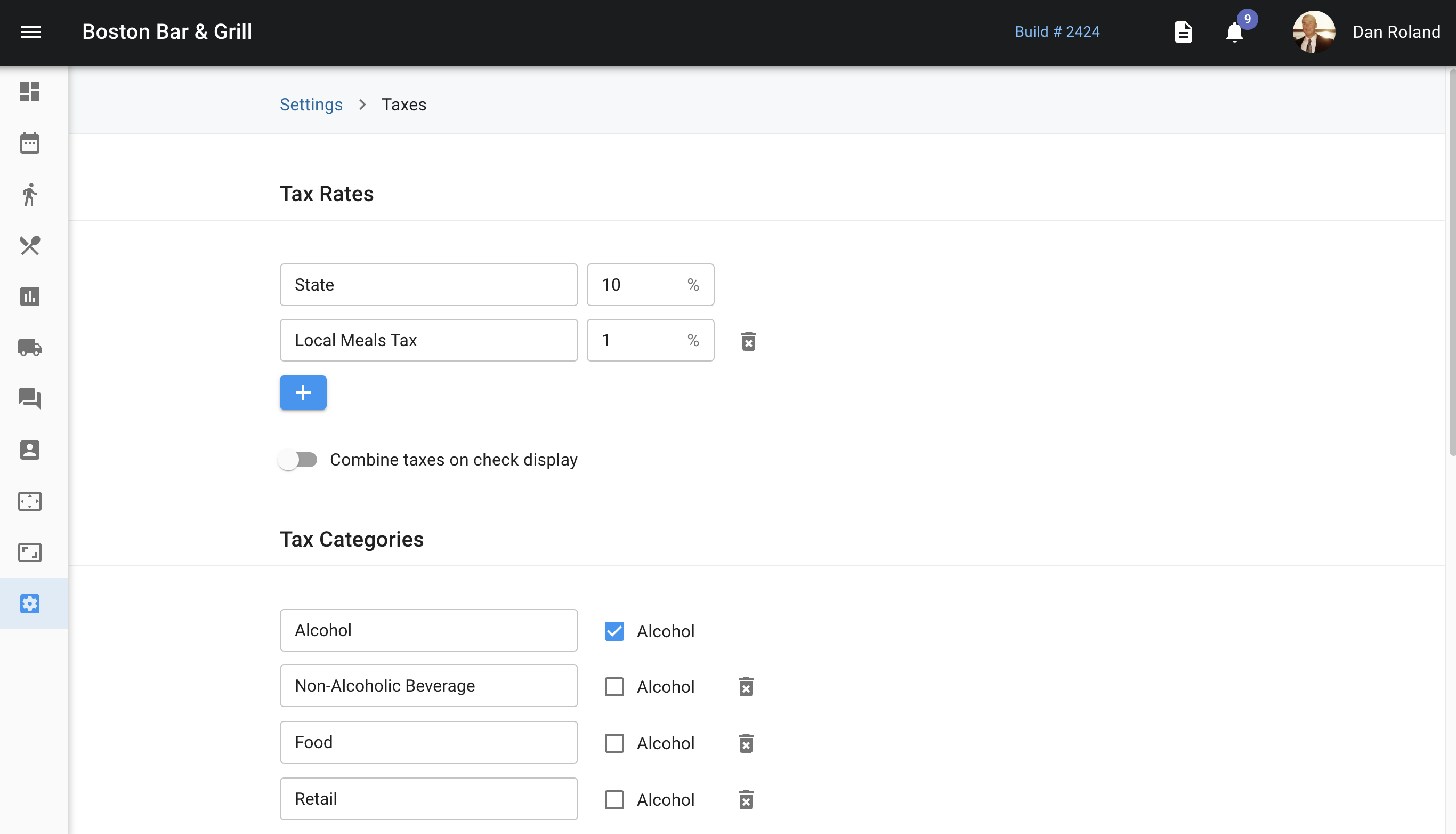
The last setting on the left tab in the Admin Portal is where the tax settings are located. This is where the state and local tax can be edited, or if there is an additional fee or tax in your area, this is where you are able to add that in. You can choose to combine taxes on the check display for the guest if you wish by switching the toggle "Combine taxes on check display" to on.
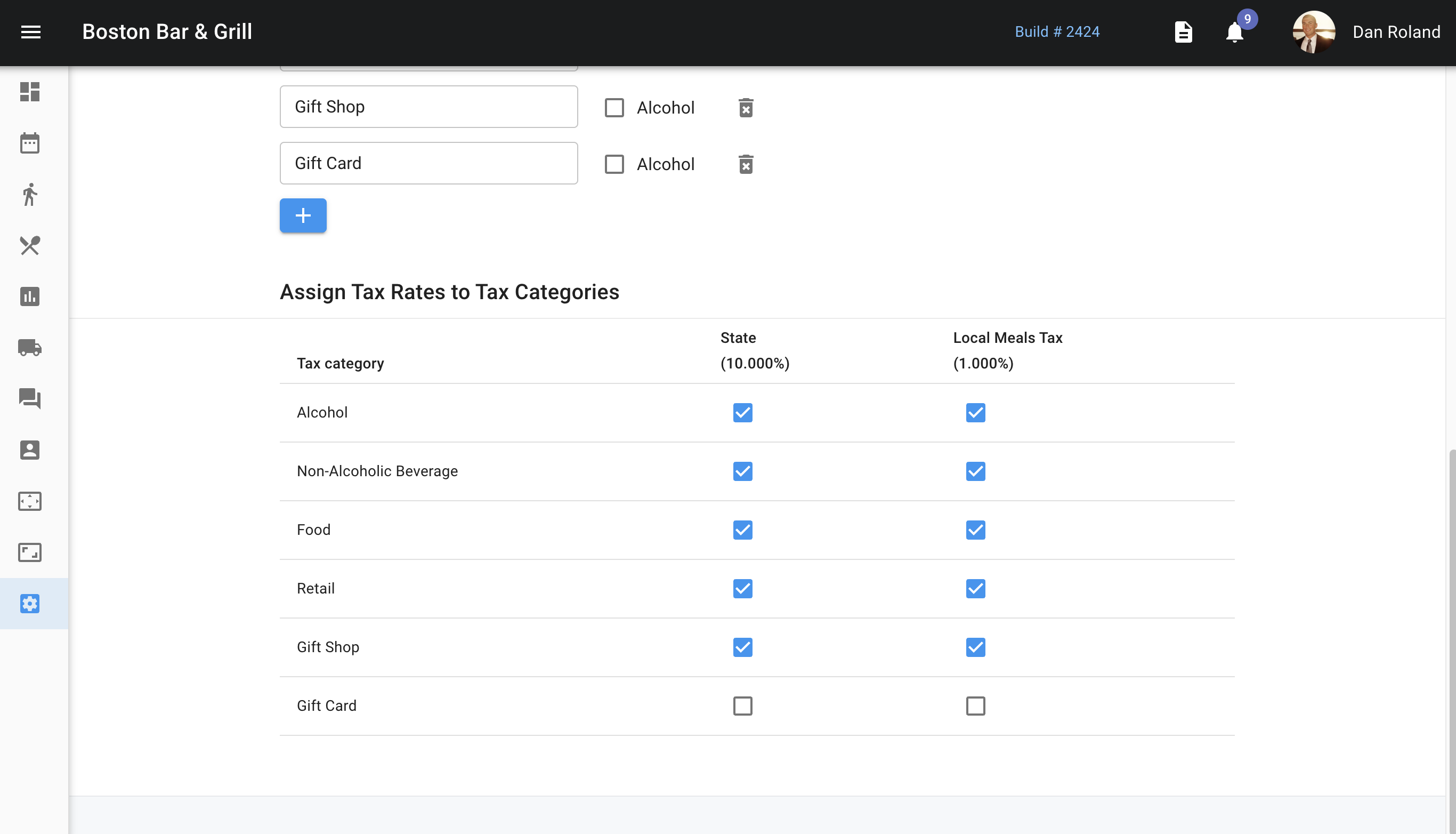
 Below this is where you're able to list out your tax categories and apply the correct taxes that are listed above those to those tax categories.