Alerts allow you to set reminders for yourself using your Katalyst POS system. You can use it to remind yourself about tasks, customer requests, or anything else that comes up in your day-to-day functions. You can choose from previously created alerts or create new alerts located at the bottom of the screen.
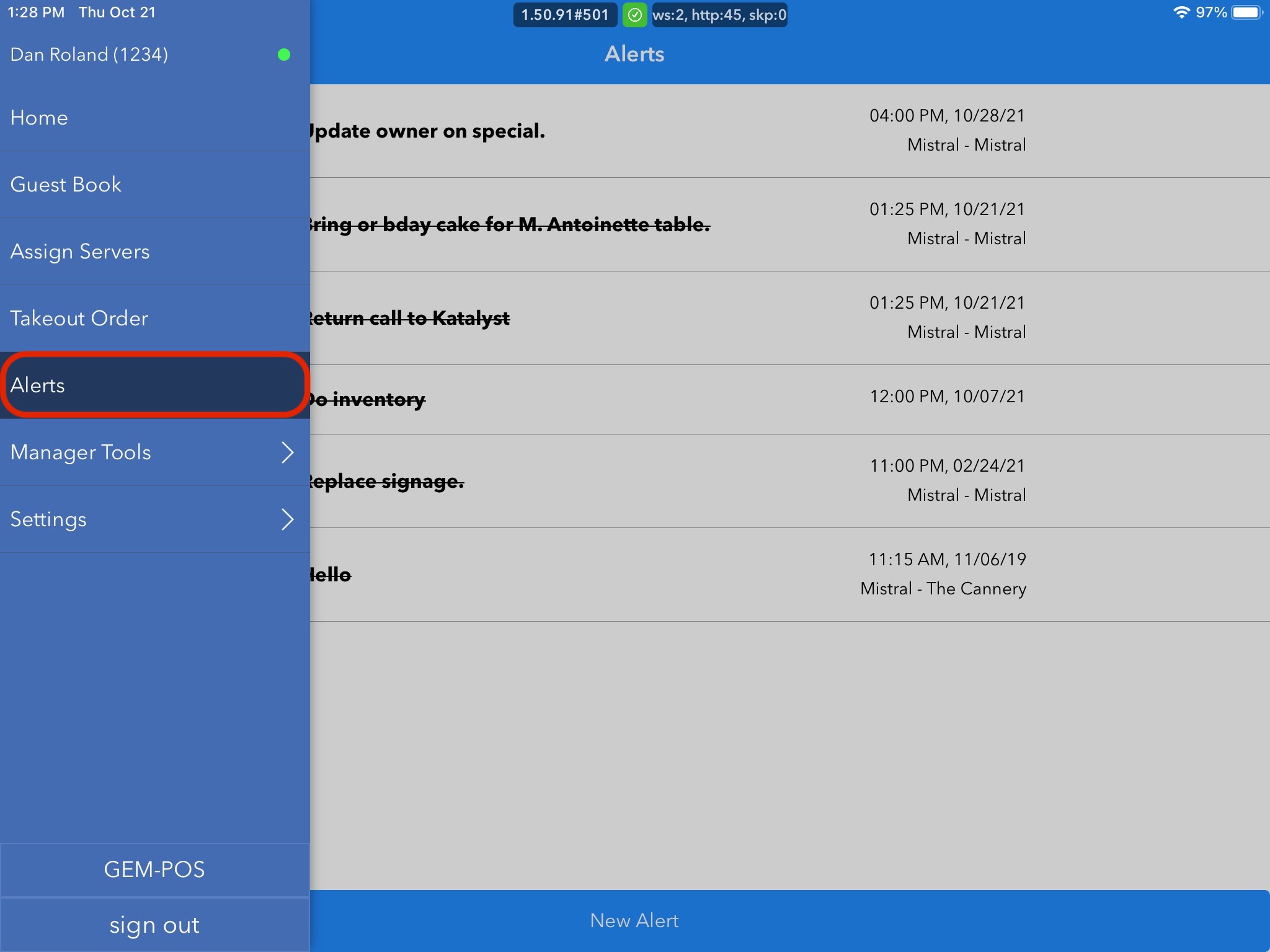
To access this, you should open the menu to the left by either sliding the screen in from the left or clicking on the hamburger menu. Once you see the menu, click Alerts.
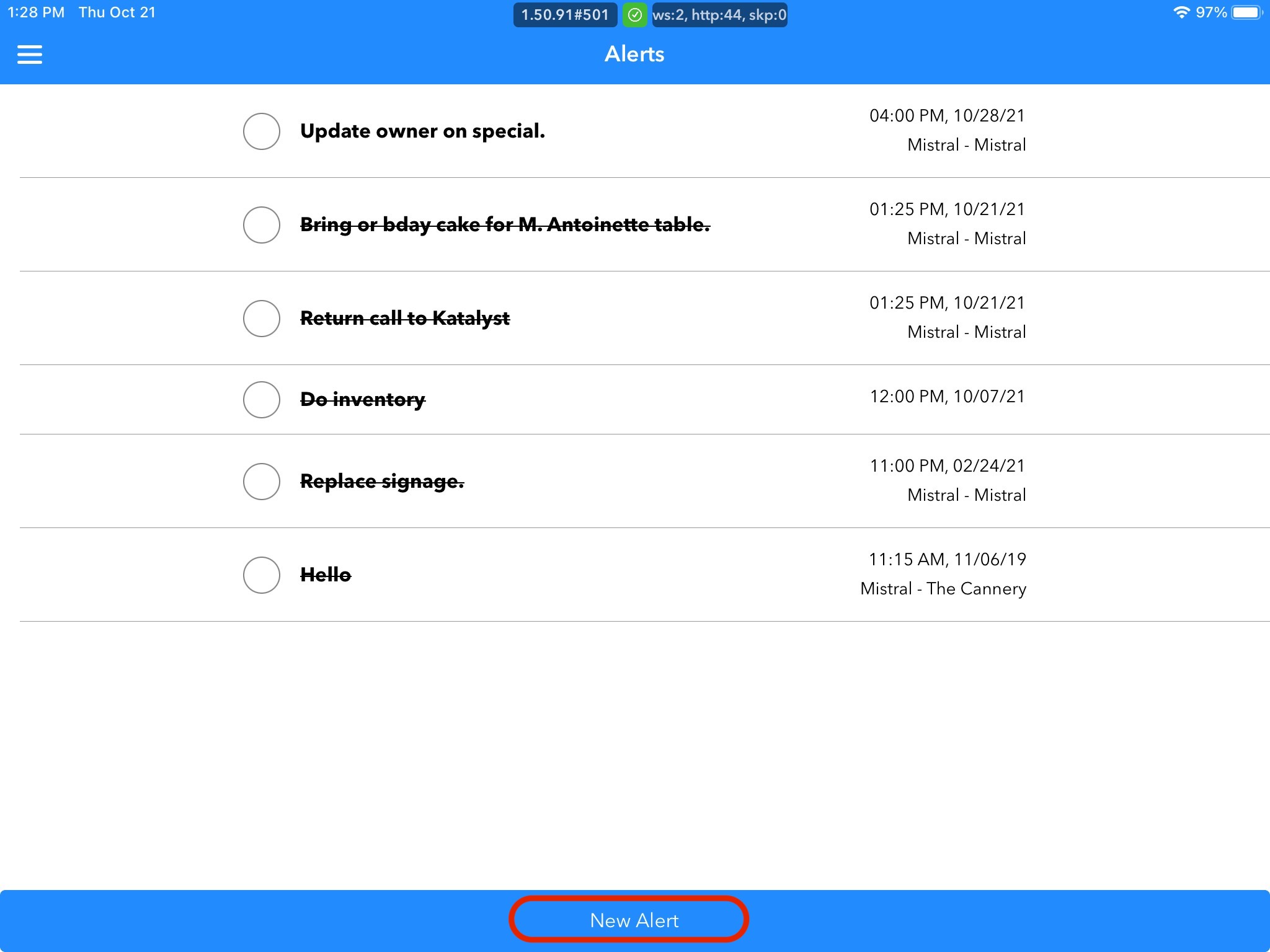
To create the new alert, click New Alert at the bottom of the screen.
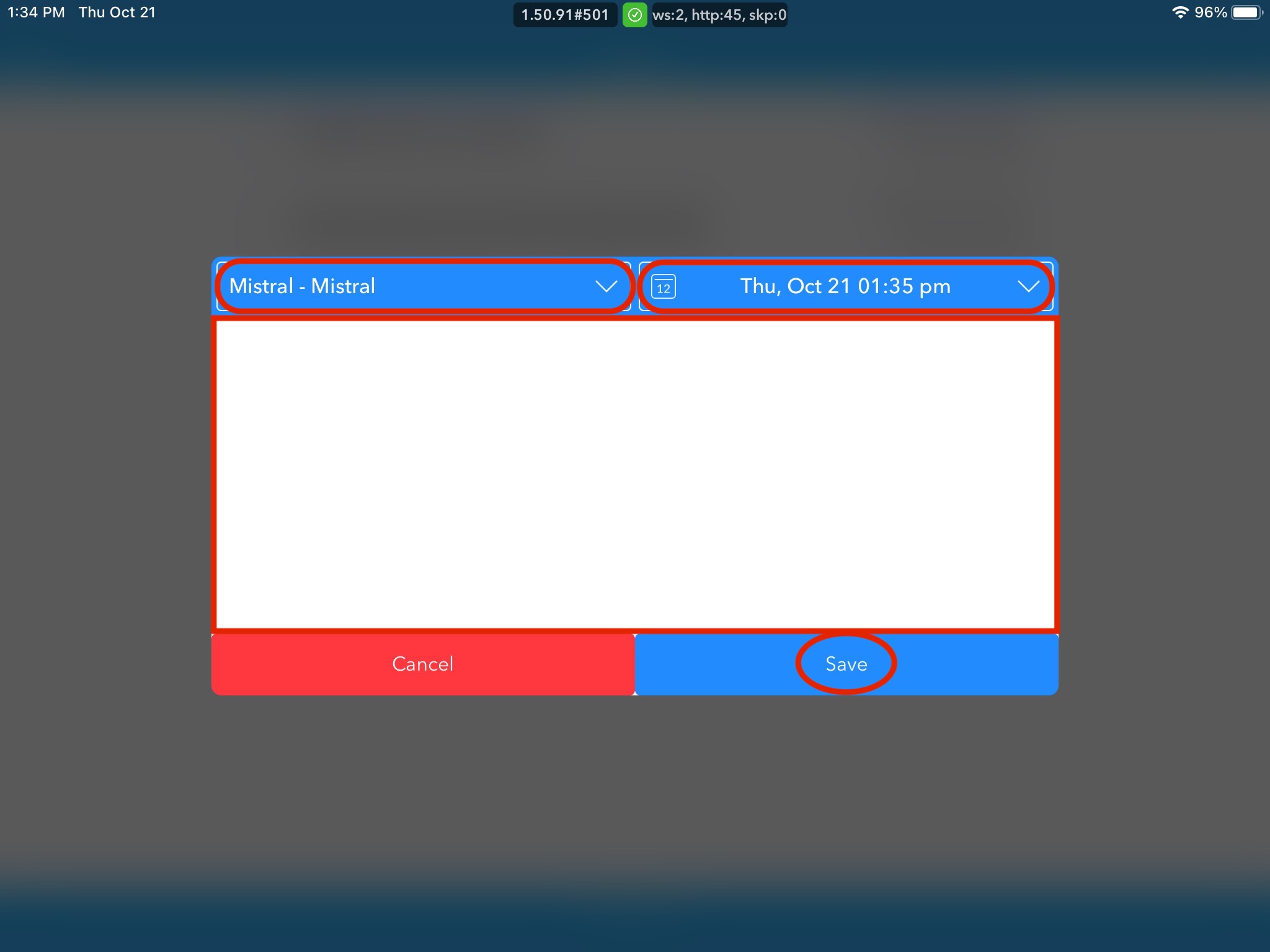
Once this is clicked, a popup screen will appear where you're able to choose the revenue center, date, and time. Clicking into the text box will allow you to enter what note you want. You must save the note for it to become active.
If the alert has expired, or not been completed within its allotted time frame, it will not be removed from the list. Instead, it will be crossed out, but still accessible to complete or change the due date/time.
.jpg)
If the alert has been completed, you can select the 'O' to the left of it. The system will confirm that the alert should be marked as done, and delete it from the alerts page.
.jpg)