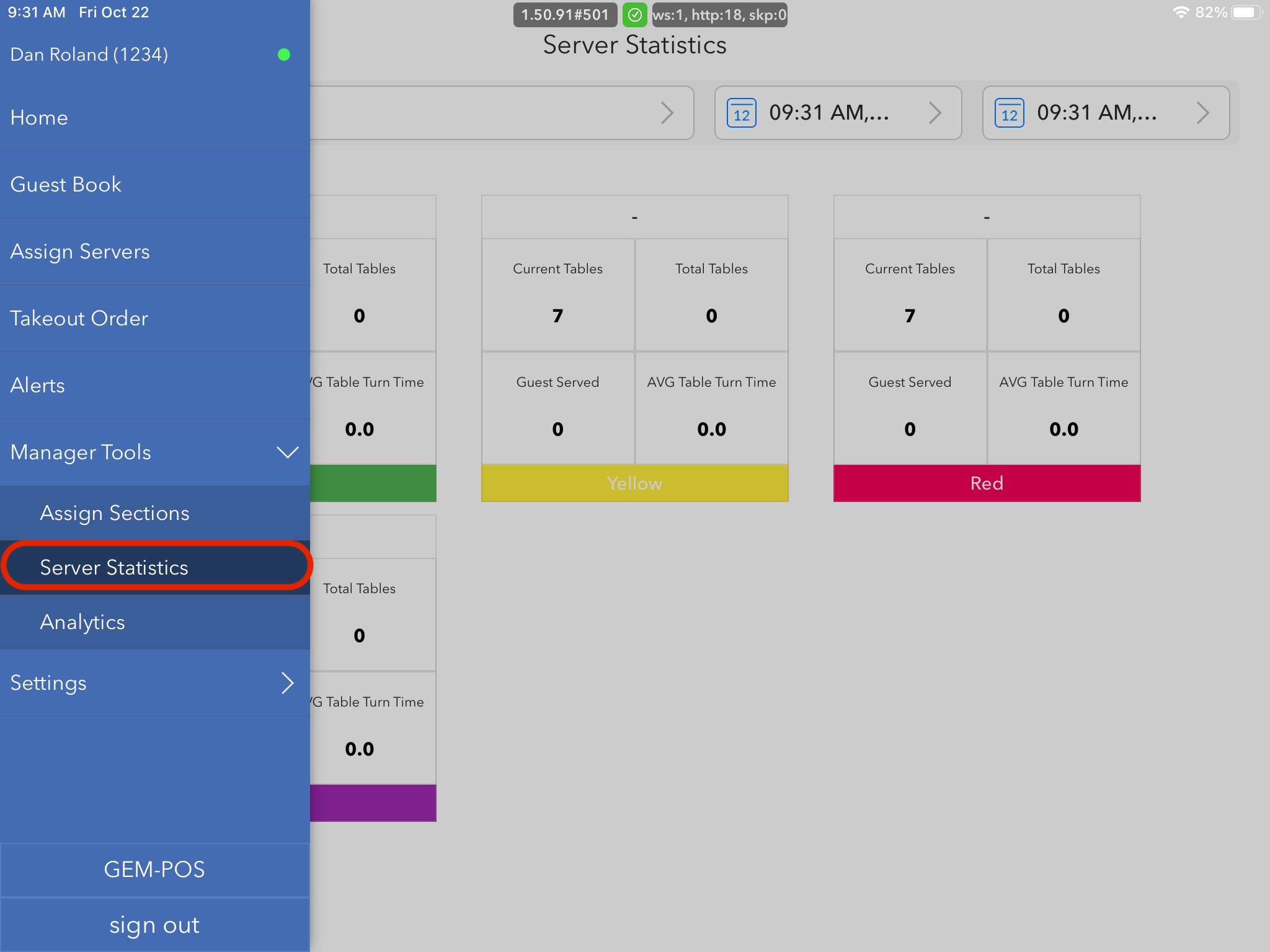
From server statistics, you're able to take a look at covers from any revenue center, day, time, or year.
This screen will display the server who was assigned to a specific section, how many tables they currently have (if checking for real-time covers, total tables, guest served (this is per head), and the average time the table took to turn over. 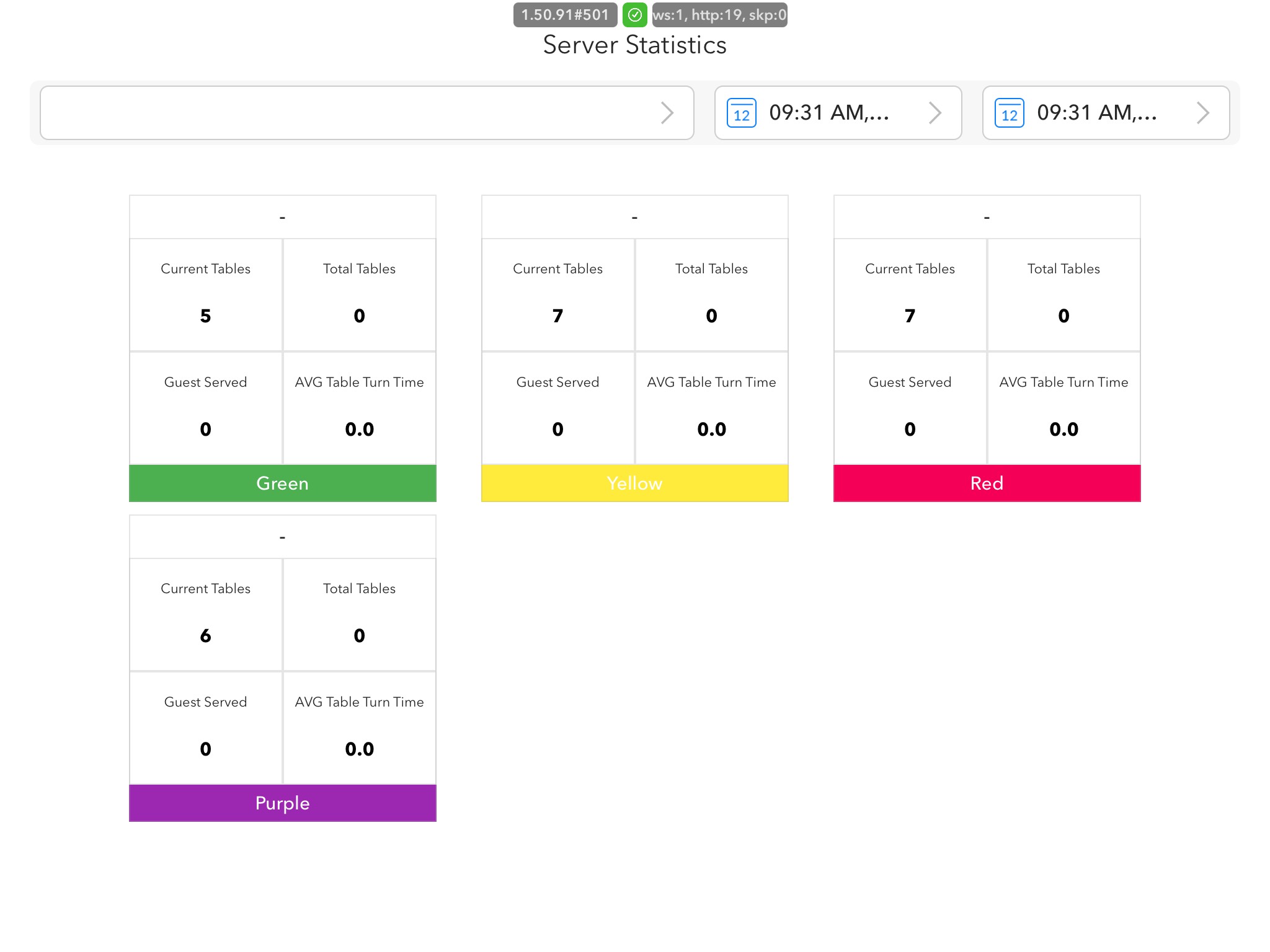
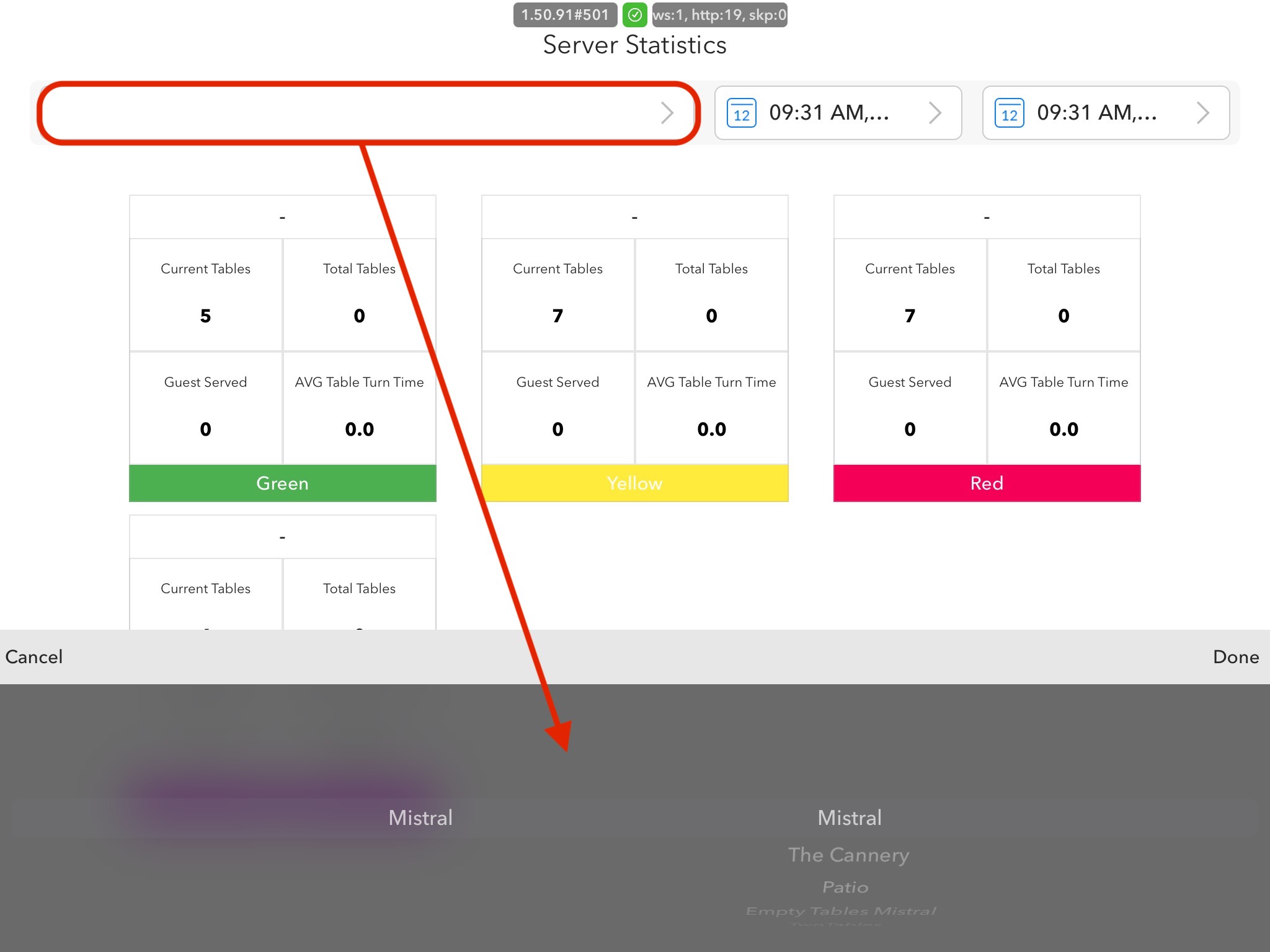
You're also able to switch between revenue centers to see how your staff is doing in different areas. To do so, you would just use the drop-down menu that allows access to a scroll feature at the bottom of the screen. Once you're on the revenue center that you would like to look at, you will press done.