Messaging is a great feature within the system. If you would like to send a message to a customer, you can do this from (and only from) the reservation itself. Just tap on the active reservation, then click View.
.jpg) A pop-up will appear. We will want to focus on the center column where we see guest stats, messages, and pre-orders.
A pop-up will appear. We will want to focus on the center column where we see guest stats, messages, and pre-orders.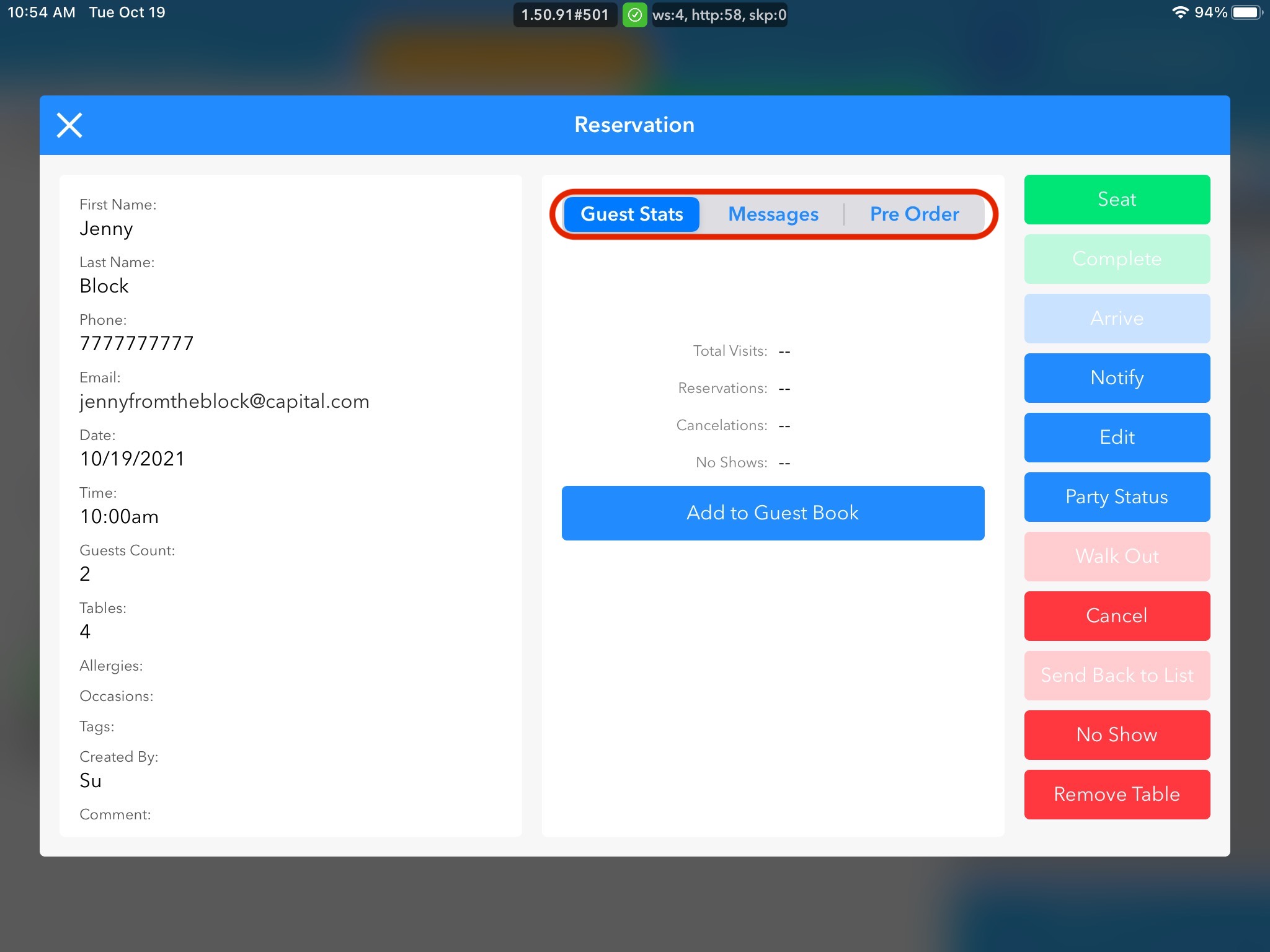
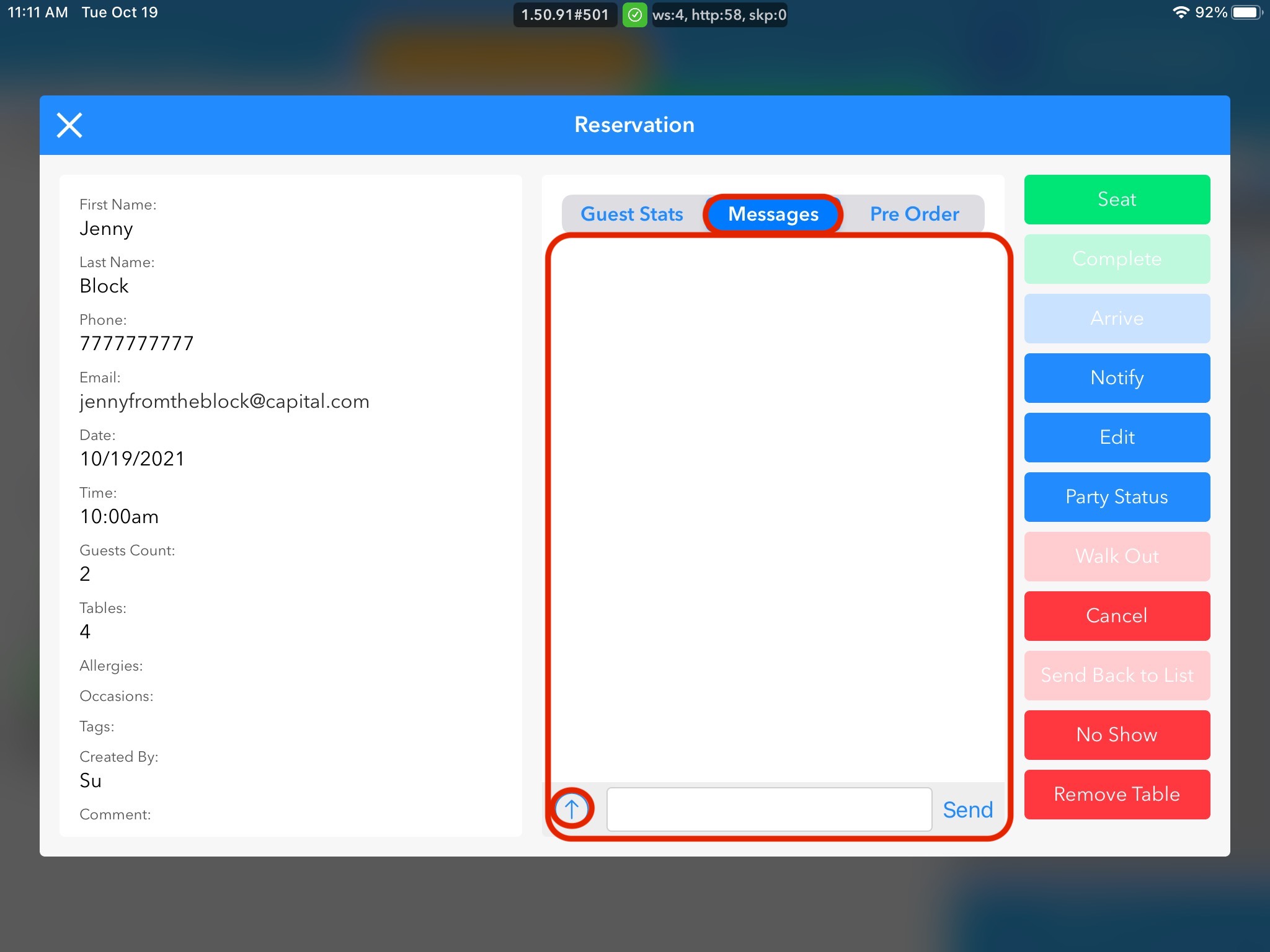
Tapping on messages, takes us to our messaging screen. If any messages have been sent, you will see them here in blue just like a smartphone. We can send back customer messages or we also have the option to send a pre-set text message by clicking the arrow. This will let the customer know their table is ready.