- Help Center
- Merchant Admin Portal
- Settings
Permissions
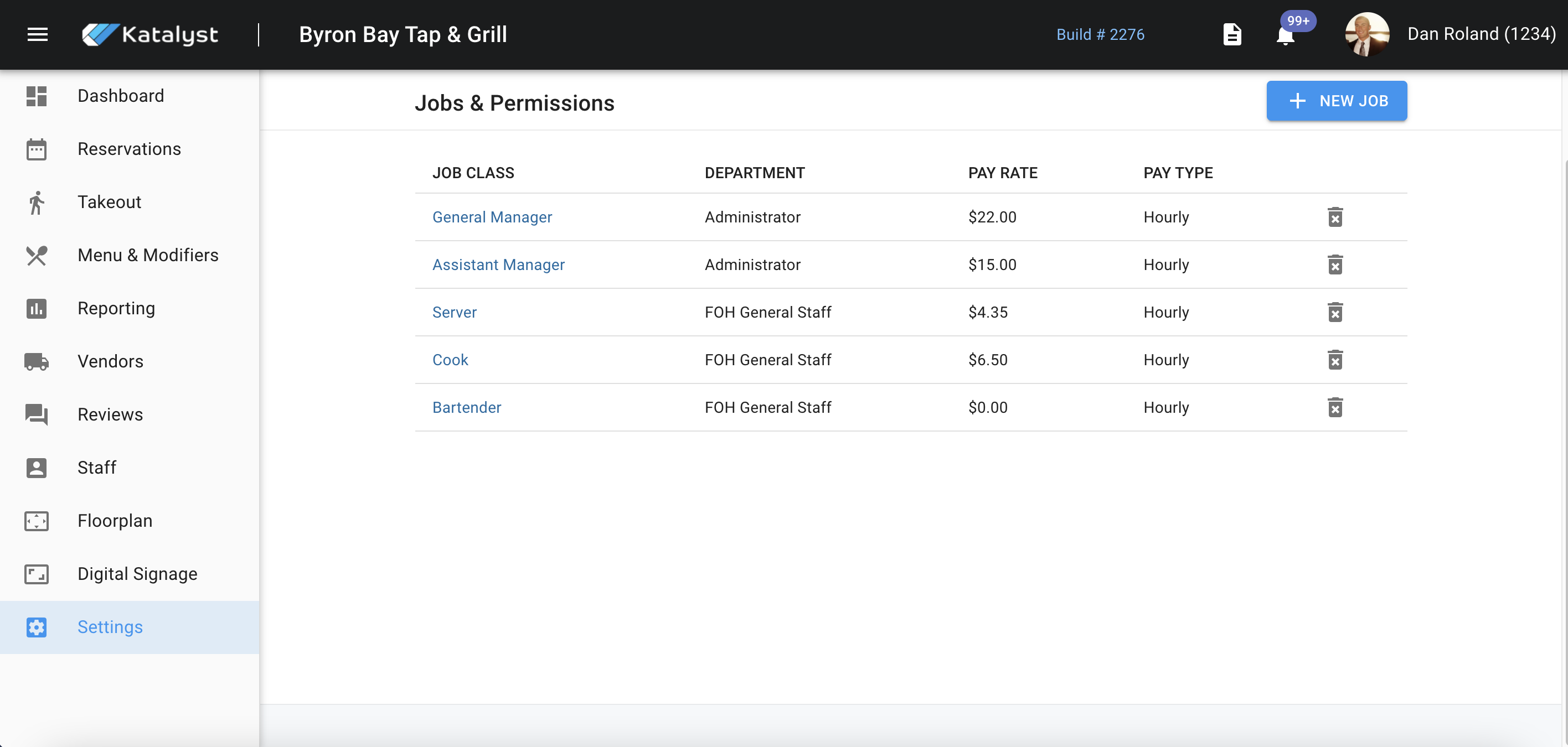
Job & Permissions is where you can preset job classes that will show up throughout the rest of the portal. You can either add a new job via the blue button located on the right or you can edit existing job permissions by clicking on the title you want to edit.
New jobs and existing job screens will look exactly the same. From this screen, you can add a new department, add the job class to an existing one, establish which revenue center the job will be associated with, adjust the pay rate and type, and the job code.