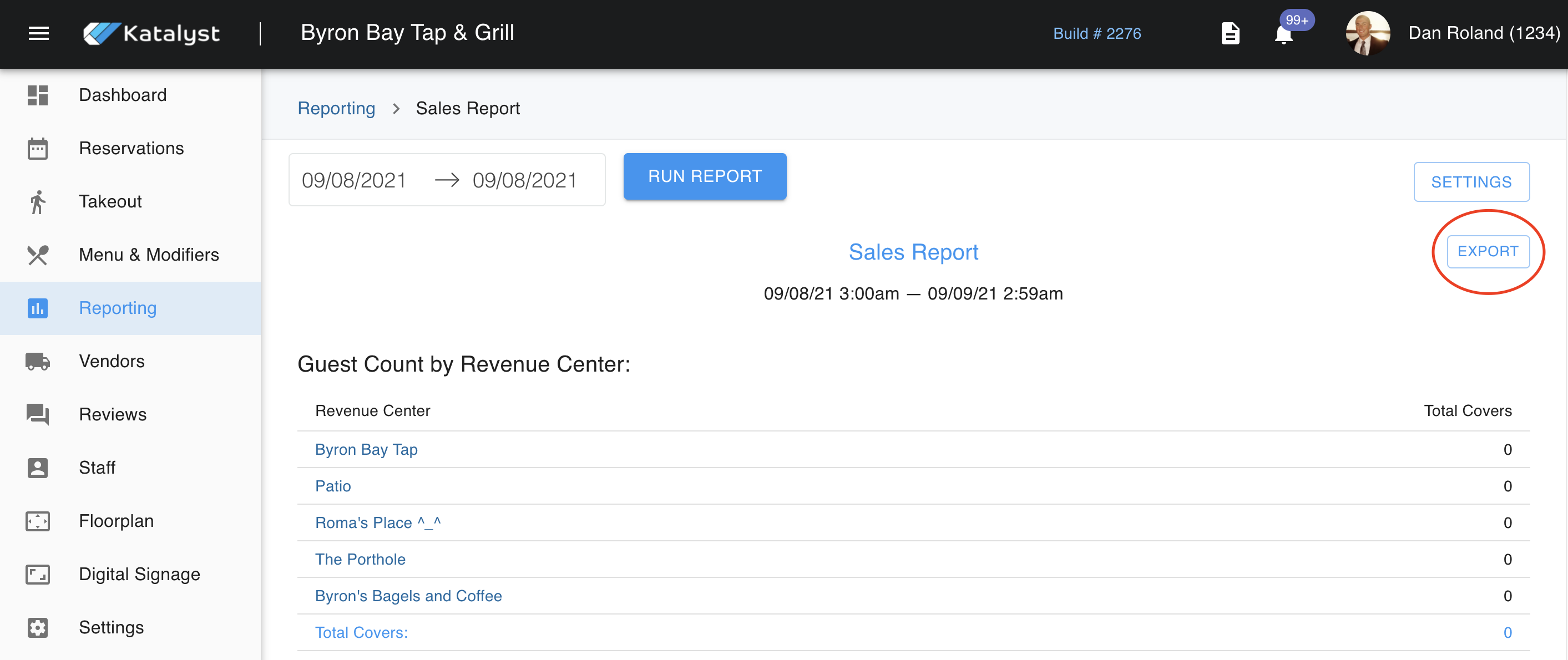
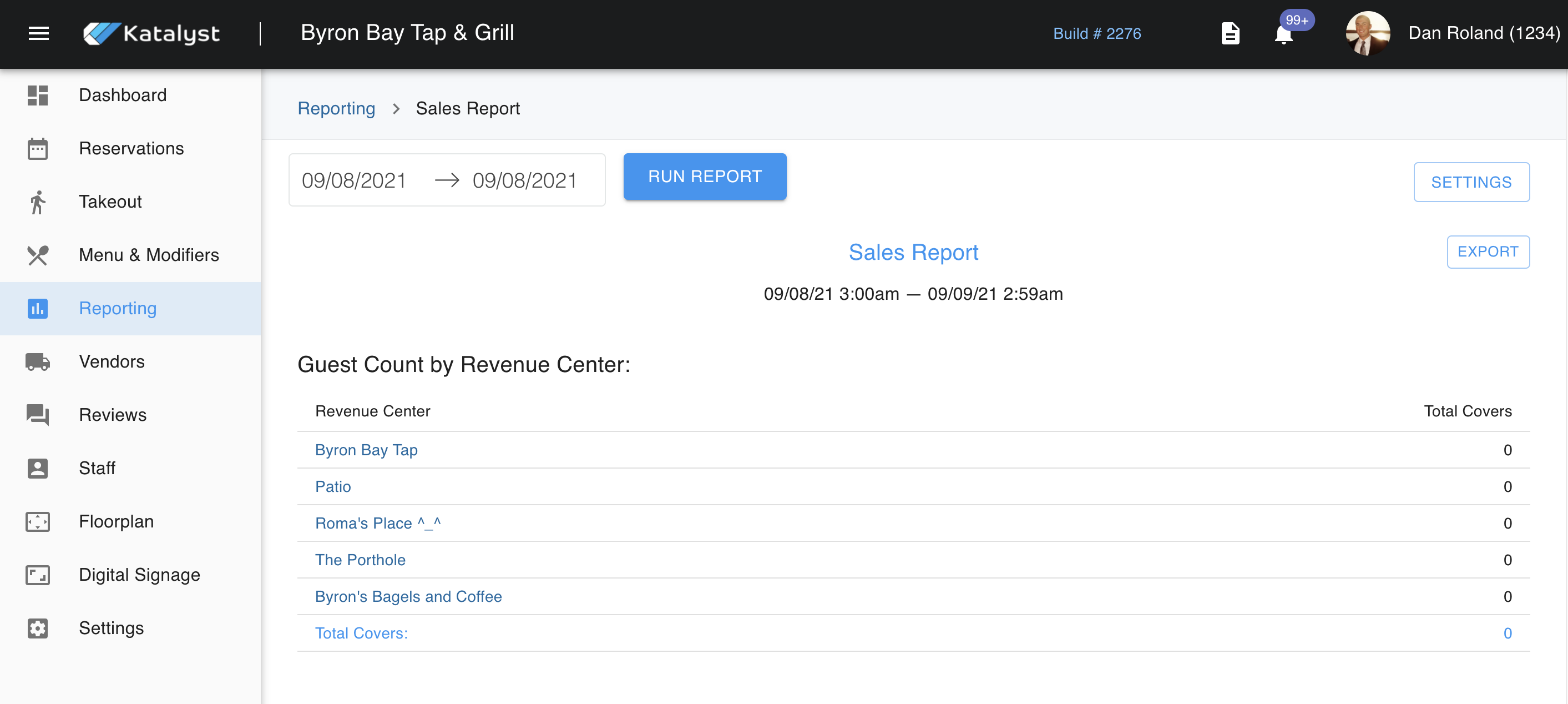
In Sales Reports, you can look at reporting from multiple perspectives. You can look at the Sales Report, Prior Period Recap, Product Mix, and Forecast Net Sales.
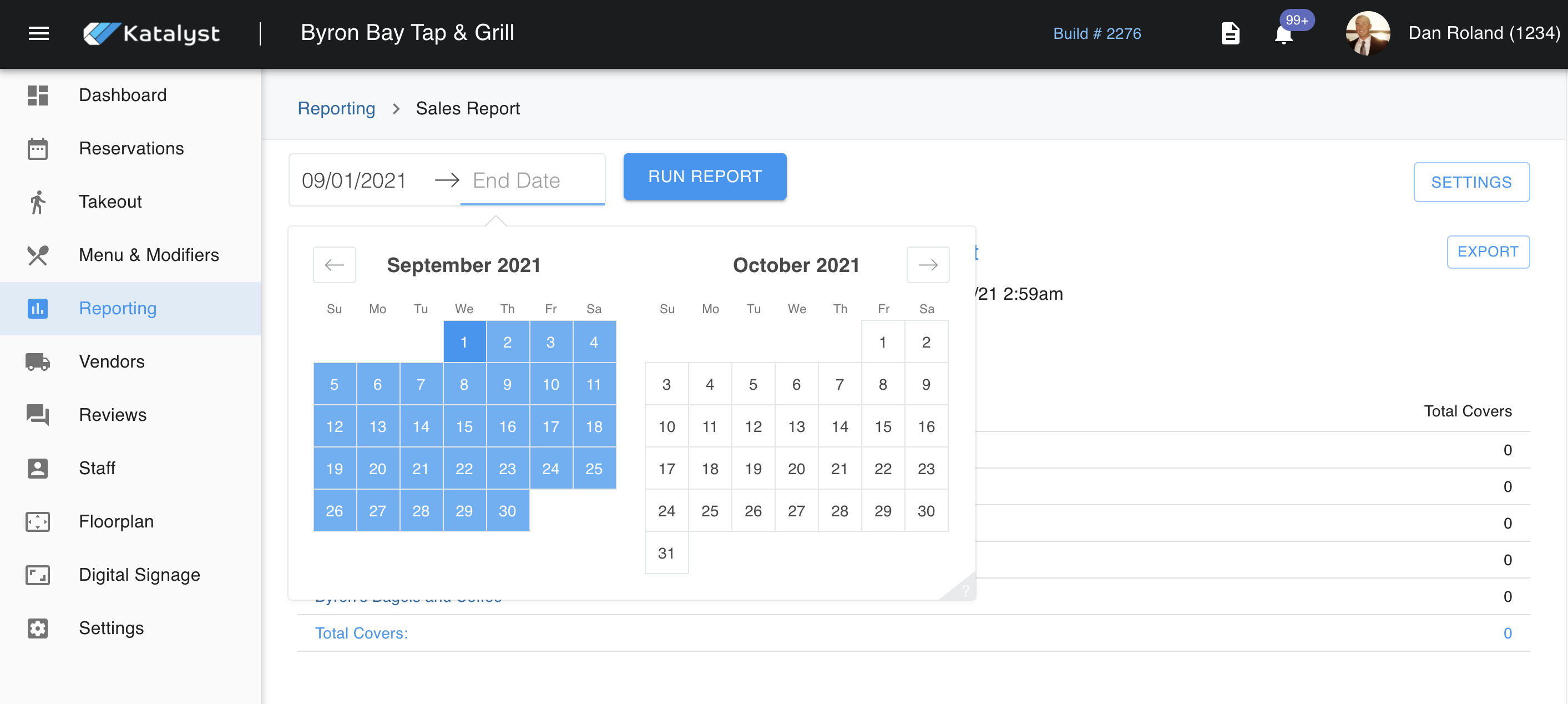
You set the time frame parameters by clicking on the dates shown to the left of the Run Report button. This window will close once a date range is selected. Then, you will need to click Run Report and all fields will update.
Here, you can access settings for sales reporting as well.
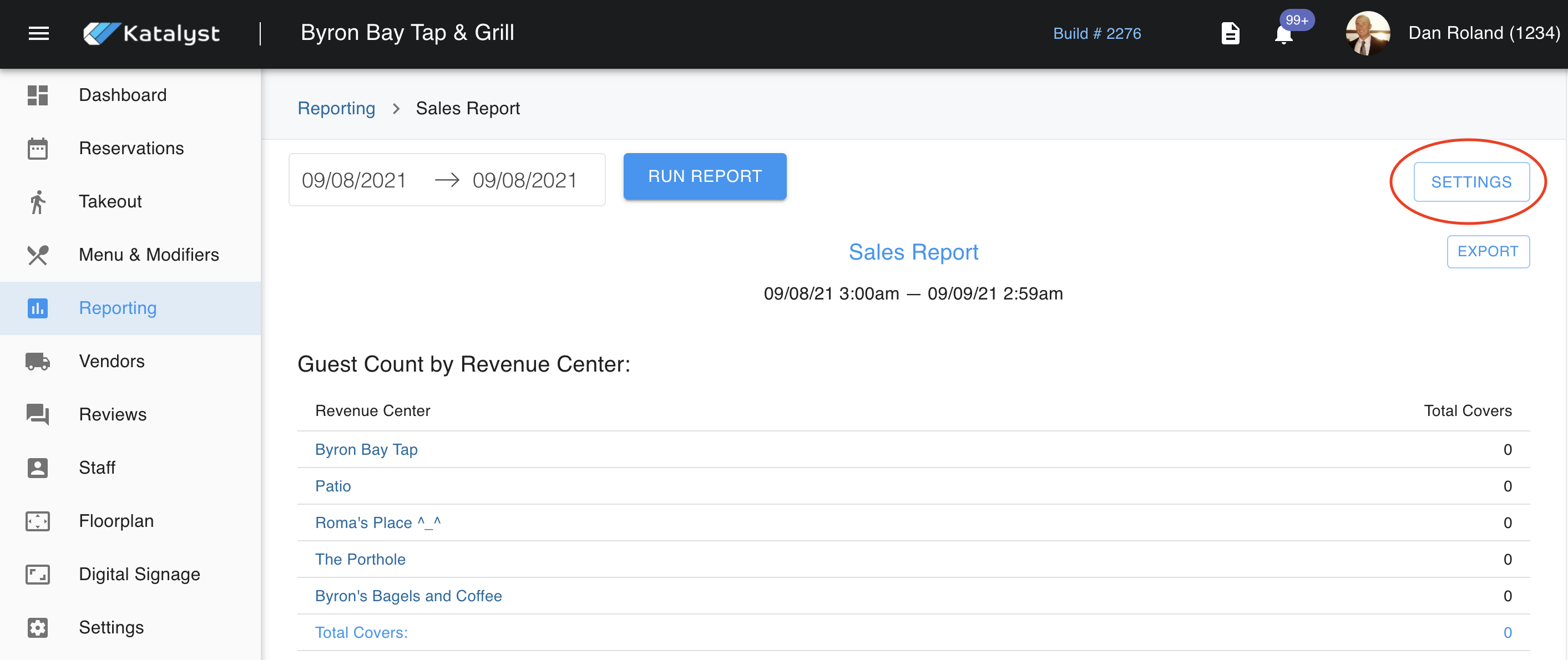
The settings will enable you to edit what time batched reporting should take place and customize what sales categories you would like on your daily sales report.
You also have the option to export your report to your computer with one click.