- Help Center
- Merchant Admin Portal
- Reservations
Navigating Reservations
Here, you can see your reservations. You can select revenue centers along the top tab. Each revenue center will give the option for you to add a new reservation, as well as select how you would like to view the upcoming reservations.
- Week
- Month
- Grid
From Week and Month, you can use the settings gear to toggle on to show cancellations on the reservations calendar.
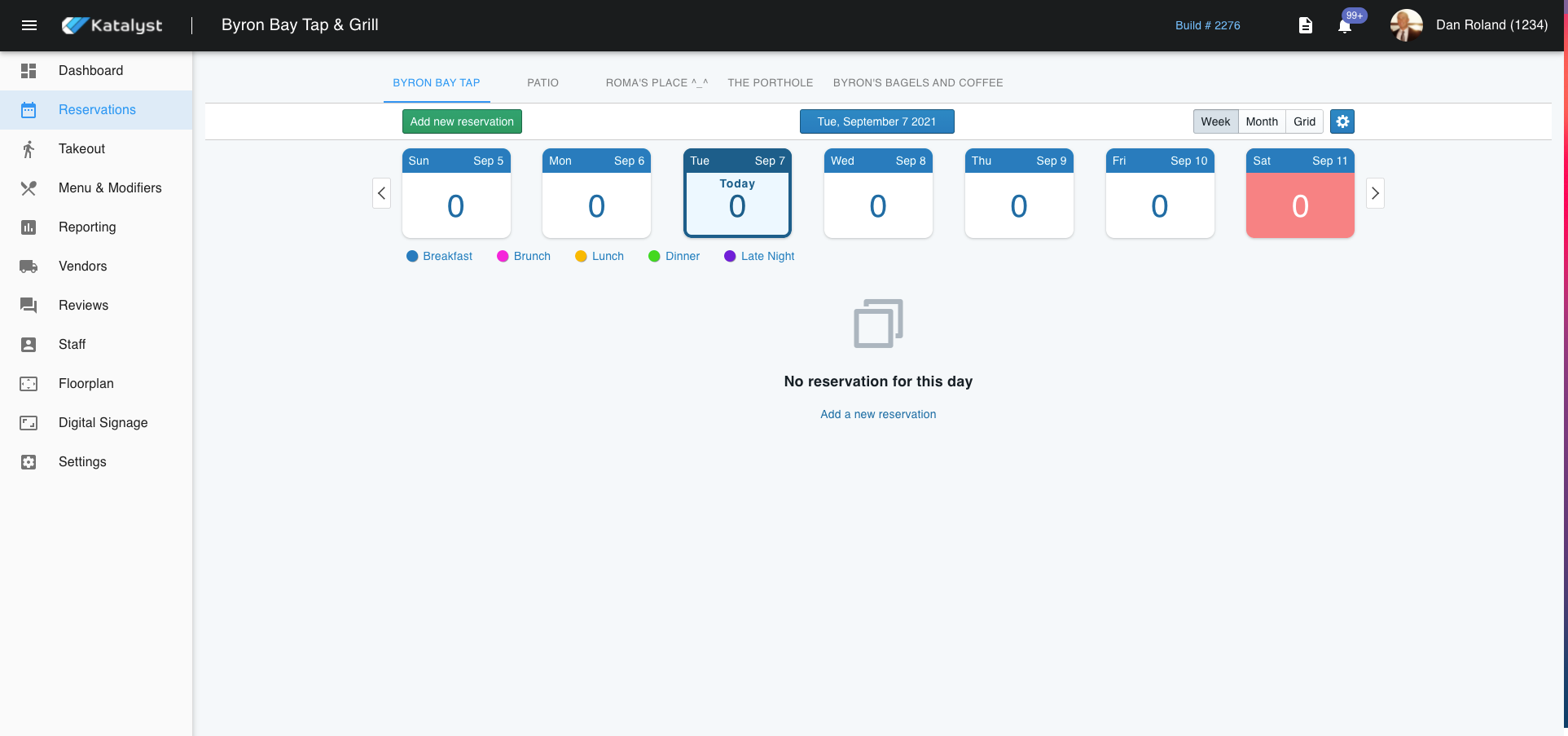
If you would like to look at reservations in the future, you can click on the blue date button to select a date into the future or the past.