QR codes can be used for many different reasons and we have a few different versions that you can choose from to best suit your needs.
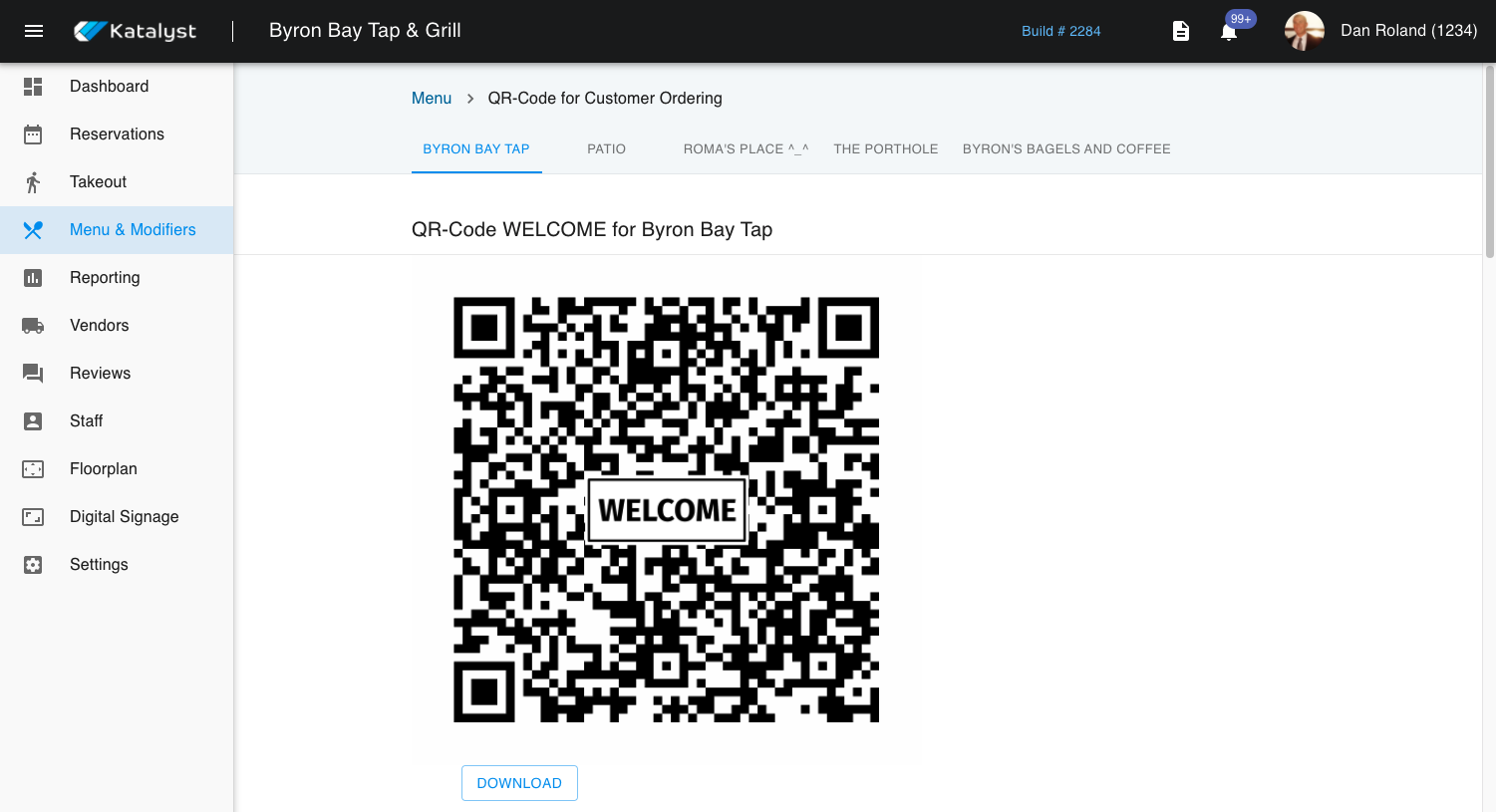
The QR codes will auto-generate when you enter into each revenue center. The first QR code will give a guest access to the menu where they can order from the table, view the menu, pay their check, or do curbside.
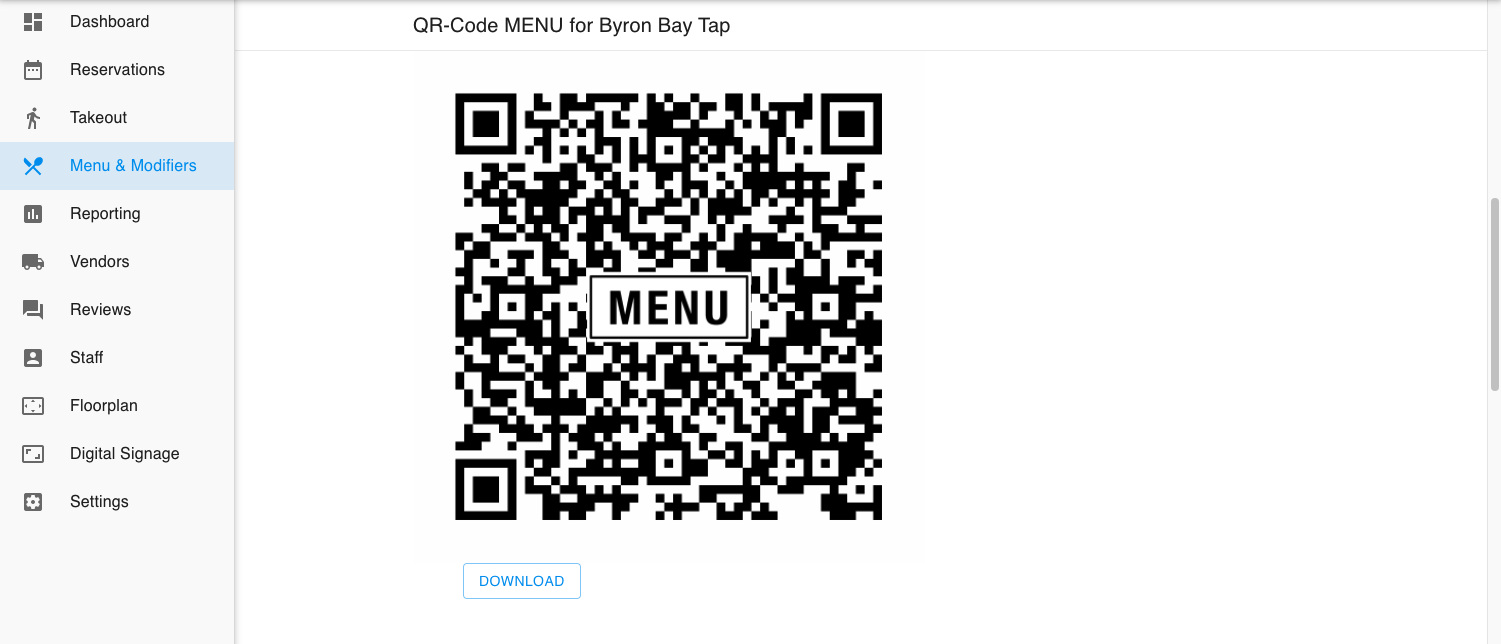
The second QR code will give the guest access to the menu, but will not allow for ordering from table, paying their check, or doing curbside. This is strictly a menu for restaurants who may want to go paperless.
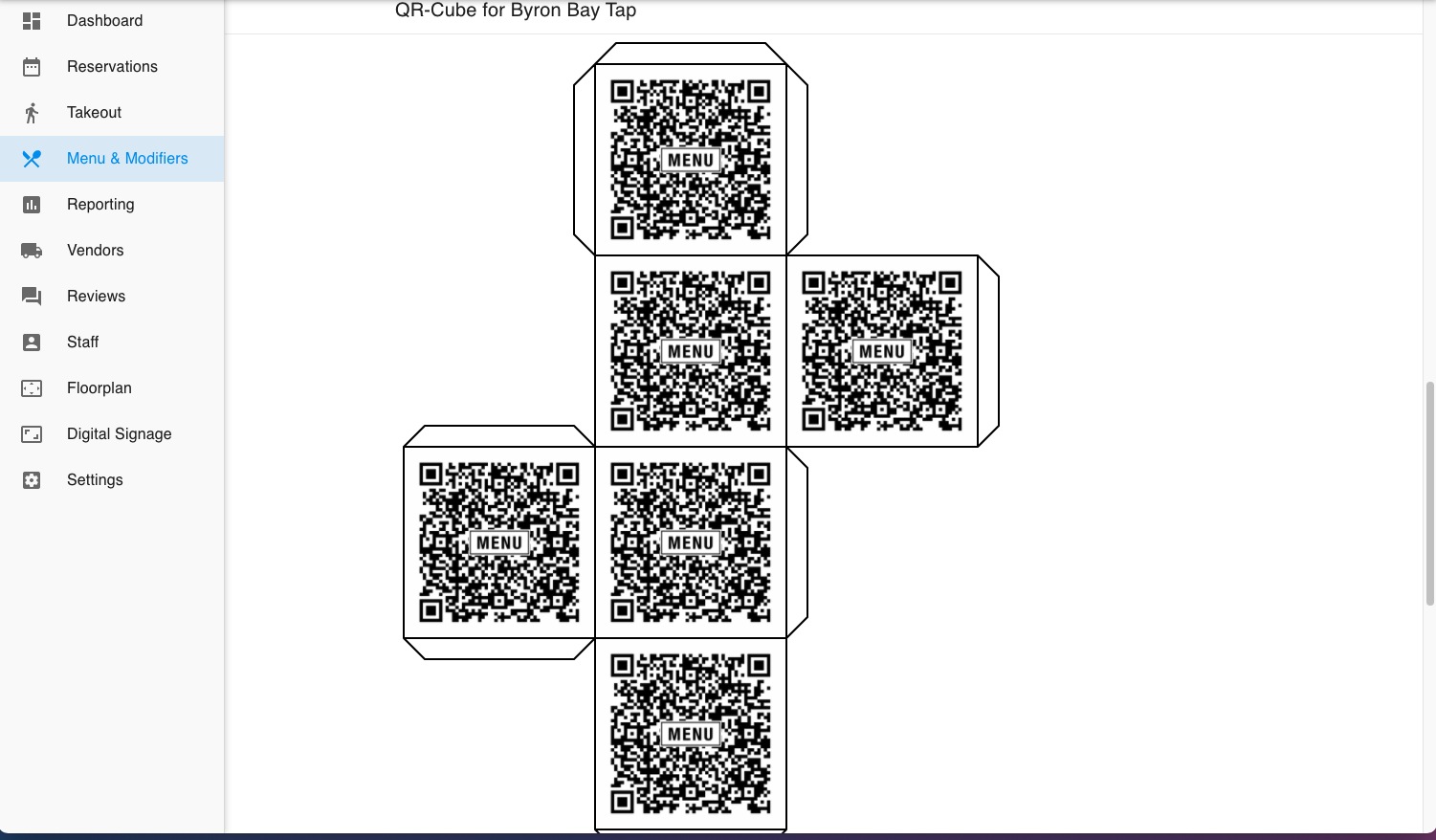
The third option is the same as the second except the merchant is able to set up the QR-code as a printable 3D cube.
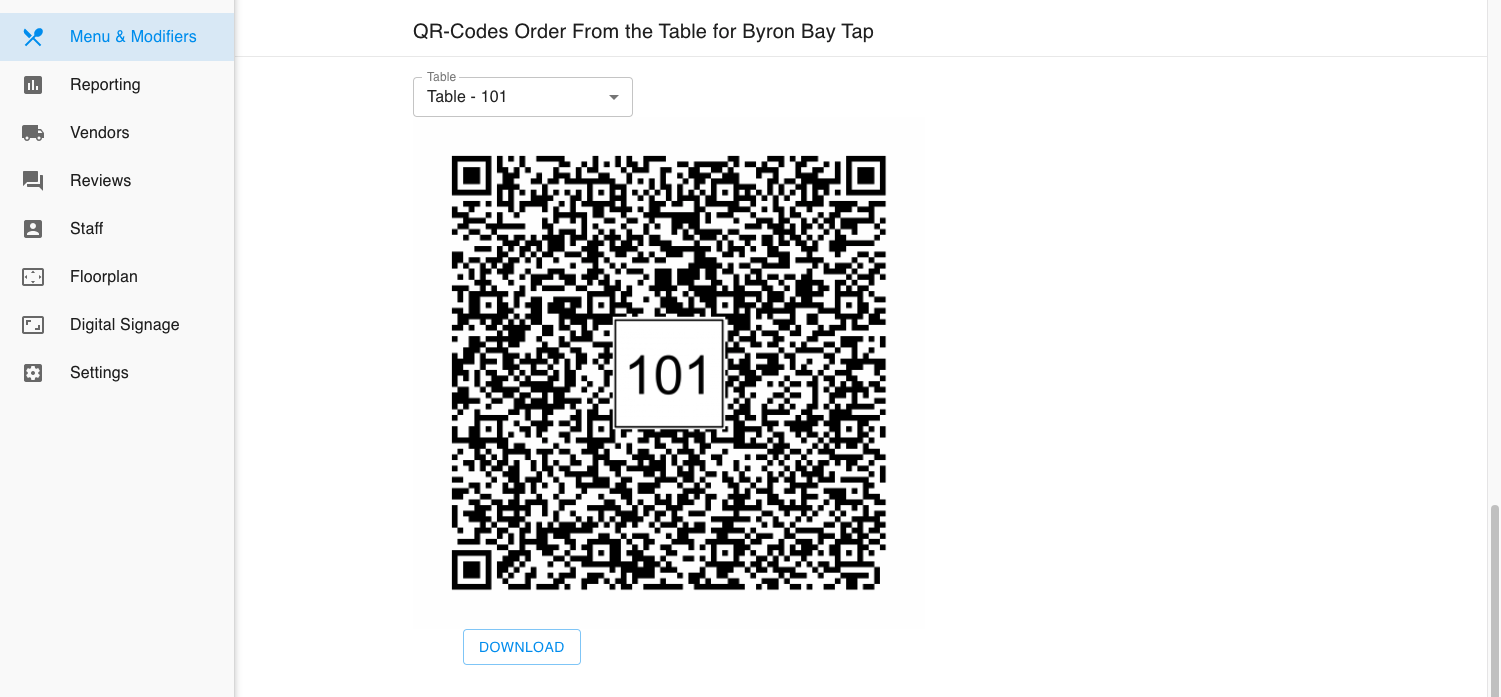
The last QR code allows for order from table, but also allows you to associate a table number with the order once the order is placed from this QR code.