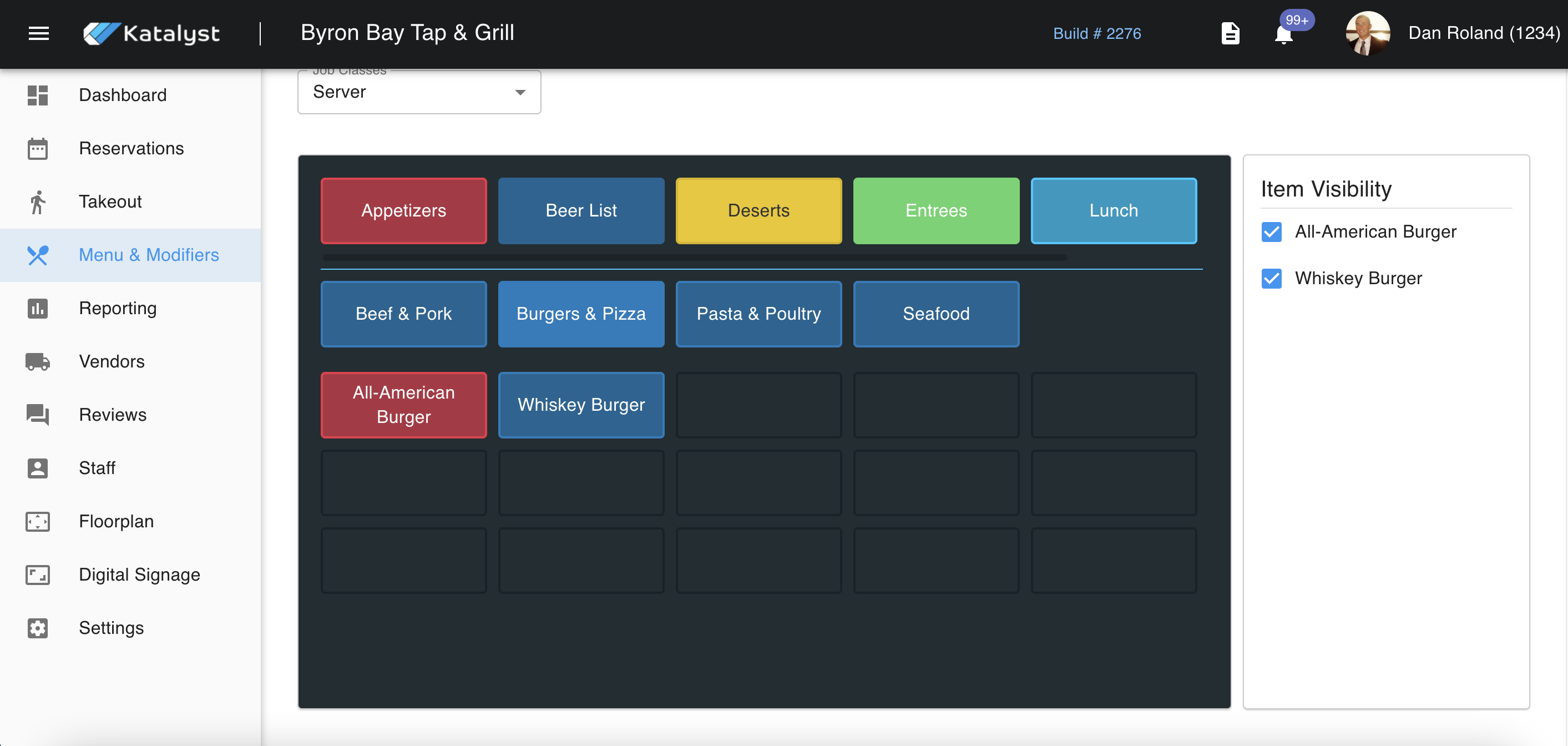
From the Menu Display Organization tab, you can view your menu as it appears in the live POS system. If you make changes to your menu organization, make sure you refresh your POS to reflect the new changes (log out and log back in).
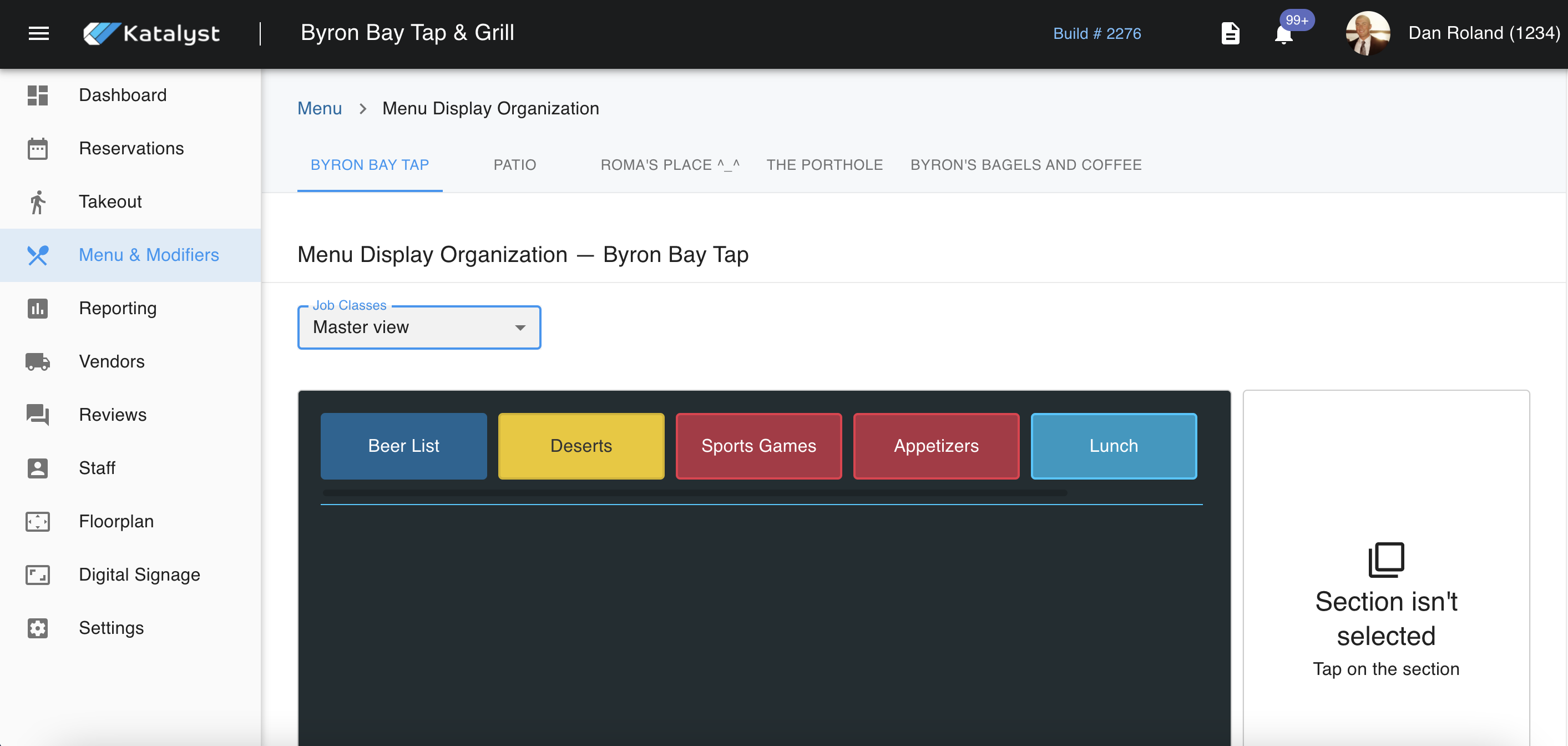
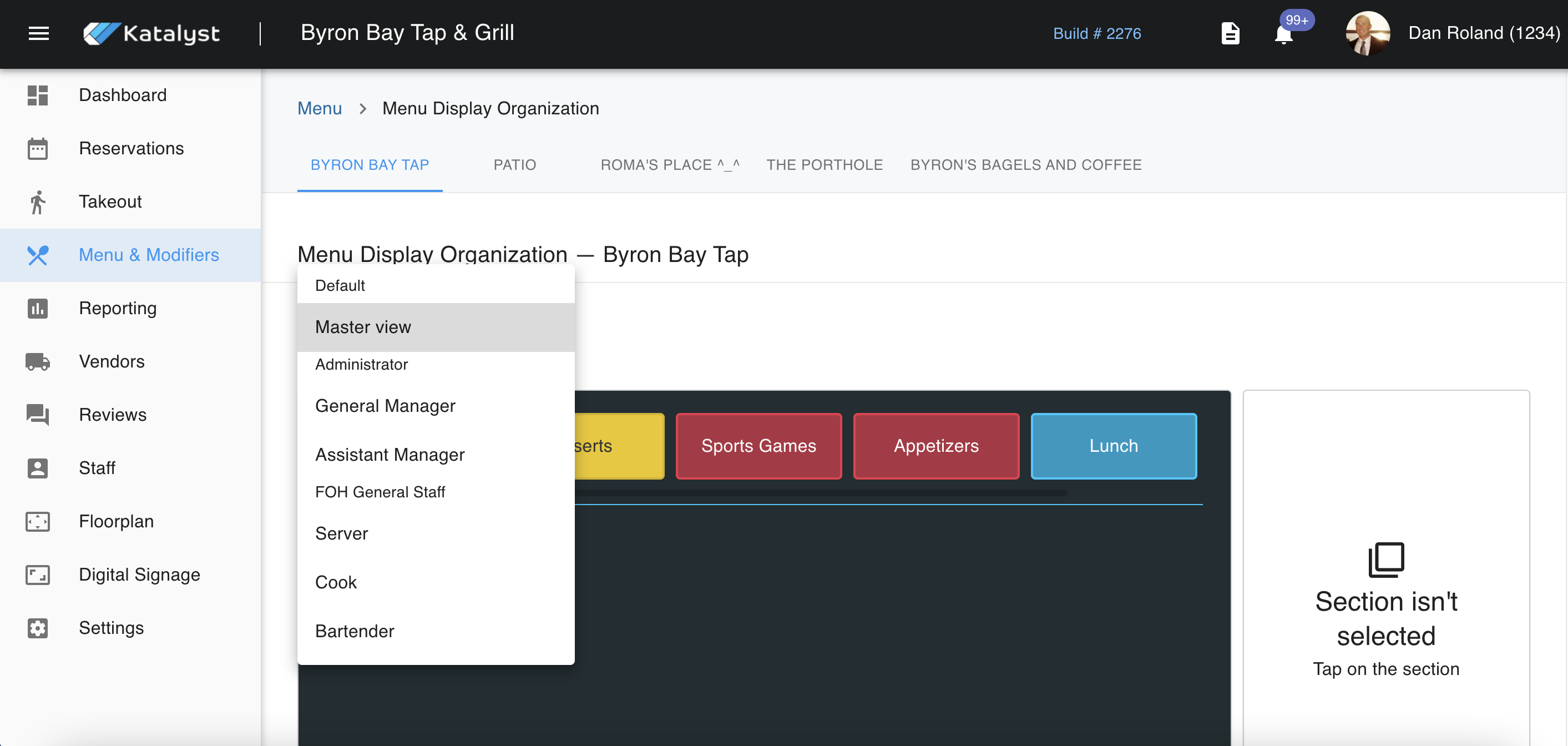
To interact with how POS appears to different job classes, you would use the drop-down menu to navigate. In general, most of this will look the same no matter the job class.
From here, you can click on the button that mirrors the POS system and interact with it. This helps you ensure that everything looks the way you want. From this screen, you're able to use the sidebar to the right to control item visibility. If these are unchecked, they do not disappear and can be changed back at any point.