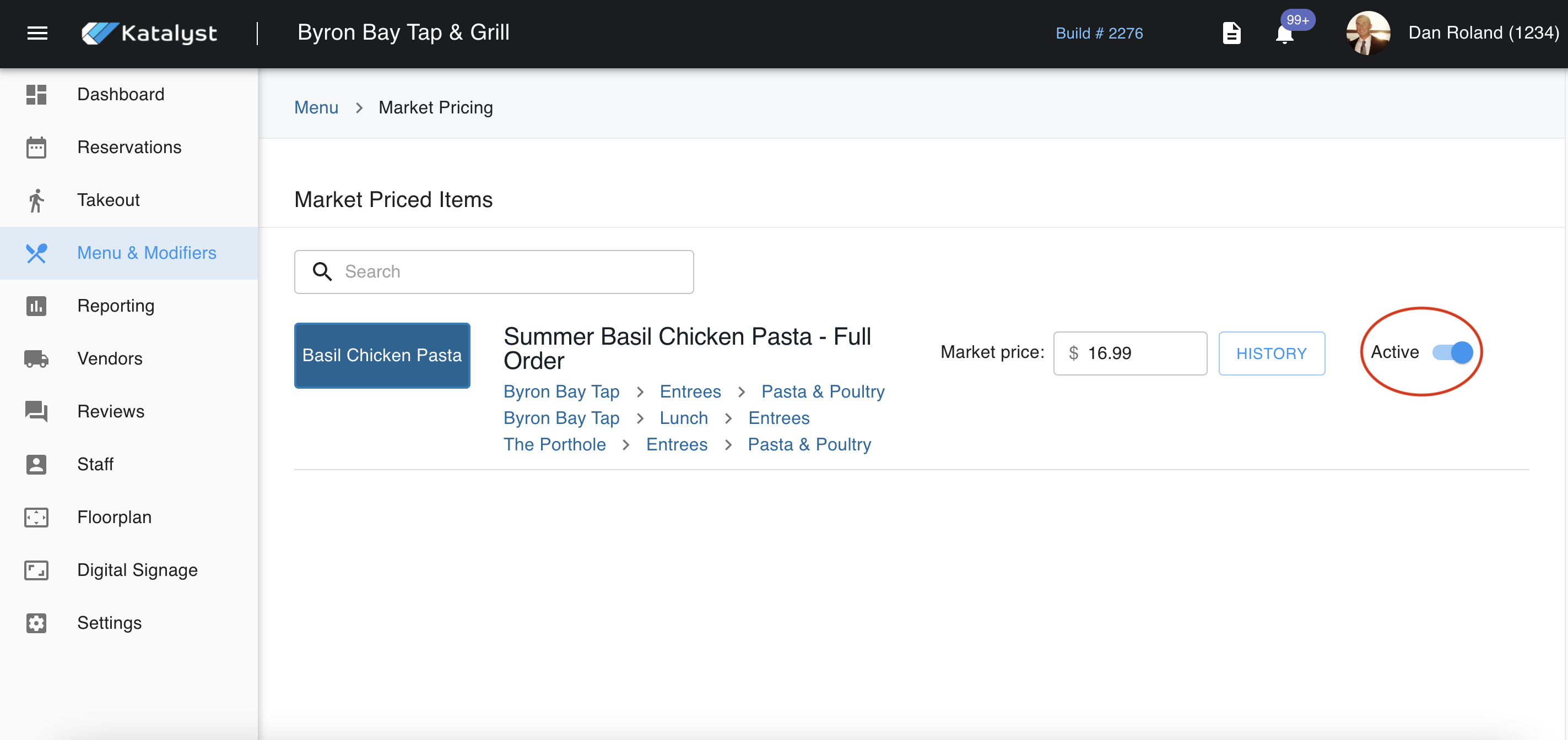
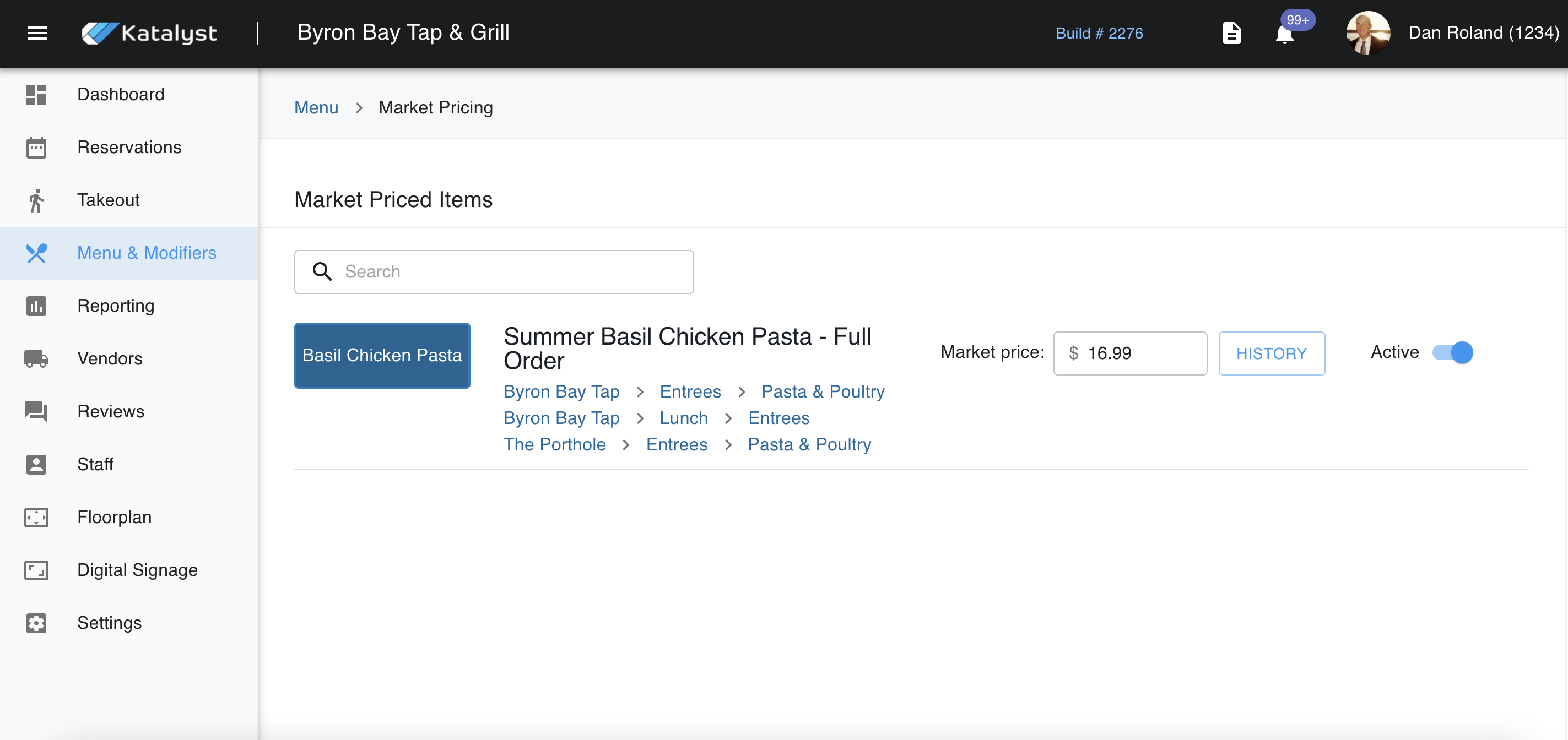
Market Pricing is where you're able to price products based on the forces of supply and demand. Should you have a long list of items that are based on market pricing, you may want to use the search bar to quickly reference the item that needs to be edited. Once you have found the item, you will see the name of the product. In this case, we are looking at Basil Chicken Pasta.
To the right of the button for the menu item, the revenue centers are shown. These are linked to the actual menu item. If you need to make edits after or check the item for any other reason, you can use this as a shortcut. It will also indicate where in the menu to find this item. For example, Byron Bay Tap > Entrees > Pasta & Poultry.
To the right of that, you will see where we can enter market price with the option to view the history of the pricing of this item as well.
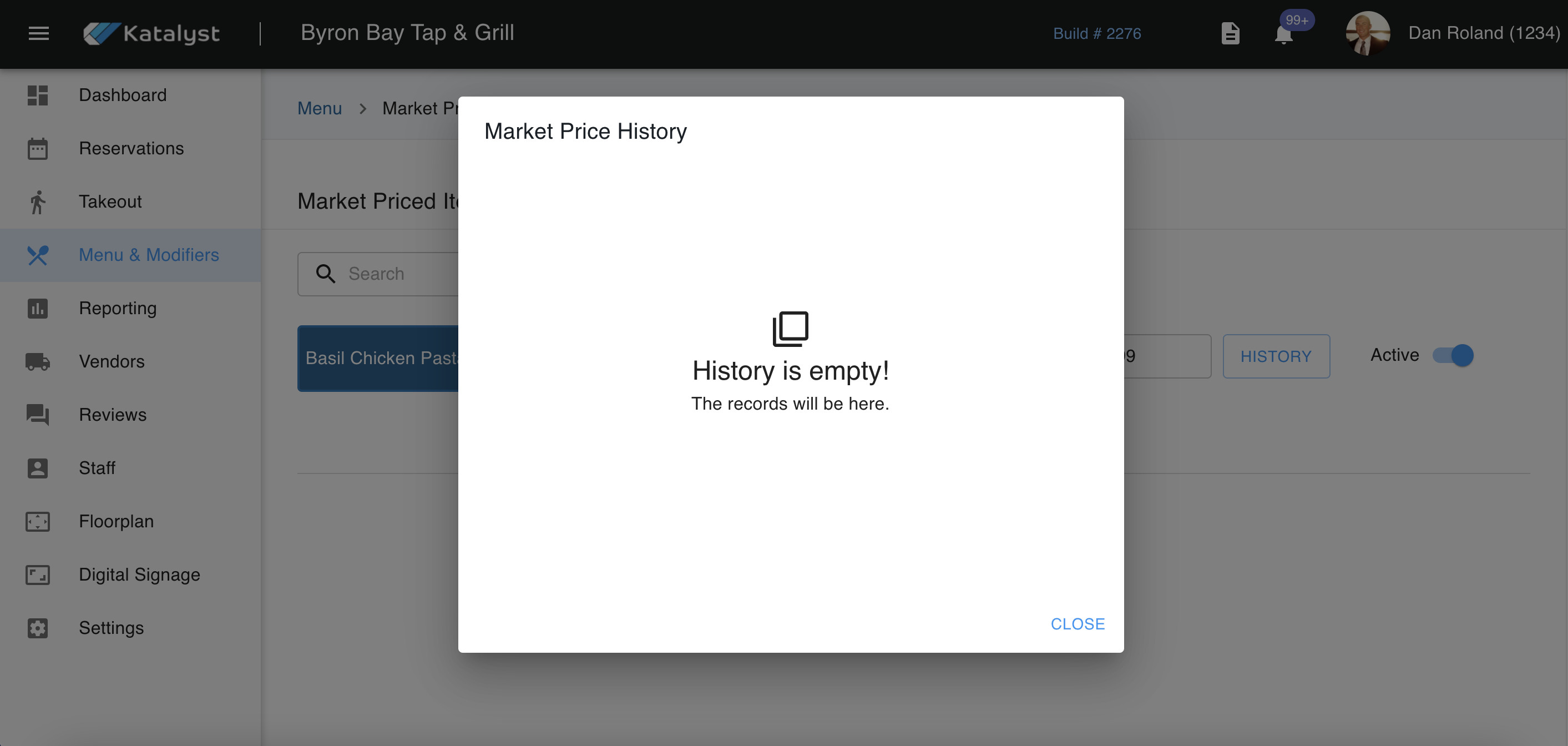
When we click on the history button, a pop-up will appear that will show you all previous market price changes.
We can also use the toggle here to make the item active or inactive.