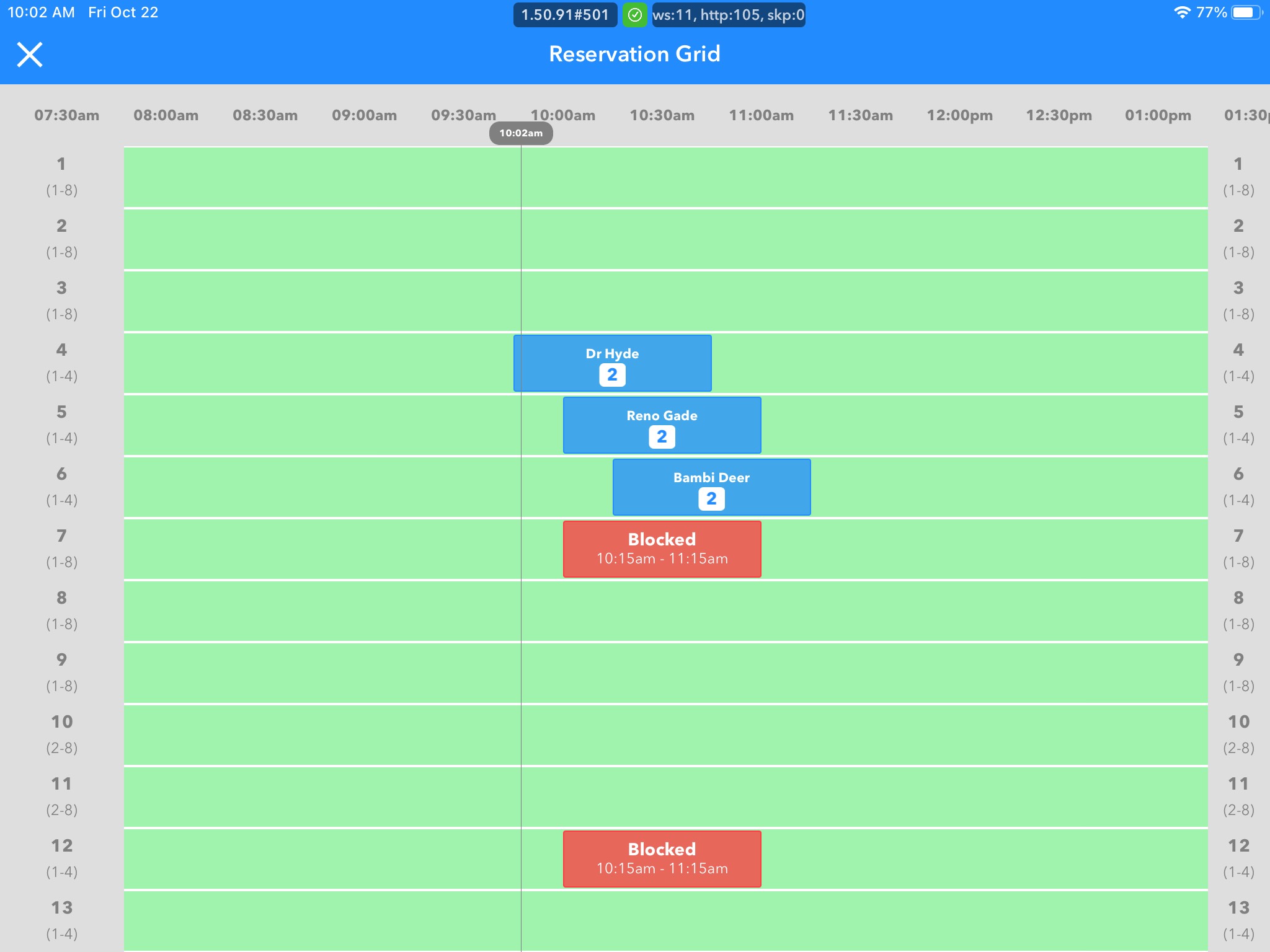
The Grid View, located on the home screen, provides a “spreadsheet-like” interface of your restaurant that displays every reservation booked and the corresponding tables & times. It was built to give staff and managers a snapshot view of what is currently happening in their restaurant so that reservations can be planned properly, and so a busy service can be run smoothly.
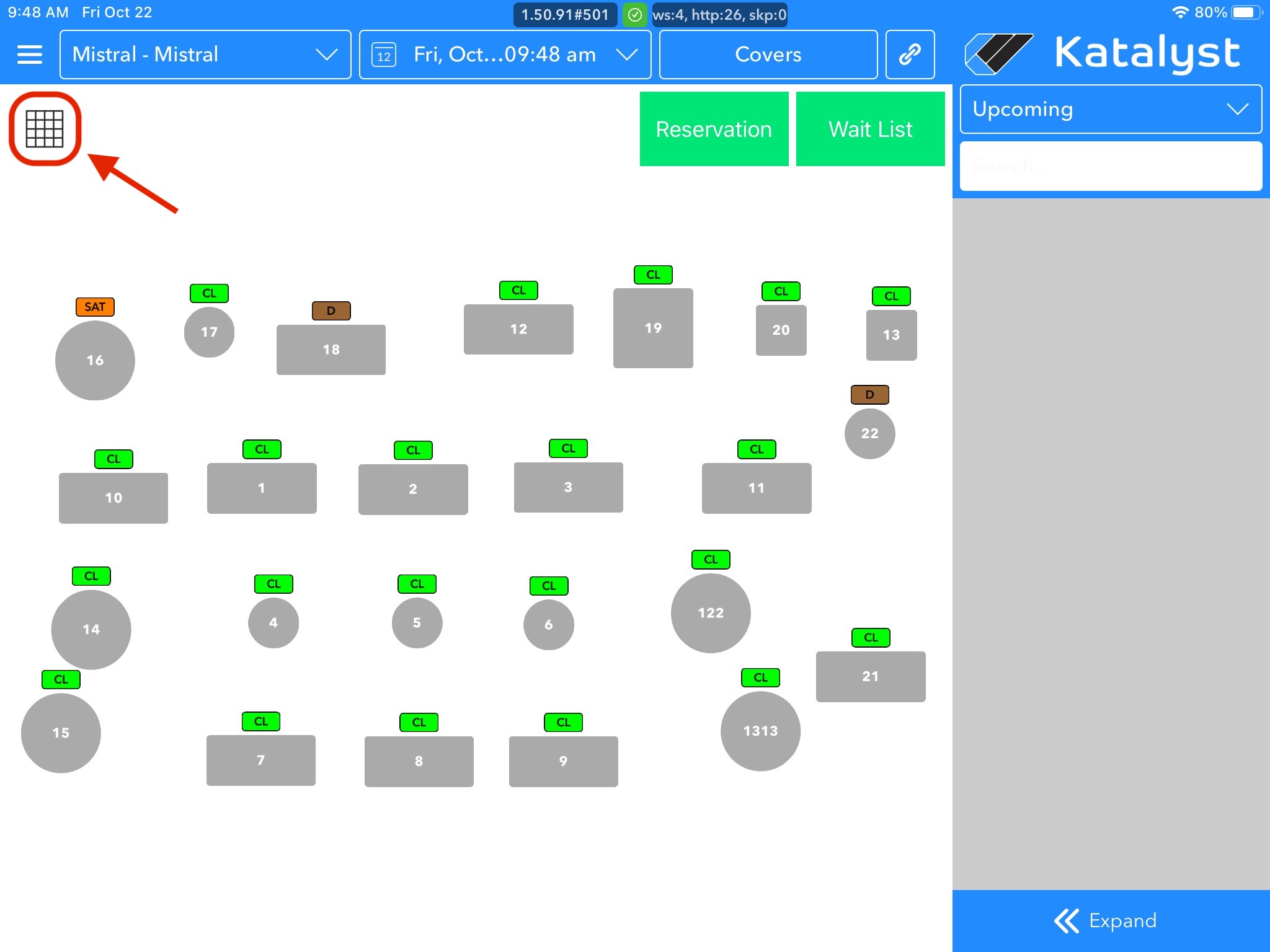
Understanding Grid View Colors:
• Green areas denote available times & tables for a reservation on a selected day
• Blue areas represent reservations booked and the corresponding tables & times
• Red areas represent blocked tables. Both restaurants & diners will not be able to make reservations at a table within the time frame that a specific table is blocked
• Grey areas denote times & tables that are unavailable for reservation, according to Reservation Hours settings