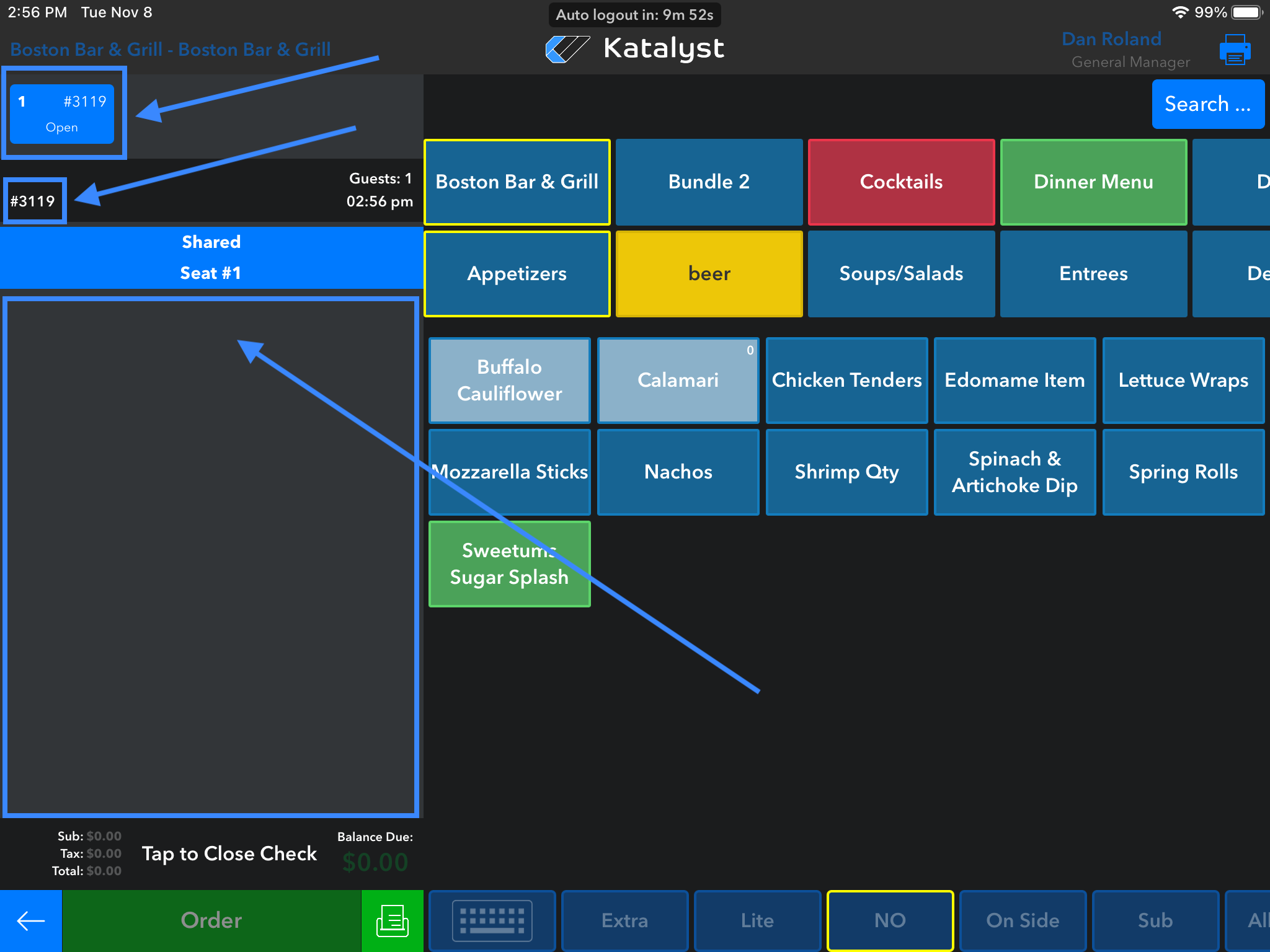
Once you are in the active check, you will see at the top left that the check is open and this is where you can find the check number. Below this information will be where any items that have been ordered by the table will be listed.
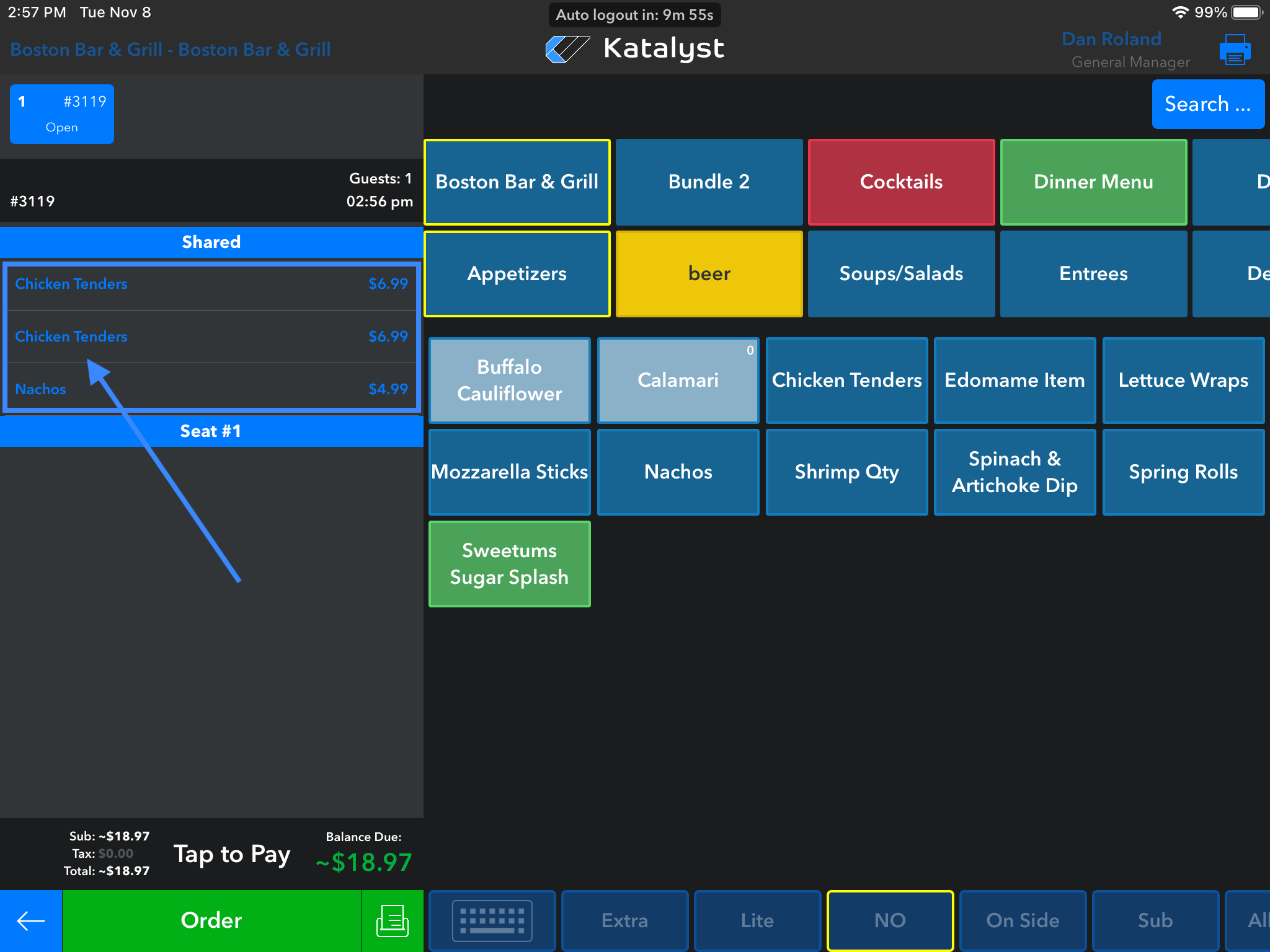
If the item listed is in blue, this means it has not been ordered yet. If the item is in orange, this means it is on hold and thus NOT been sent to its respective printer. If the item is in white, this means it has been ordered. The item ordering status will determine what actions you can take on the item itself.
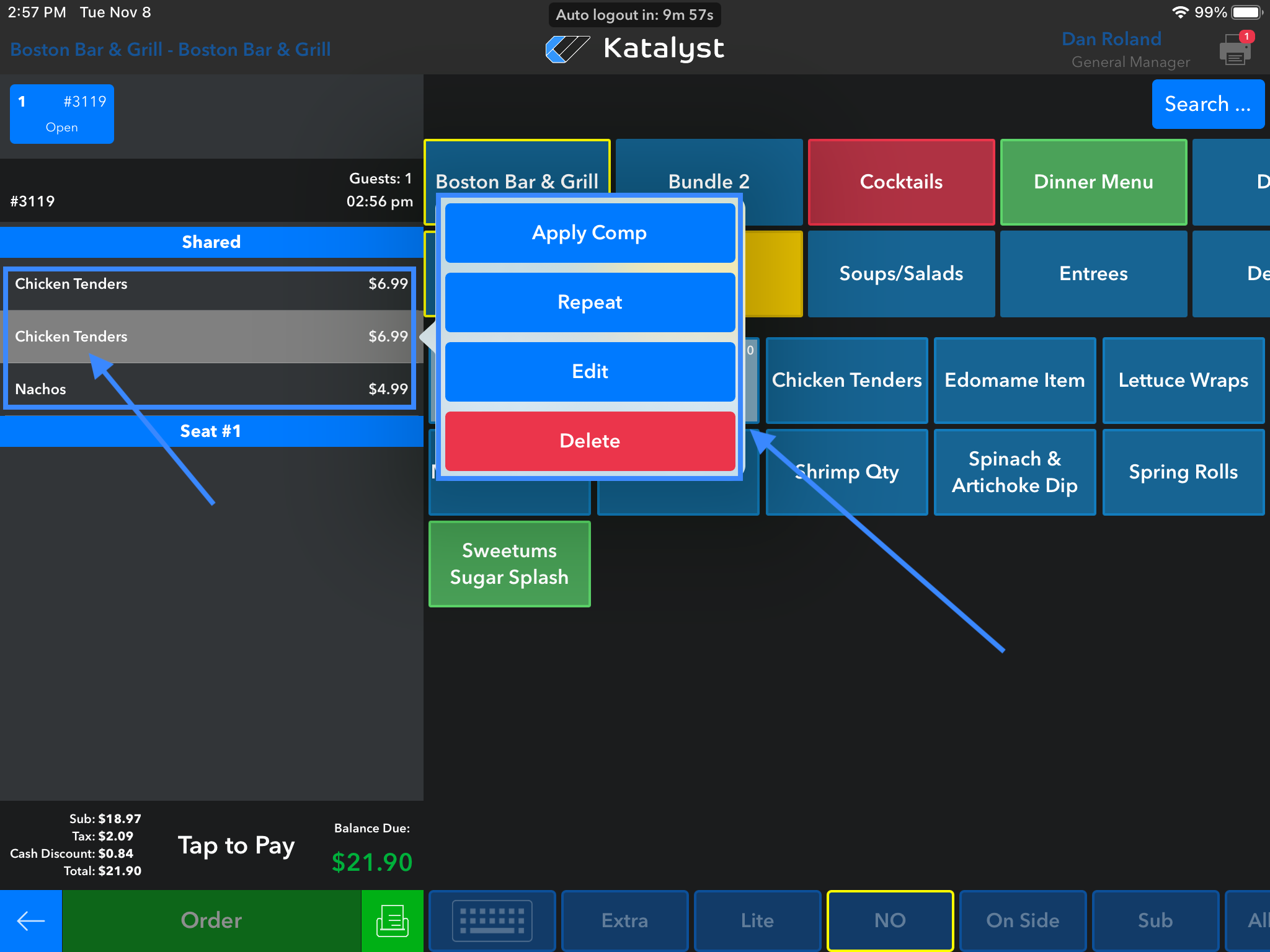
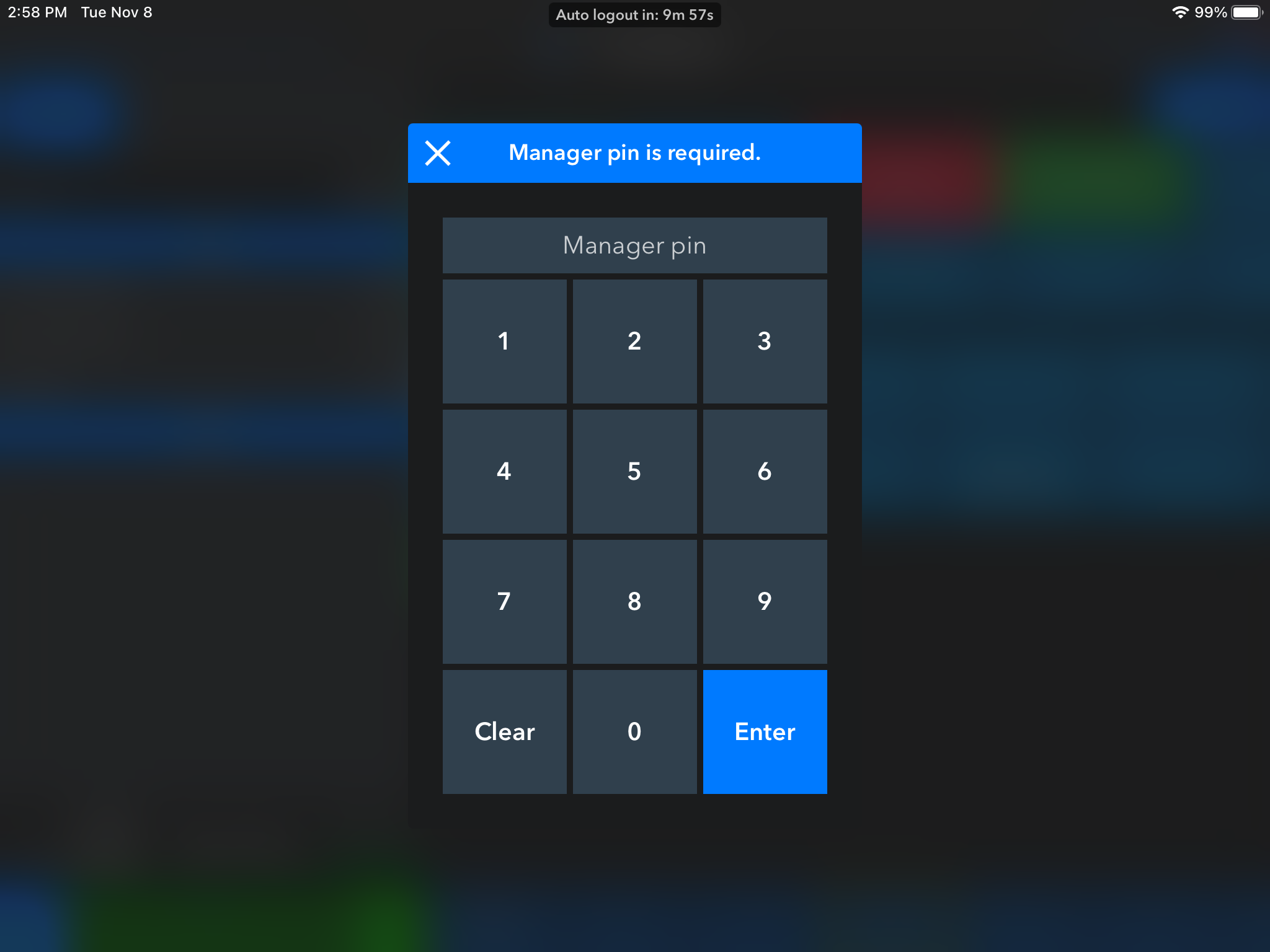
If the item is in white and has been ordered, we are able to click on it to allow for a pop-up to appear to the right. Ordered items will allow you to apply comp, repeat the item, or delete it. However, if the item has already been ordered and management has it set that deleted item has to be approved by management, the system will ask the server for a manager PIN before allowing the item to be deleted.
If the item is in orange, on hold, the menu that pops up to the right will be a little different than that of an ordered item. From here, the server can apply comp, repeat an item, delete, or un-hold. A held item does not need manager approval to be deleted.
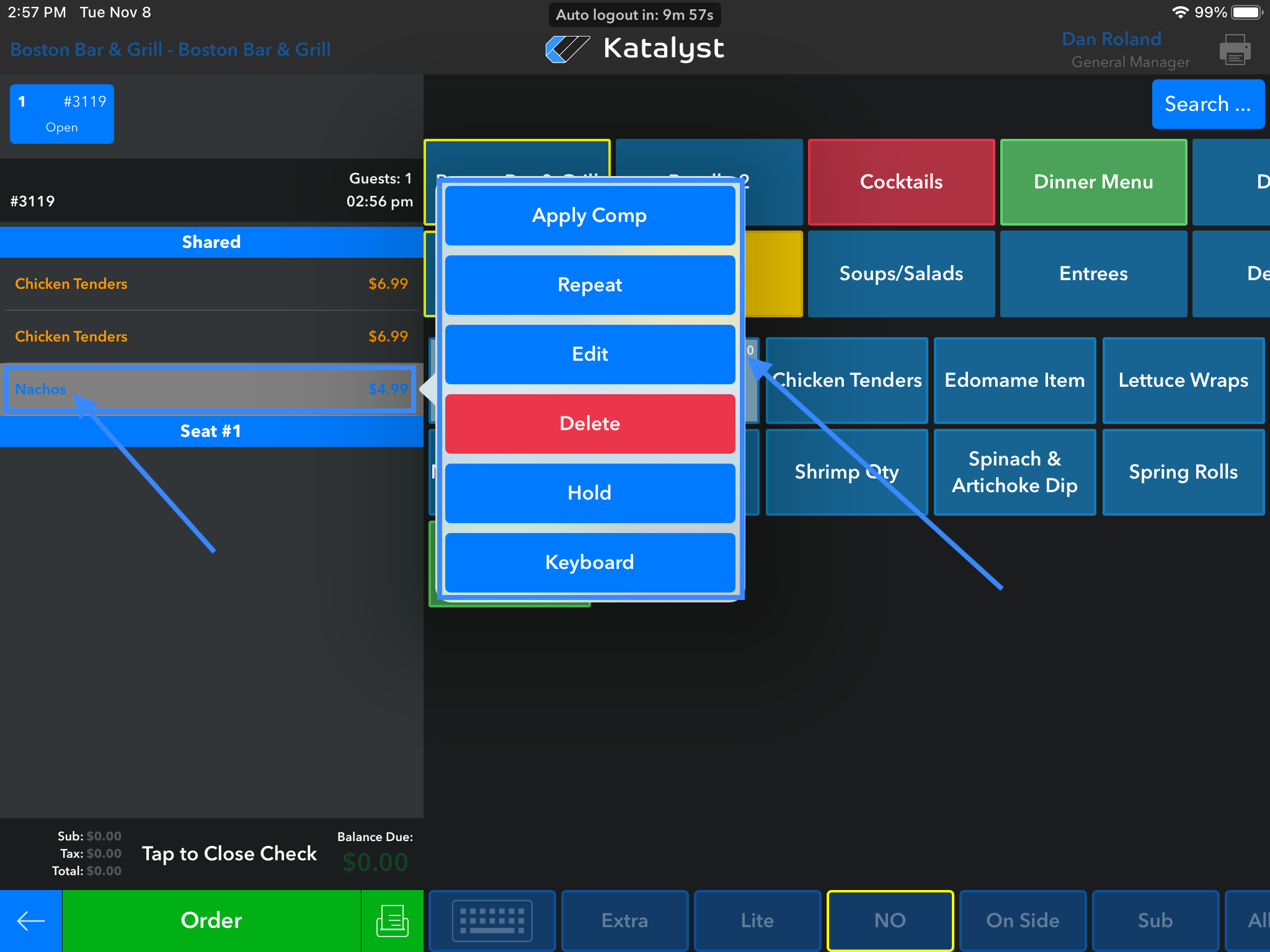
If the item is in blue, not ordered or on hold, the menu that pops up to the right will show repeat, edit, delete, hold, and keyboard. Edit, will allow the server to see the screen as it looked when ordering. So they will be able to make changes to things like modifications for sides. For example, if someone has ordered a burger with fries, maybe they change their mind and want chips instead. This screen allows for a quick change. Once the change is made, the server should just click update to reflect those changes on the ticket to the left. The keyboard function allows the server to make notes on the items. These notes can indicate an allergy or other information that may be relevant to the kitchen for order preparation.
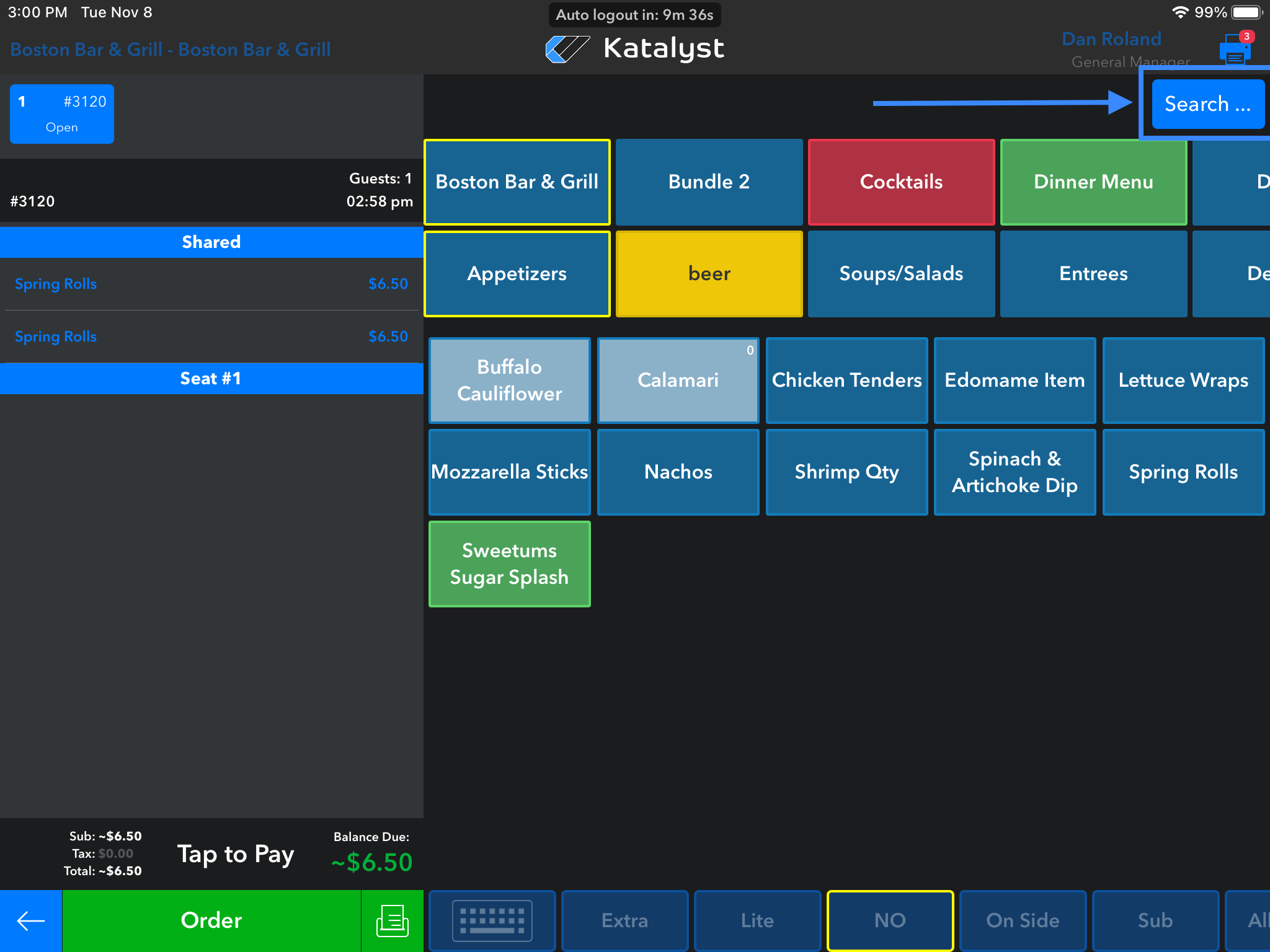
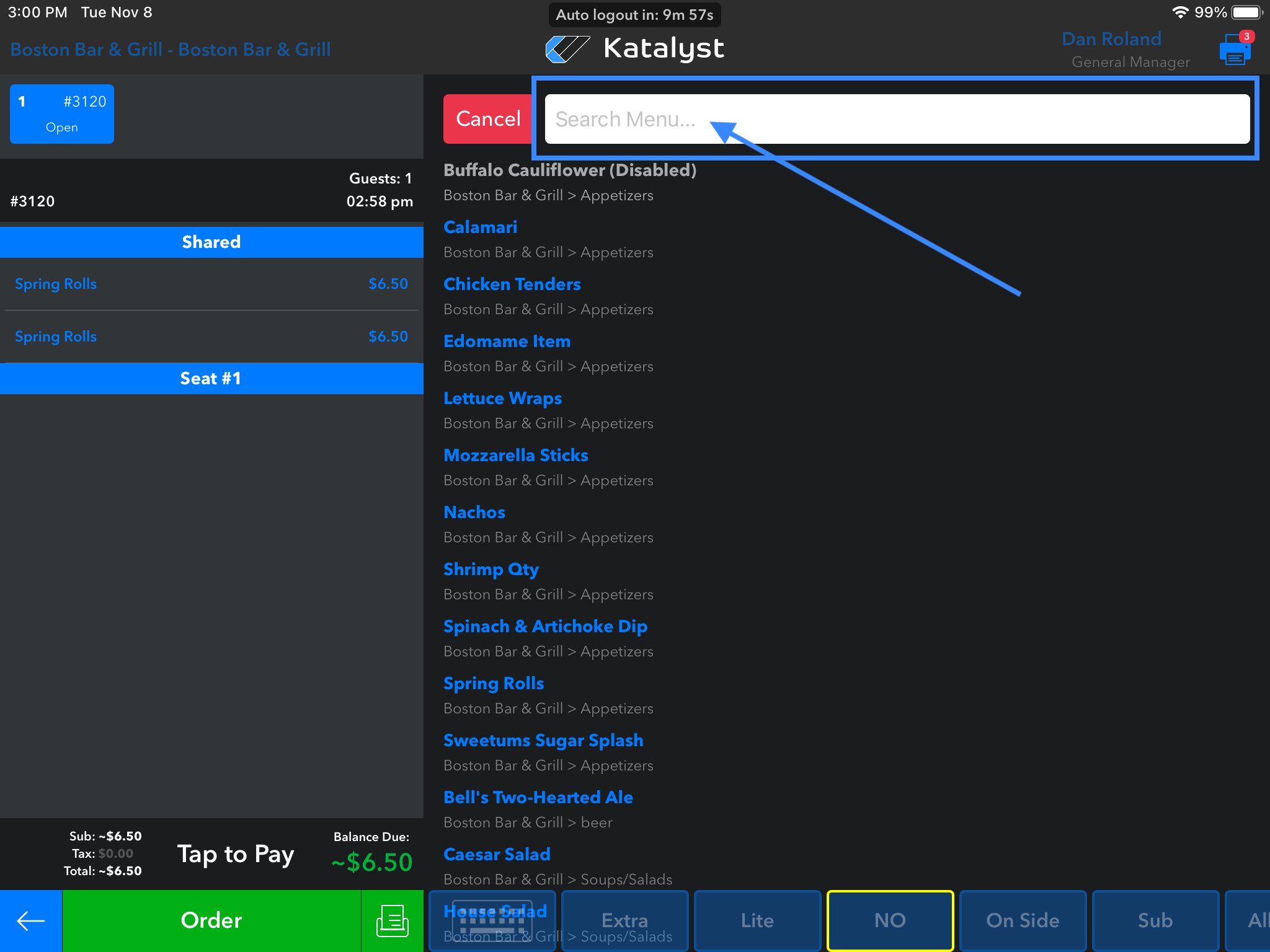
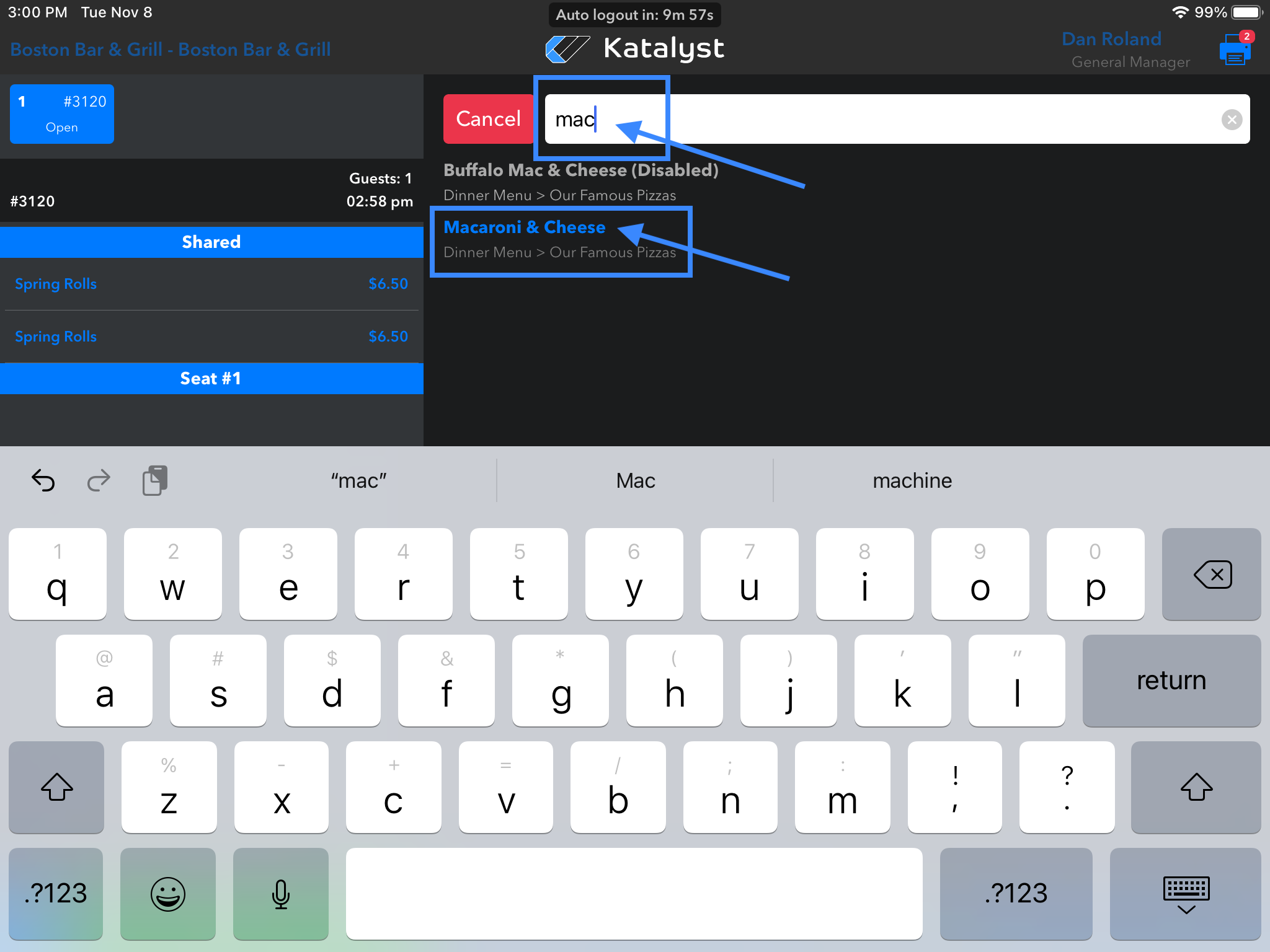
Pro-tip: While inside of a check, there is a search feature. The search feature located in the top right hand corner, is where the server can start typing any menu item to find it quickly. This feature is most helpful in new hire training and for merchants who may have extensive menus.