Here, you can add items from any revenue center, put them in as popular items, or items on special.
Use the drop-downs to access existing menu items to add to the popular or specials list. Once added, these items will appear in a refreshed POS. If the menu is extensive, you may also use the search bar to access specific items quickly.
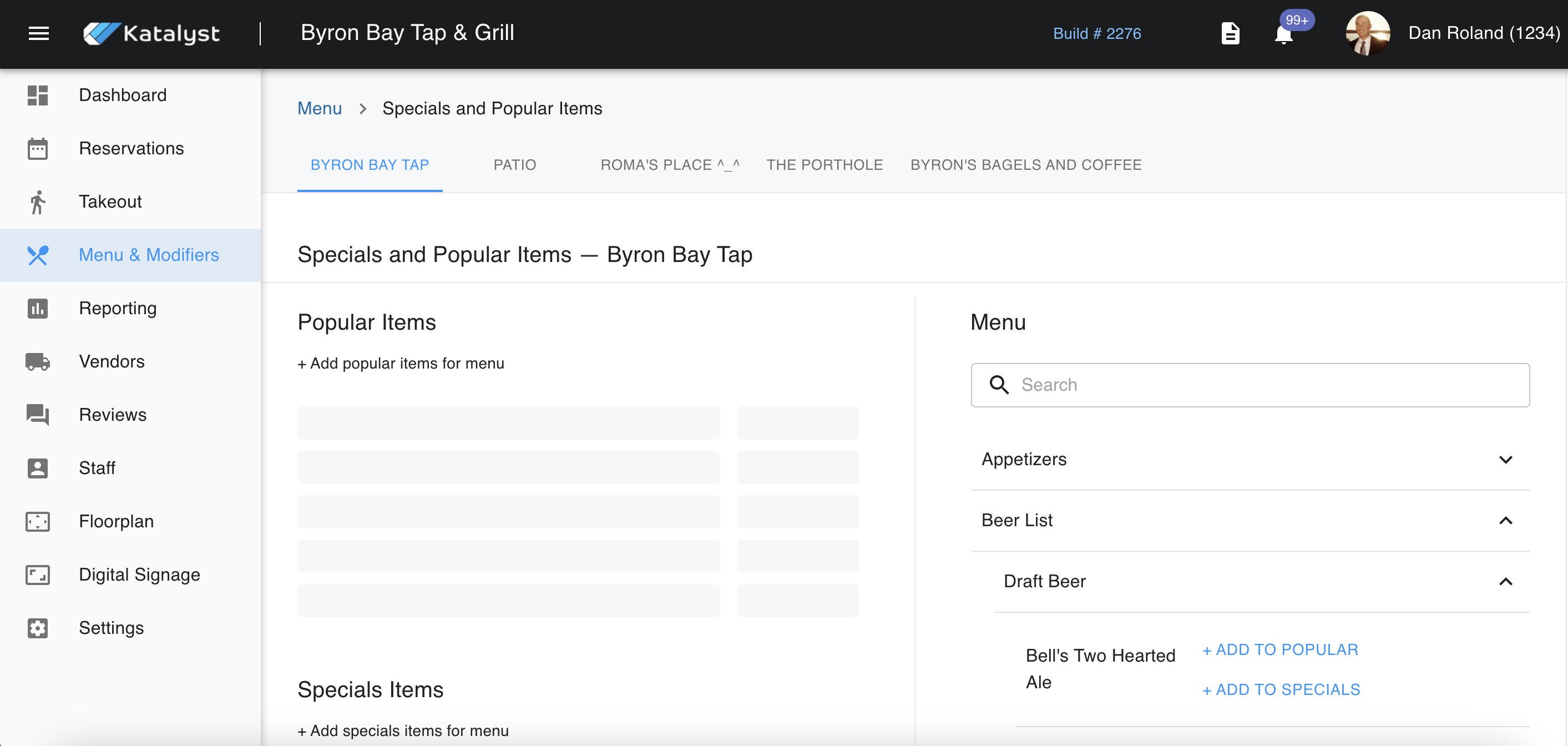
If you're putting an item on special and has a special price, you must click on the items menu section on the list of the special item to edit the item's price. Once you click on it, it will take you to that part of the menu where you can edit the item through the edit pencil. It's important that you remember to remove the item once the special is done from this same page specials page, and to also edit the item's price back to normal pricing.