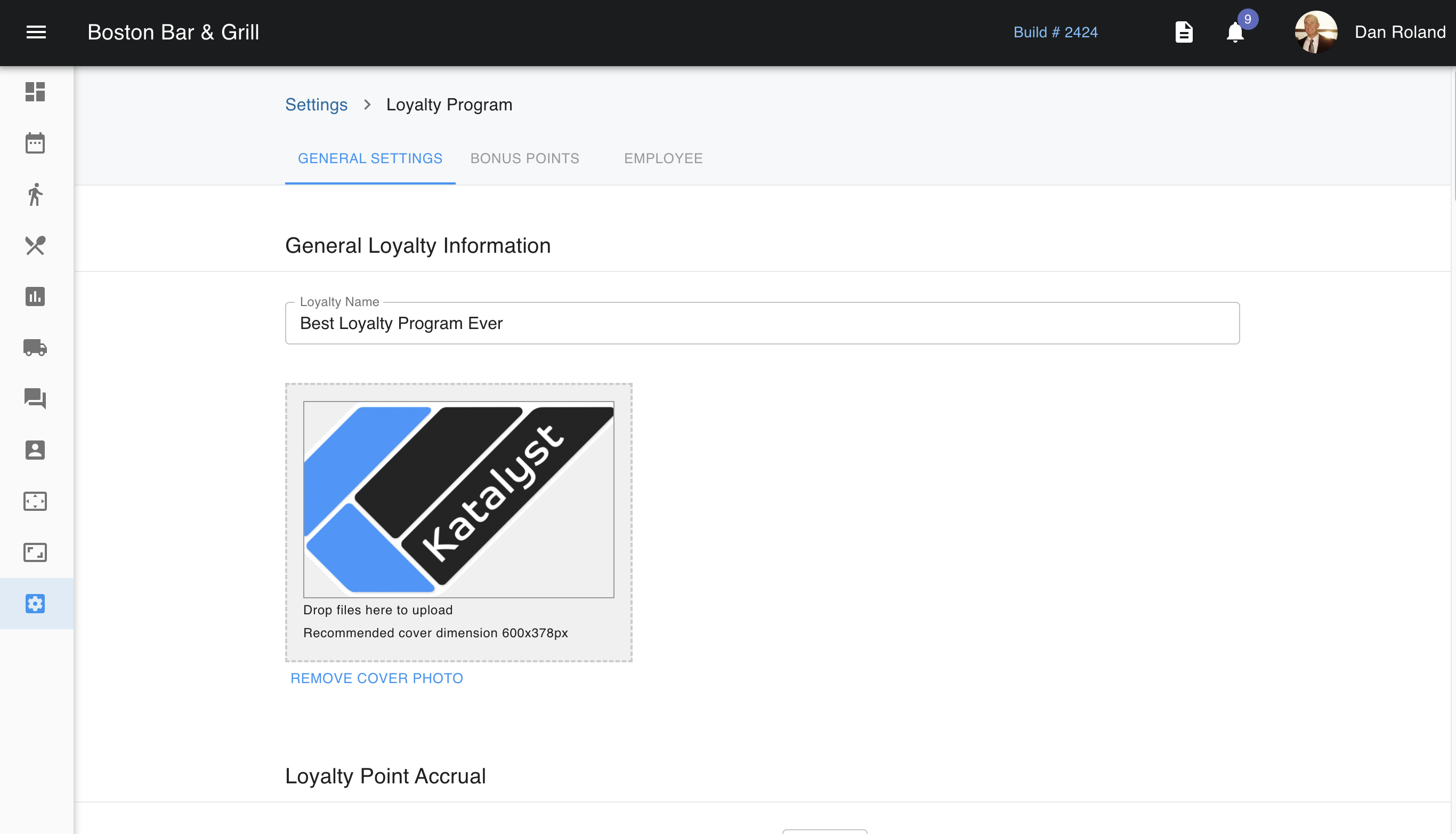
The loyalty program settings allow you to control how you would like your loyalty program to work. Beginning with the loyalty program's name. Most will want this name to reflect their business.
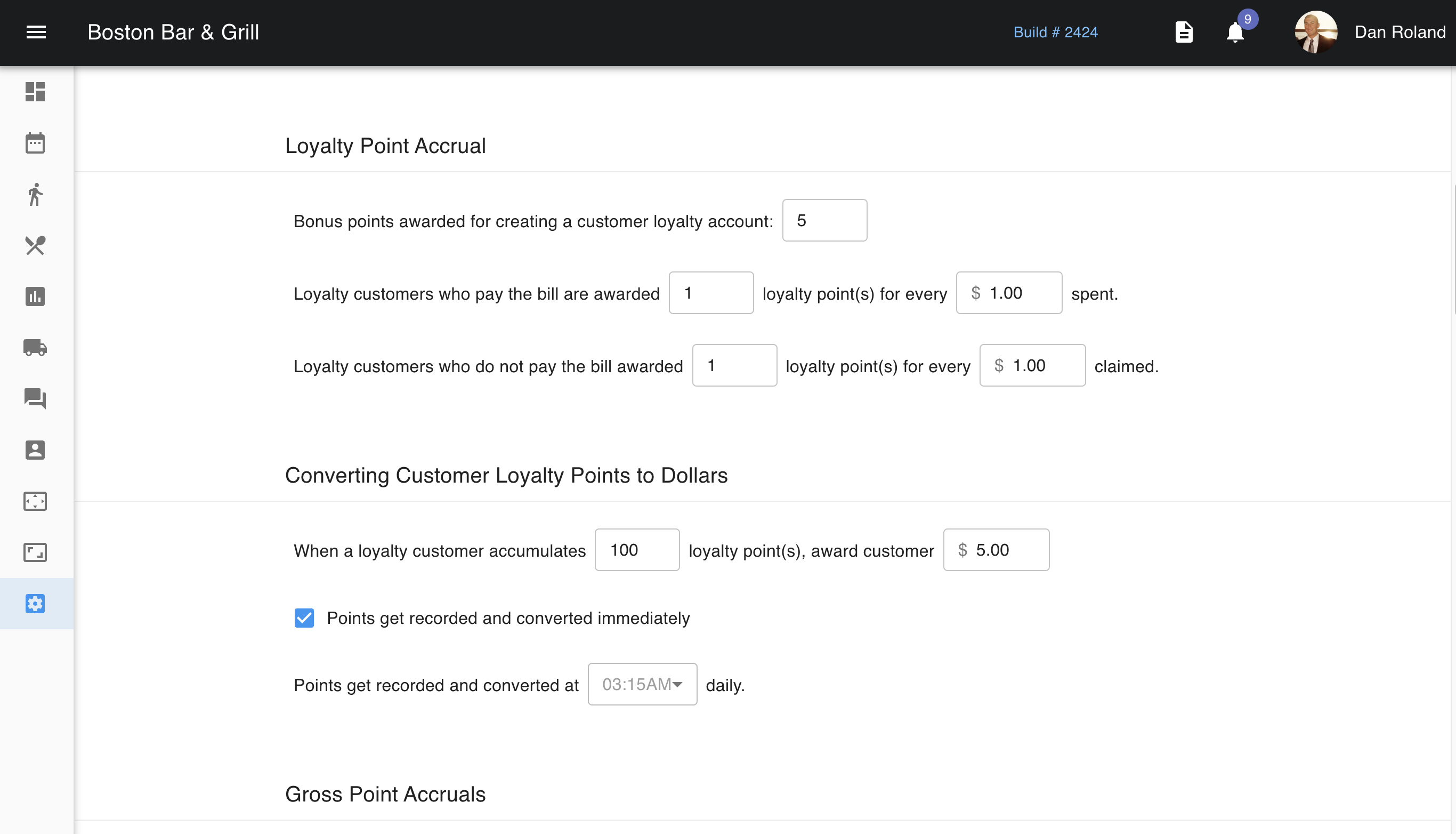
 Loyalty Point Accrual is where you are able to set up how you want your program to work. Below the accrual settings are the conversion settings that will convert the points accrued to a dollar value.
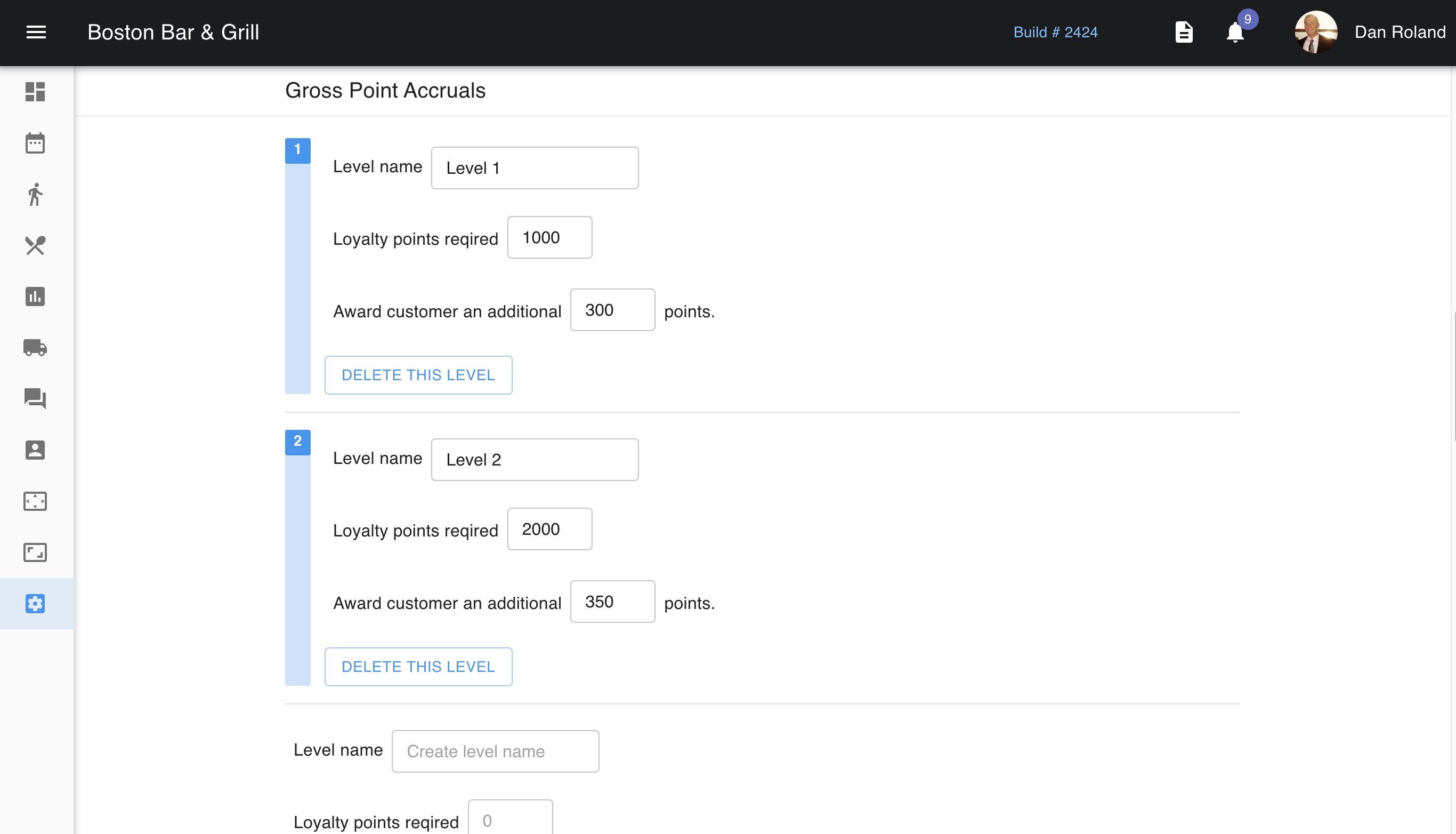
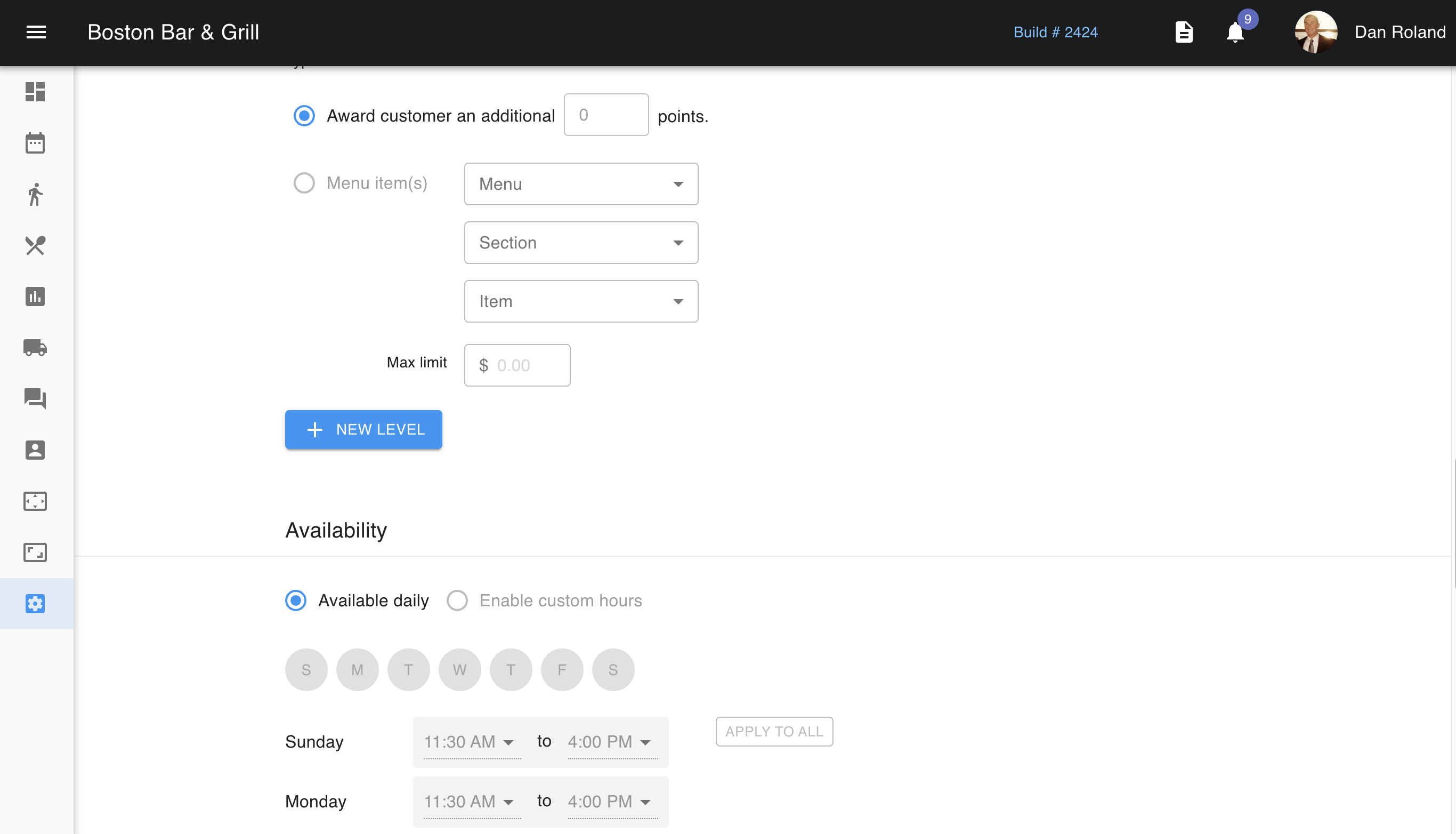
 Gross point accruals allow you to set up loyalty levels. You can create a level name, how many points are required for them to achieve this level, and if there is a reward of points once this level is achieved. Instead of points, you can set up the reward to be a menu item like free dessert and a dollar amount limit. You can add as many levels as you wish.
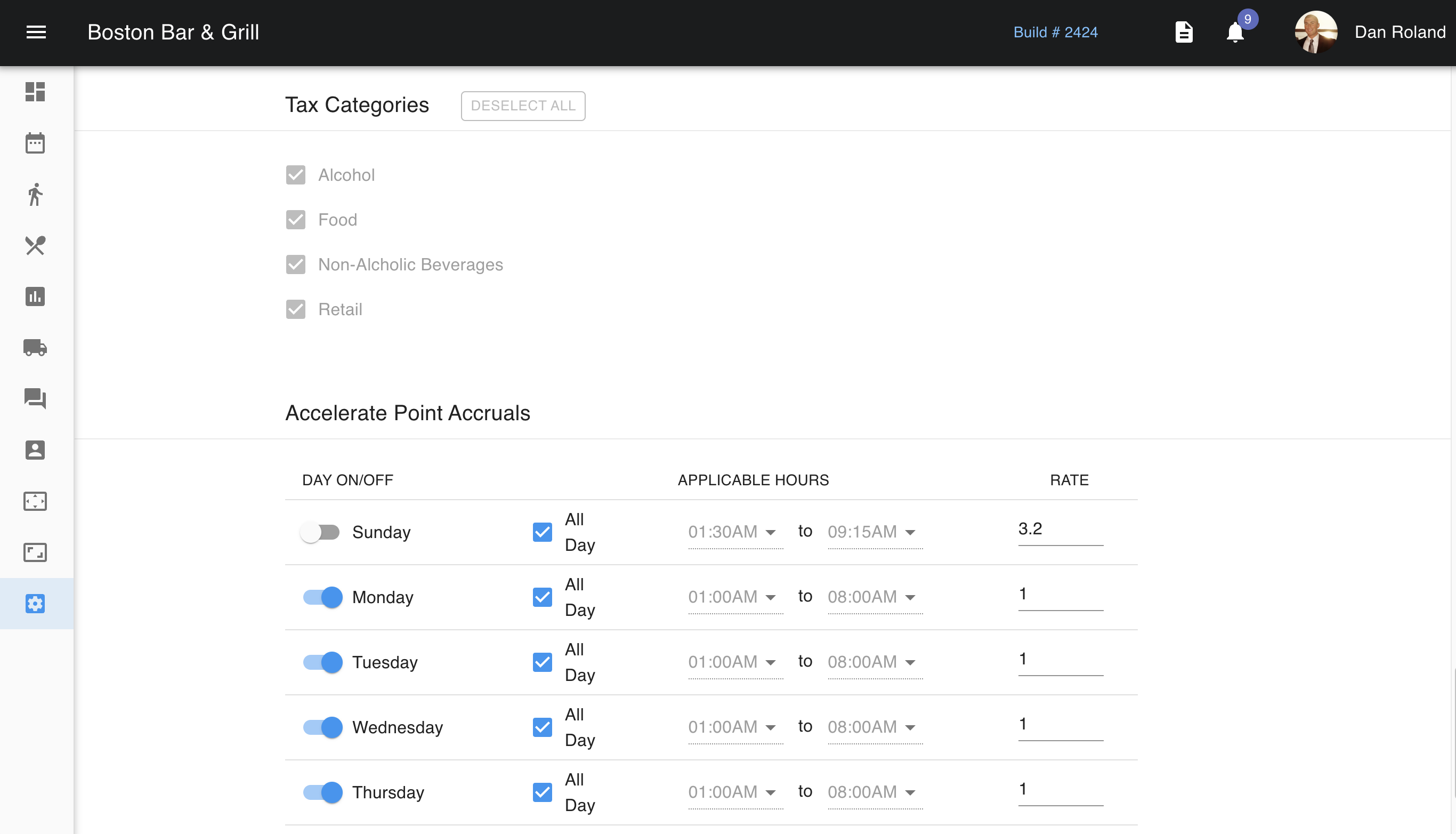
 If you only want to use the loyalty program for specific days or times, you can set up those limitations here. You are even able to set up a limited time offer time frame as well.
 You can also set up a schedule for accelerated point accruals. This means that if, for example, you want to promote your happy hour with accelerated point accruals, you can set up the days and times that these accruals would go into effect, as well as the rate. So using the same example, if you want to double their rate, you would enter 2.