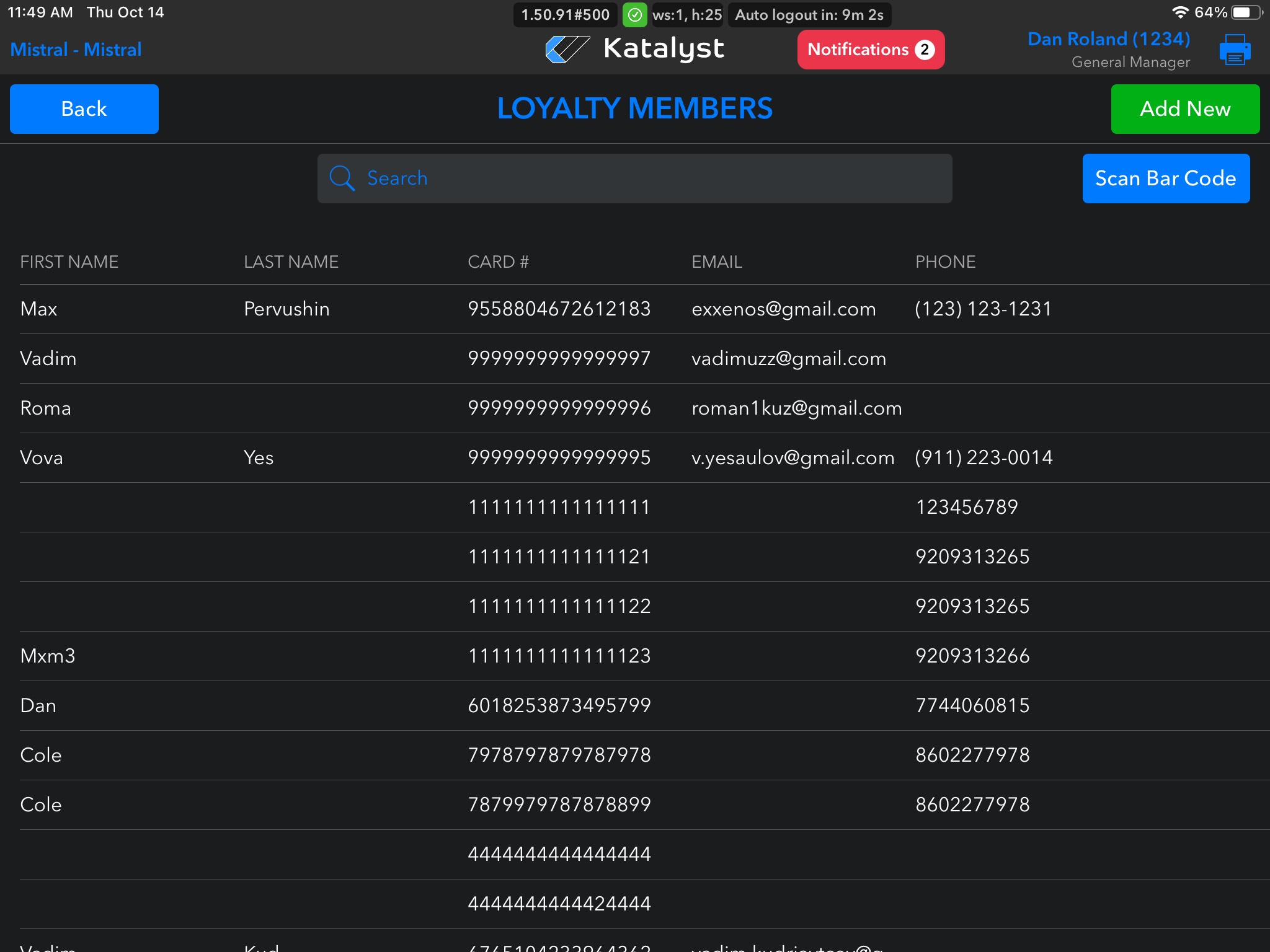
From Loyalty Members, you're able to search all of your members. You can do so by either scanning the member's card or by name, email, or phone.
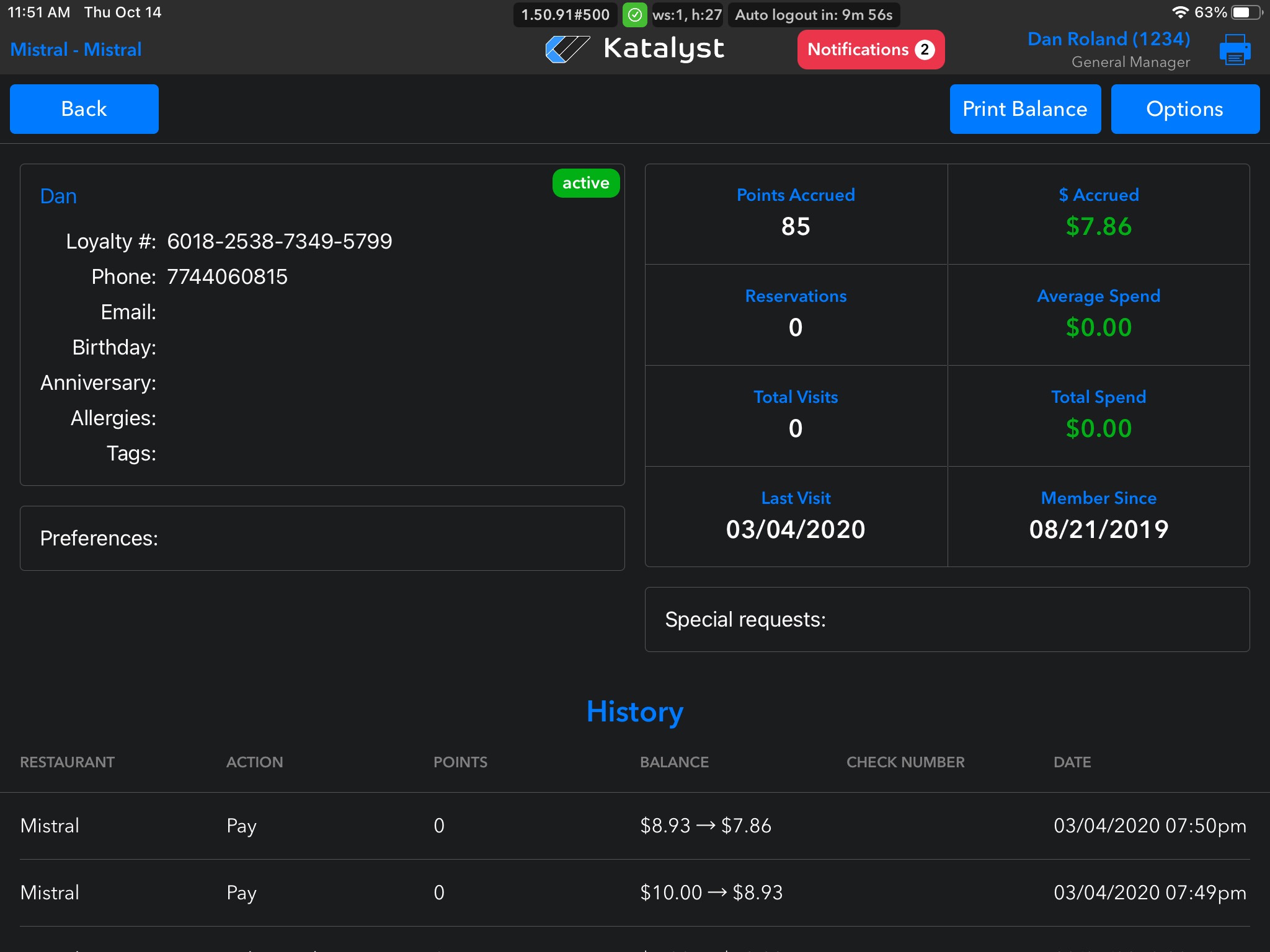
Once you have identified the member you are searching for from within the system, you can click on the member's profile.
From here, you can see all of the member's details including their birthday, allergies, other attributed tags, point accrual, reservations, visits, last visit, member since date, averaging spending, as well as history. Note that you can not edit this information from here. You can print the member's point balance from here.
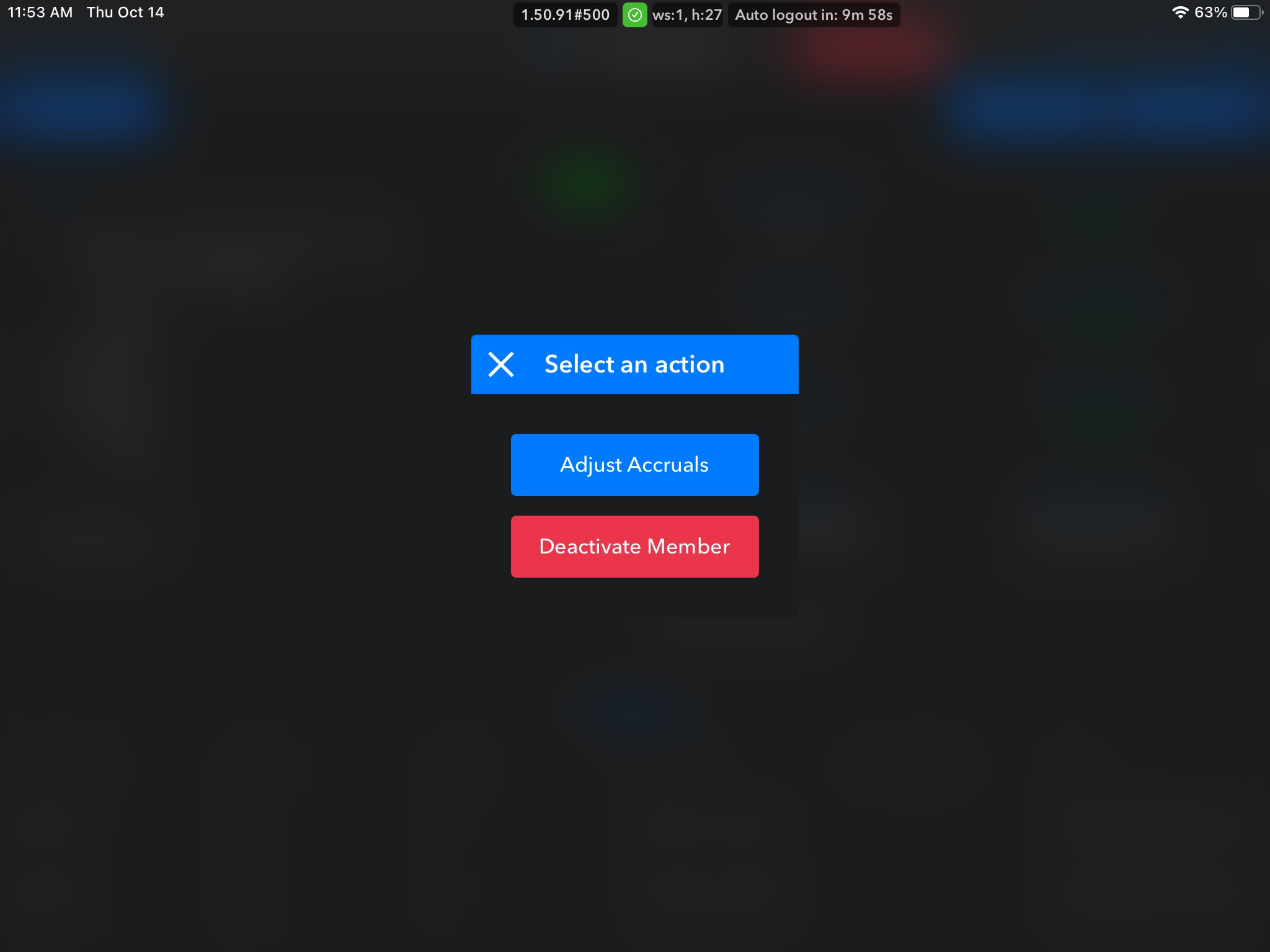
By clicking options, you're able to adjust accruals or deactivate the member.