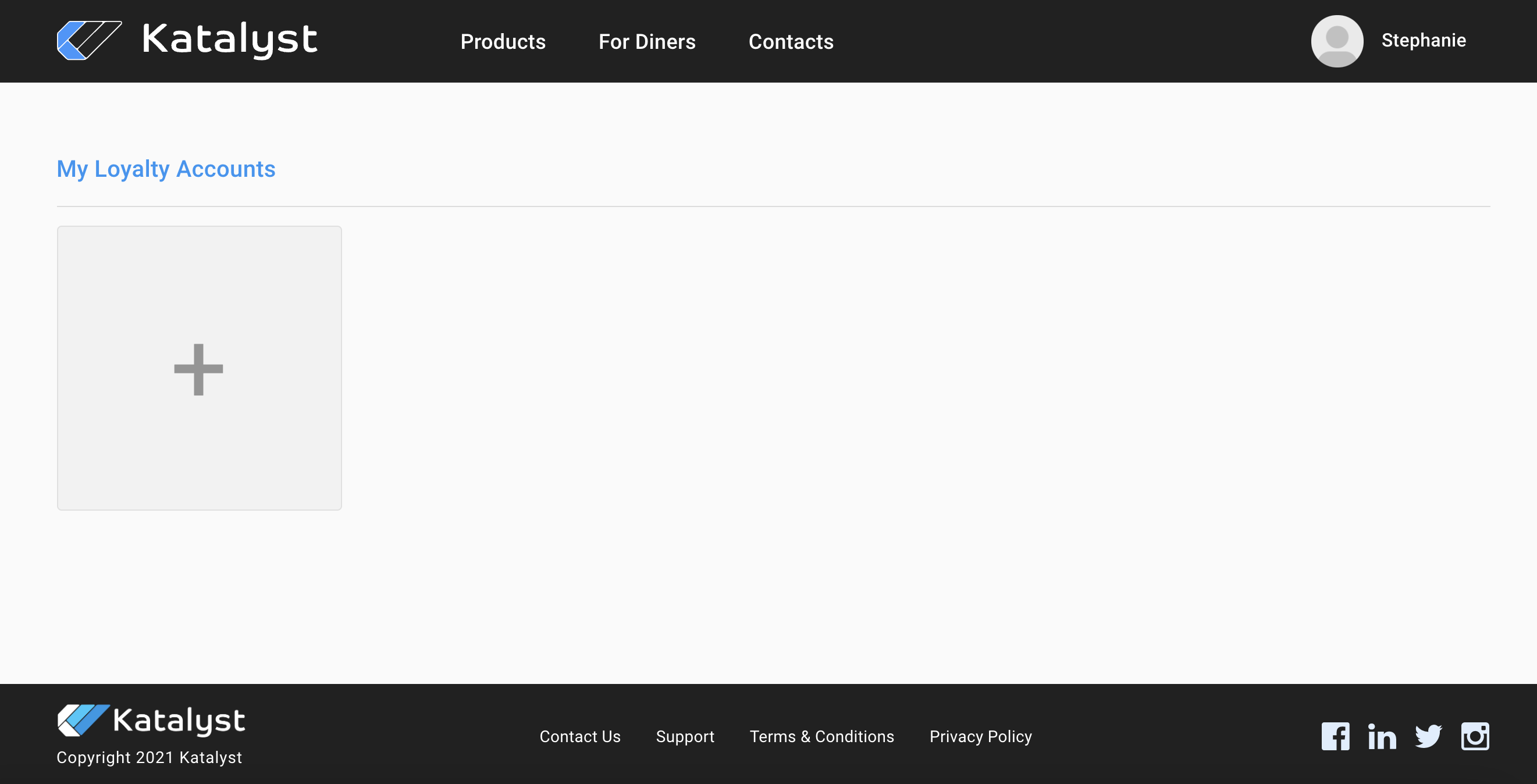
Loyalty accounts will show if the customer is a part of any restaurant's loyalty program. If the customer wishes to join a loyalty group they would click the plus sign.
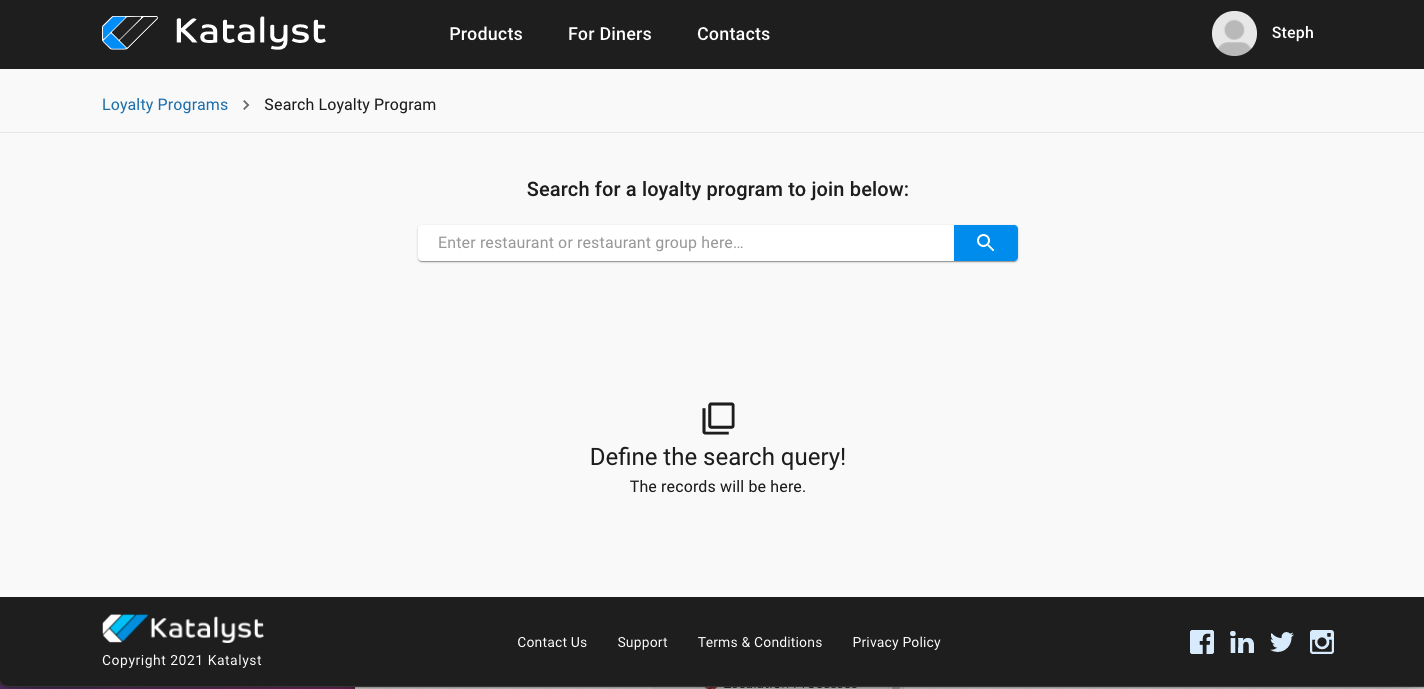
When they click the plus sign, a search bar will appear. They can search the restaurant by name or group.
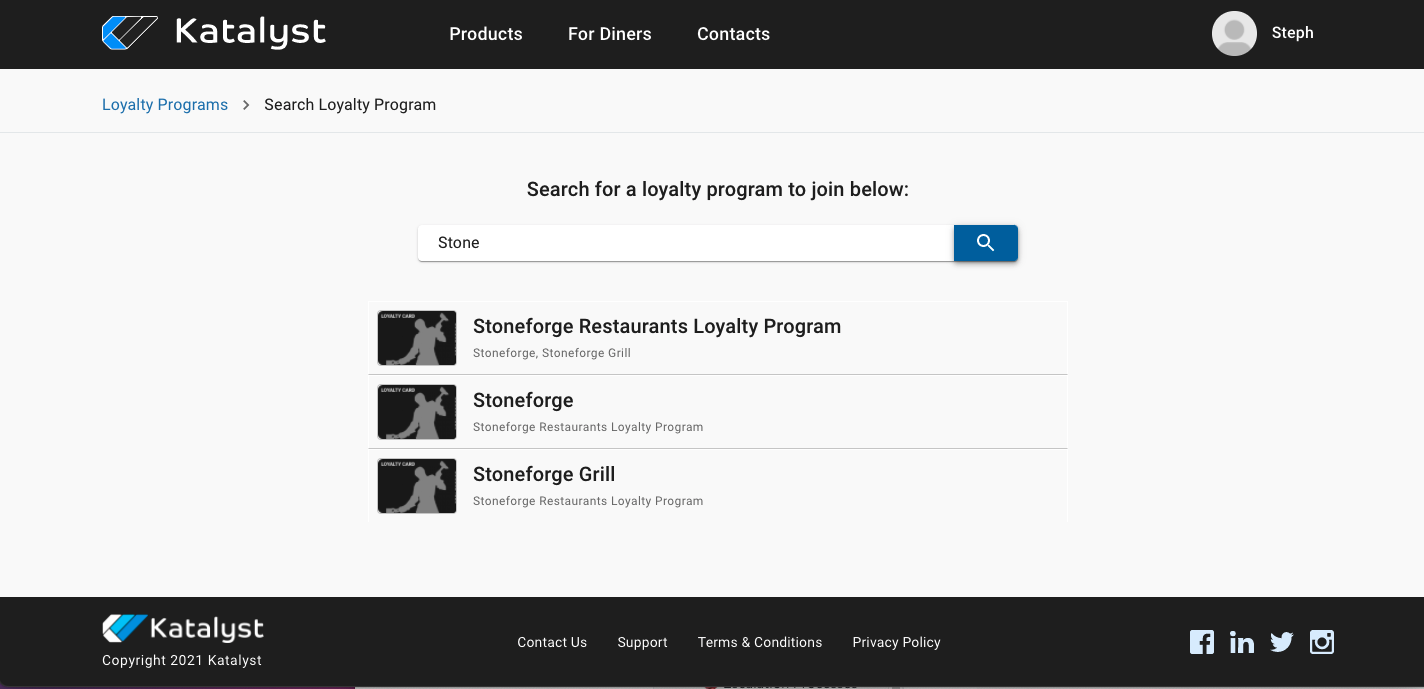
Once they hit the search magnifying glass, any restaurant or group that can be associated with what was typed will appear. From here, the customer should select which program they would like to become a part of.
The system will ask if they plan on becoming a member of this group at which point they would click proceed. Once they do, the loyalty program will be added to the account.
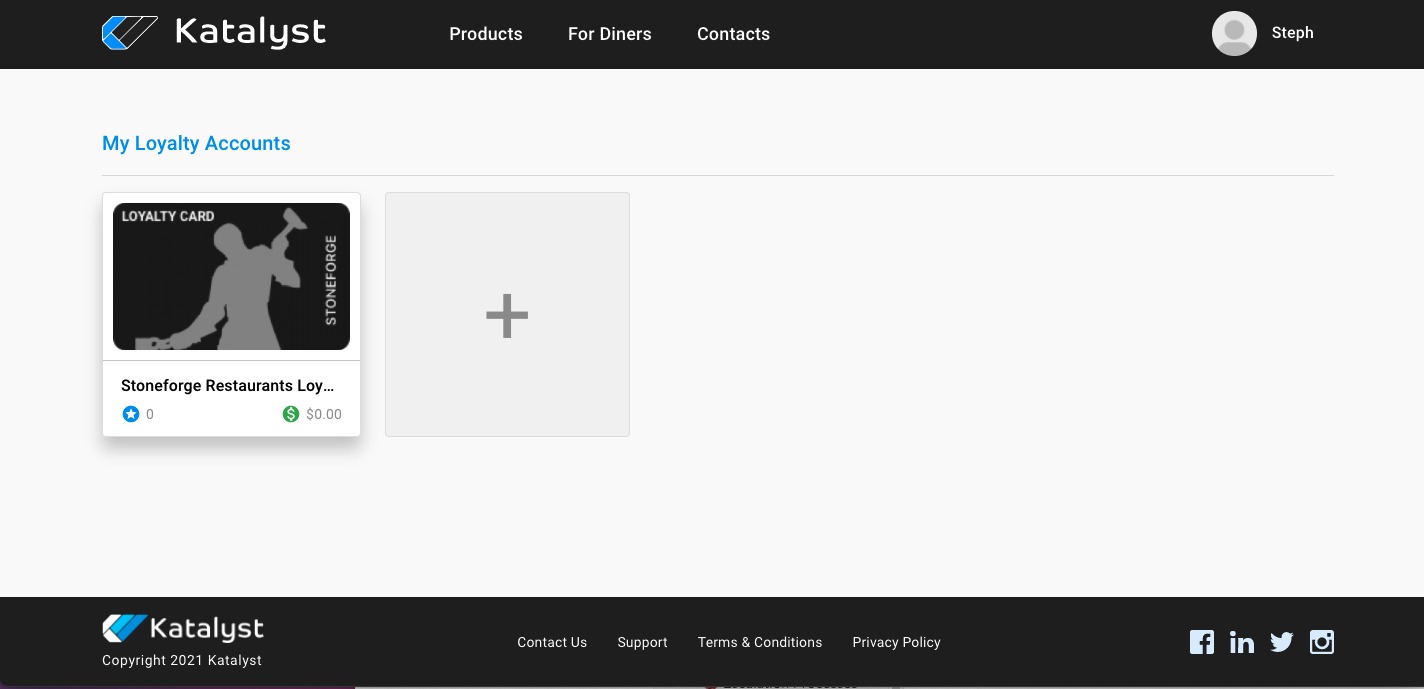
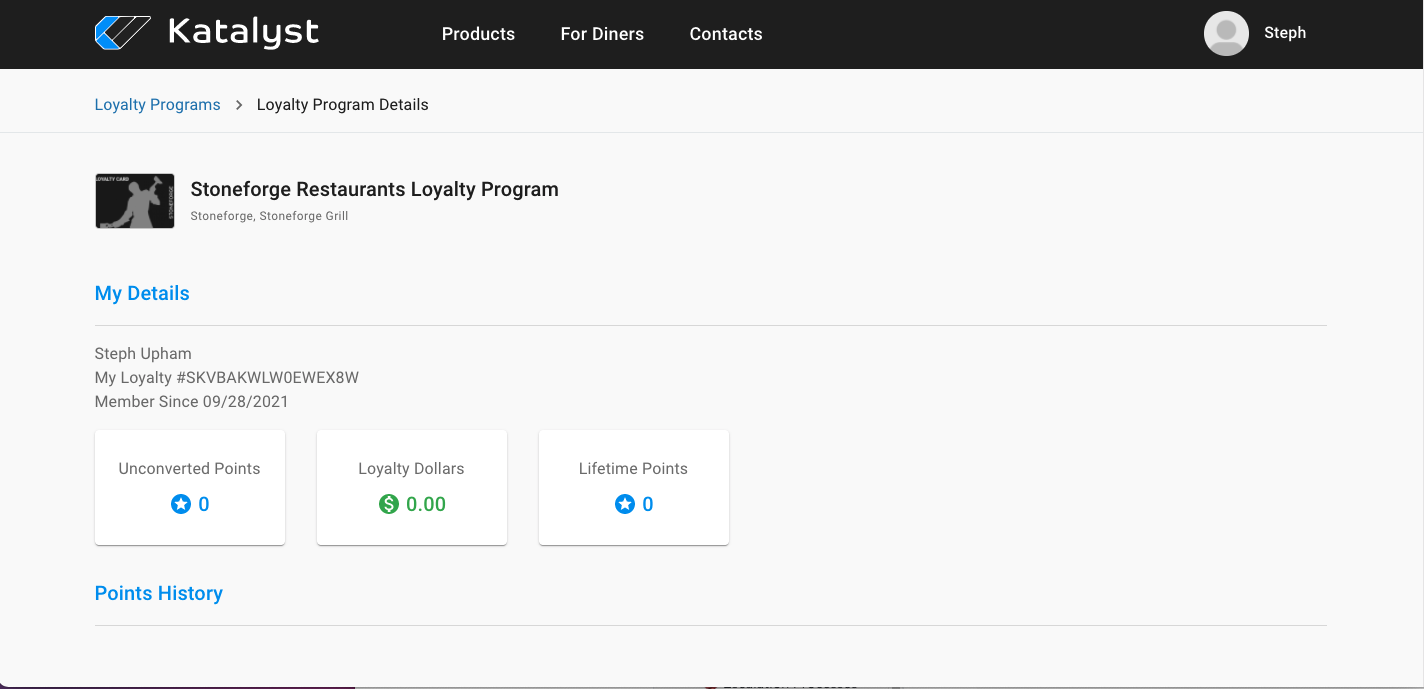
If they click on the loyalty program that has been added to their account, they will be given their loyalty member details. From here, they can see their loyalty number, member since date, and point accrual.