Sometimes an online order may get moved on accident in the take-out and delivery mode
Check in the completed/preparing columns. Also, check the Canceled and Completed statuses in-case the order was mistakenly manually Rejected or marked Complete. If the order is somewhere it should not be, then you can tap on the order's status and a pop-up will appear. Tap where you want the check to go and that will move it back.
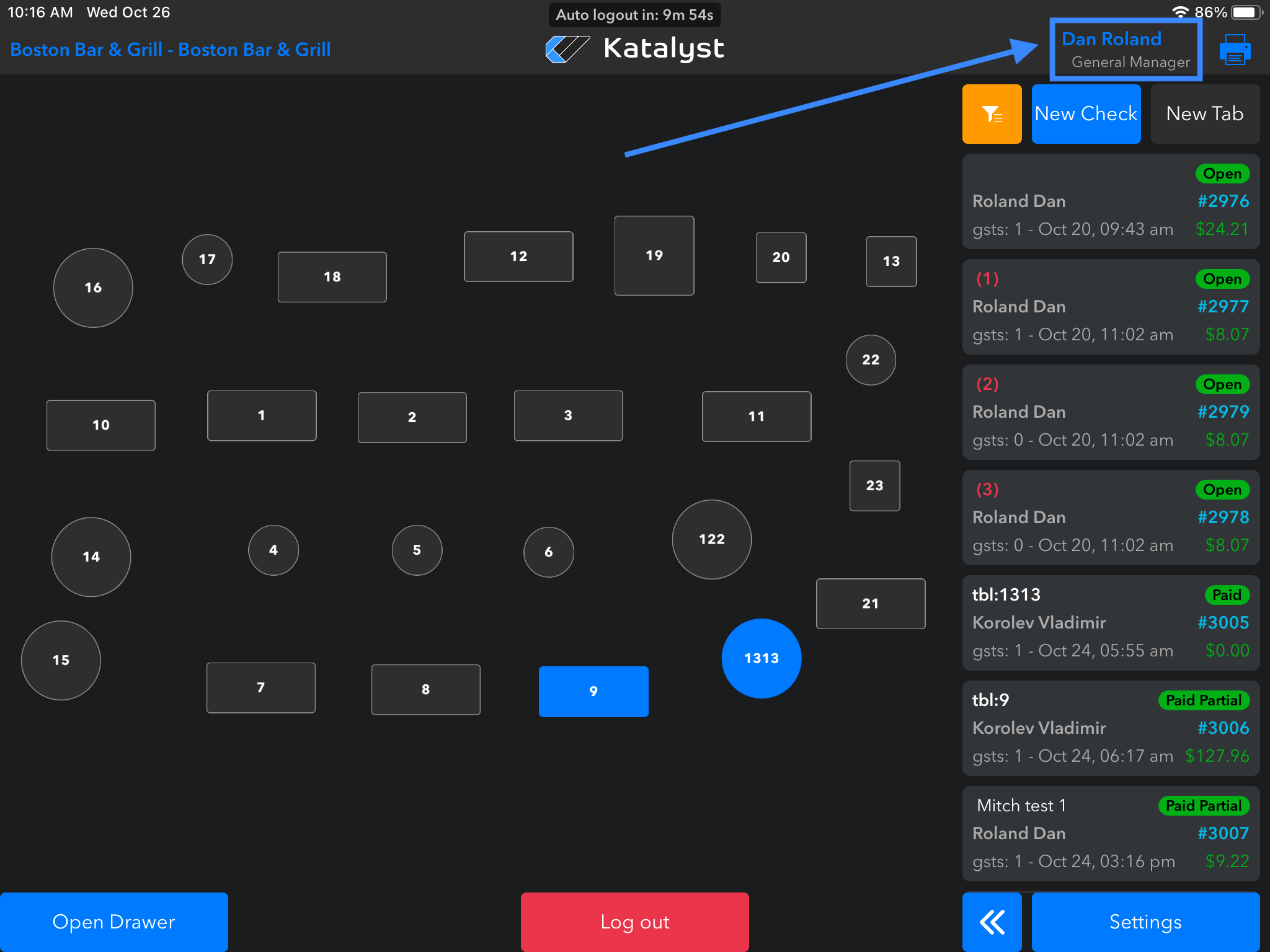
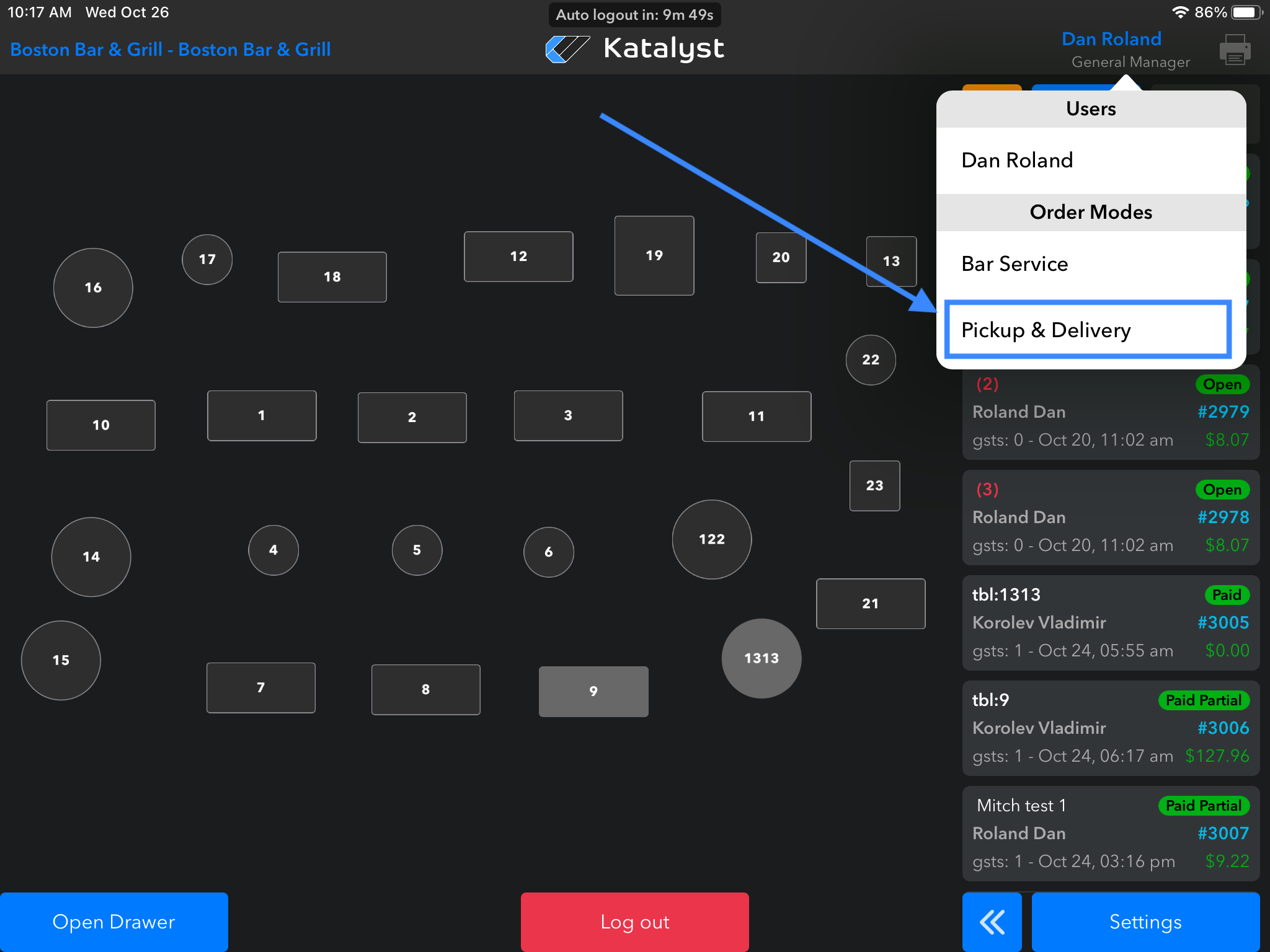
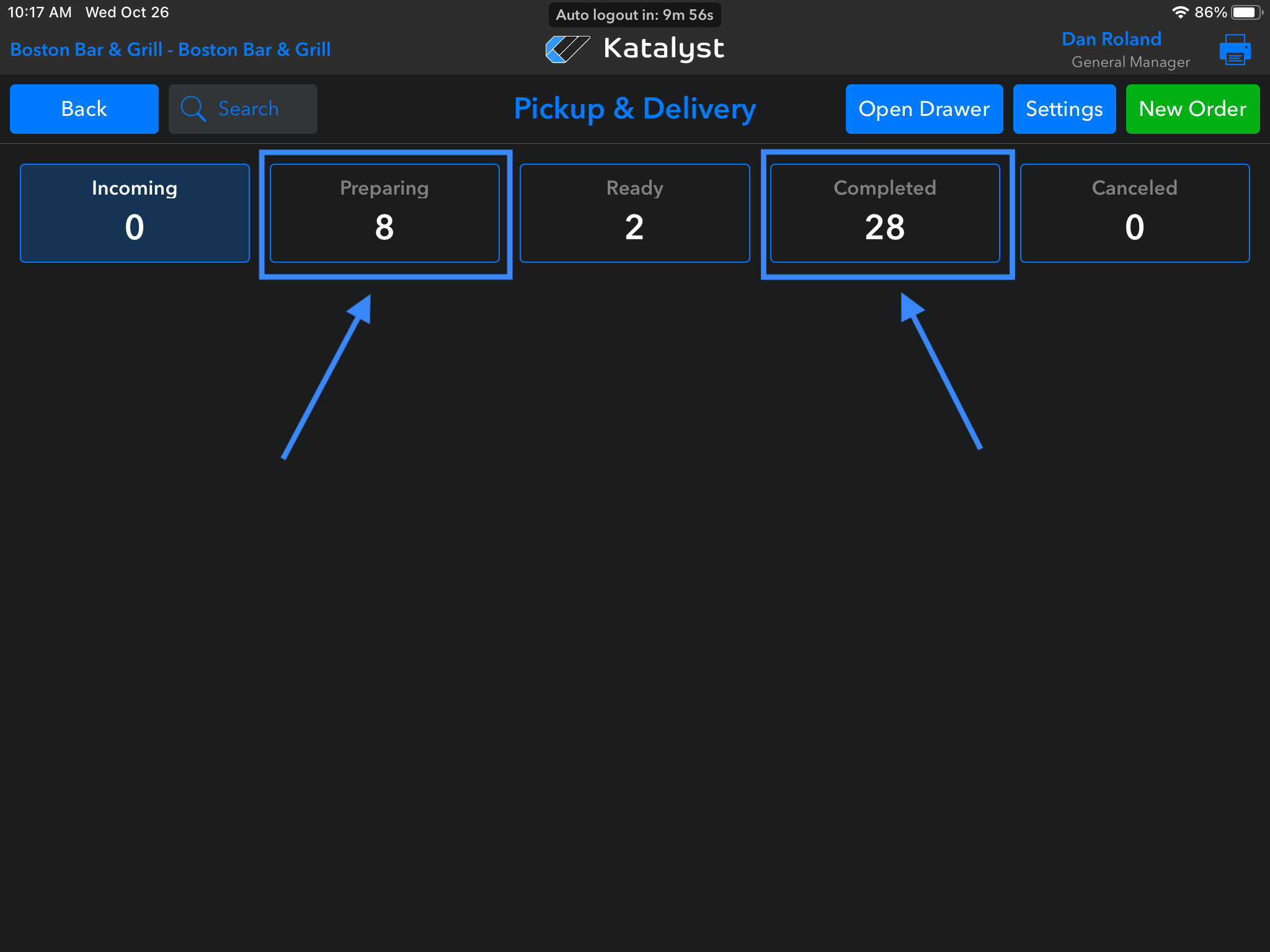
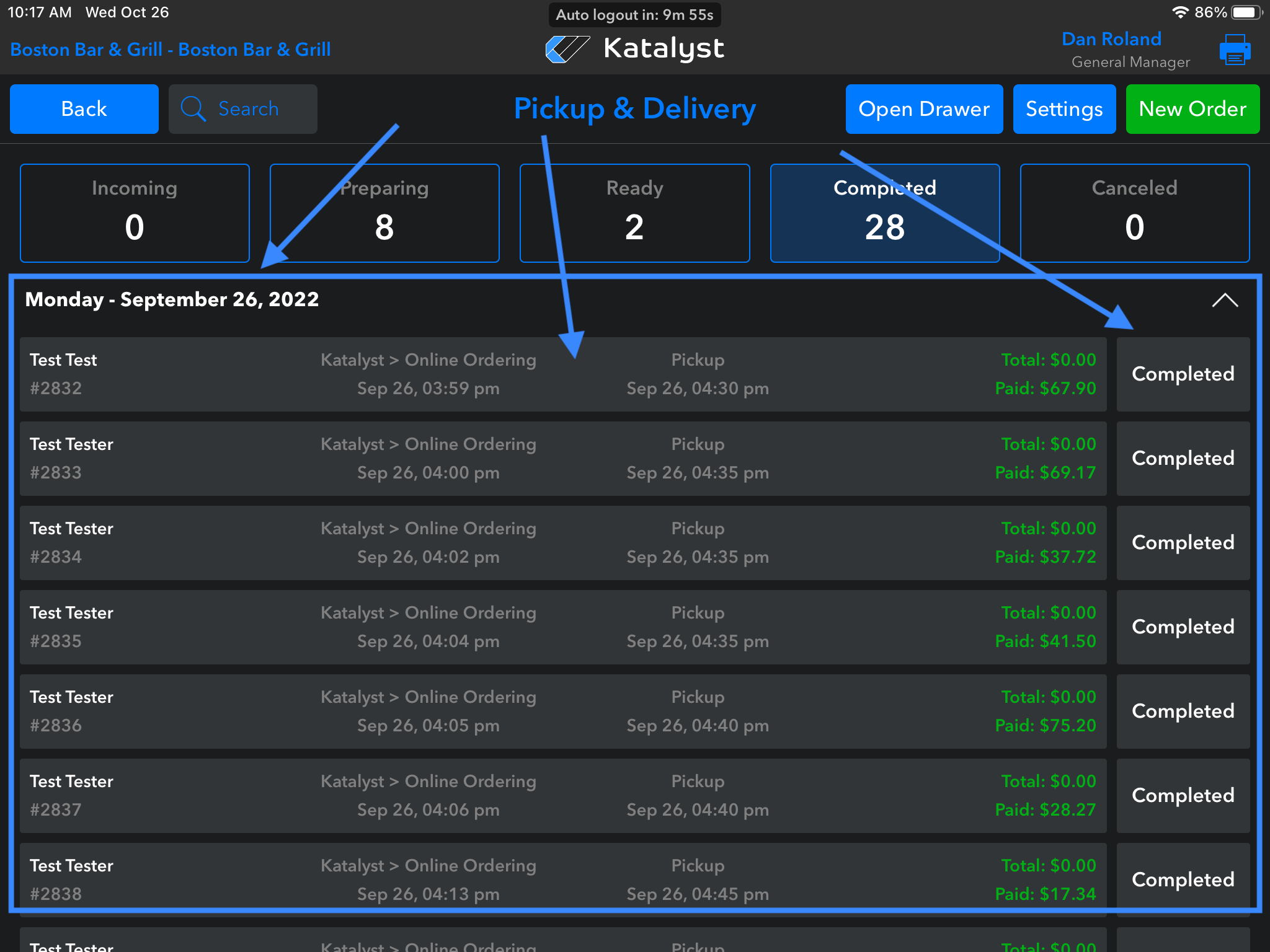
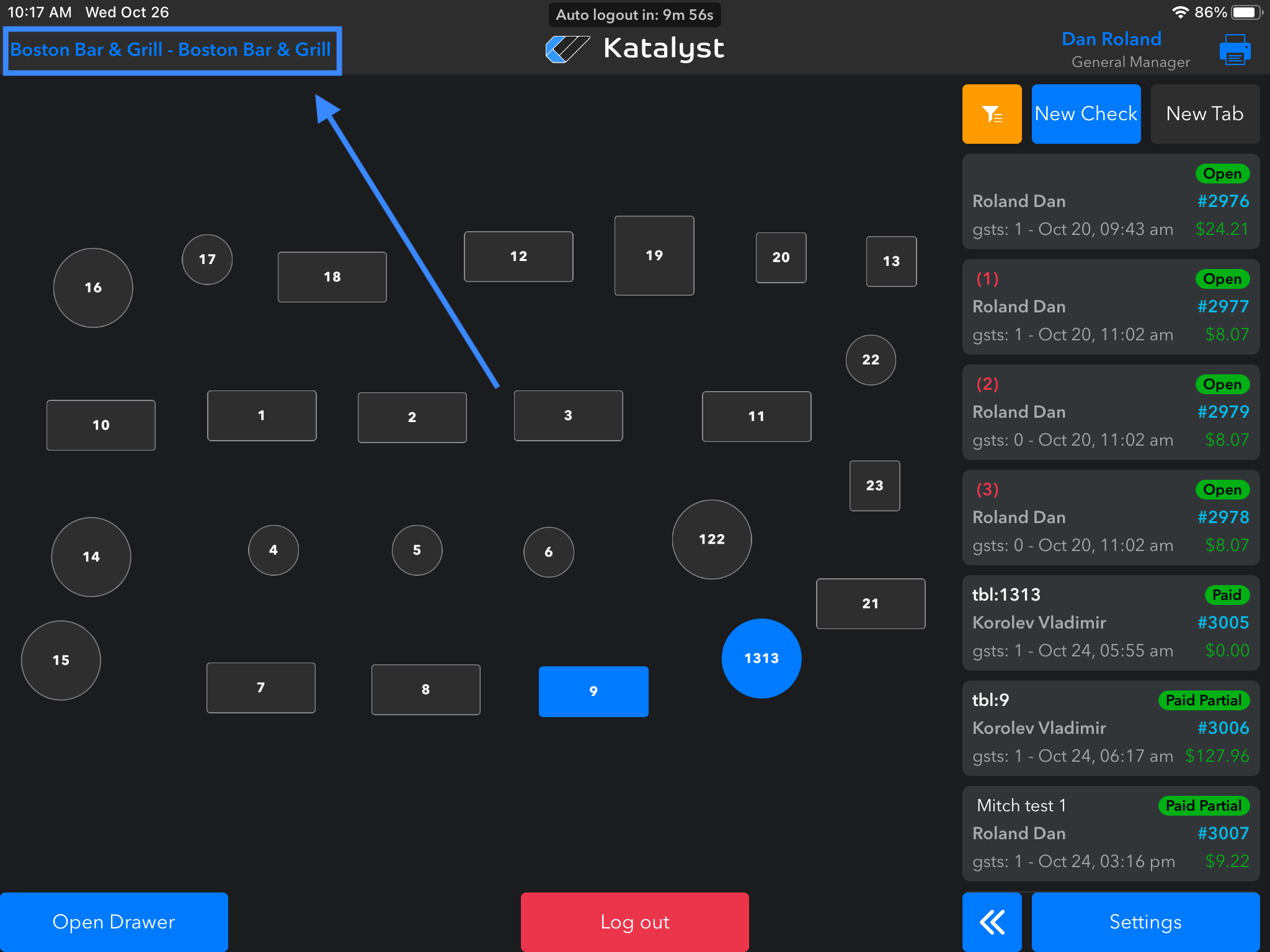
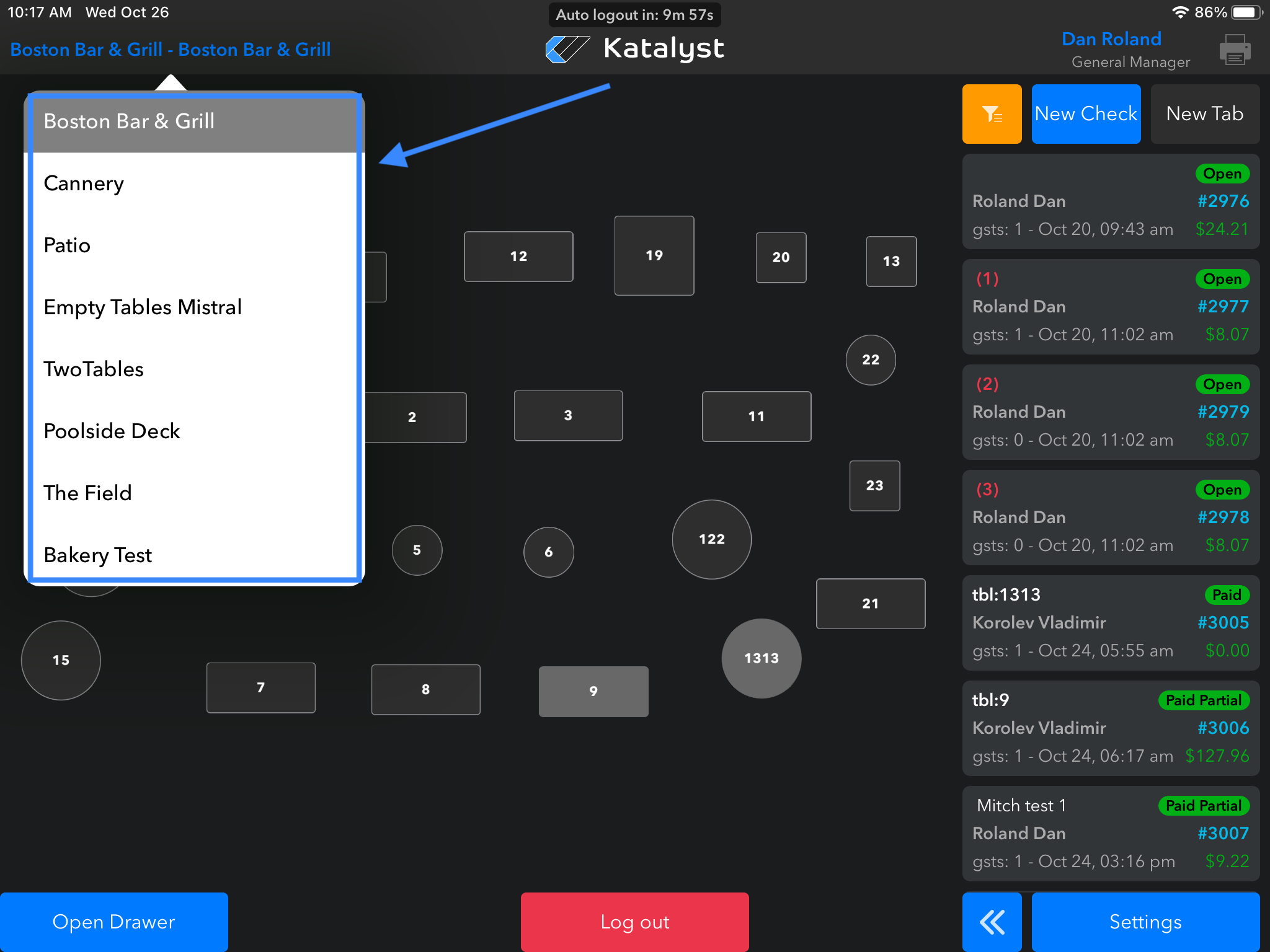
It's also possible that the order was put in the wrong revenue center or order mod. Check other revenue centers by clicking on the top right-hand menu.
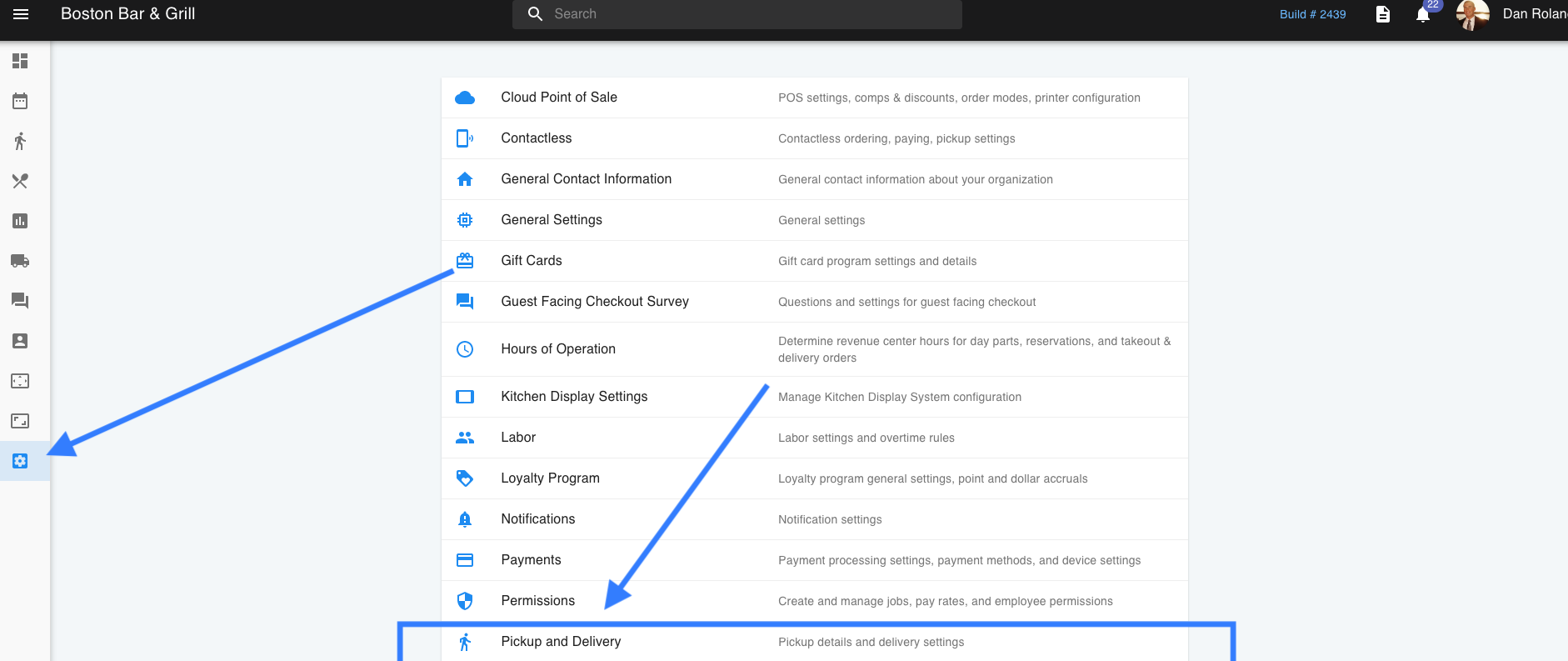
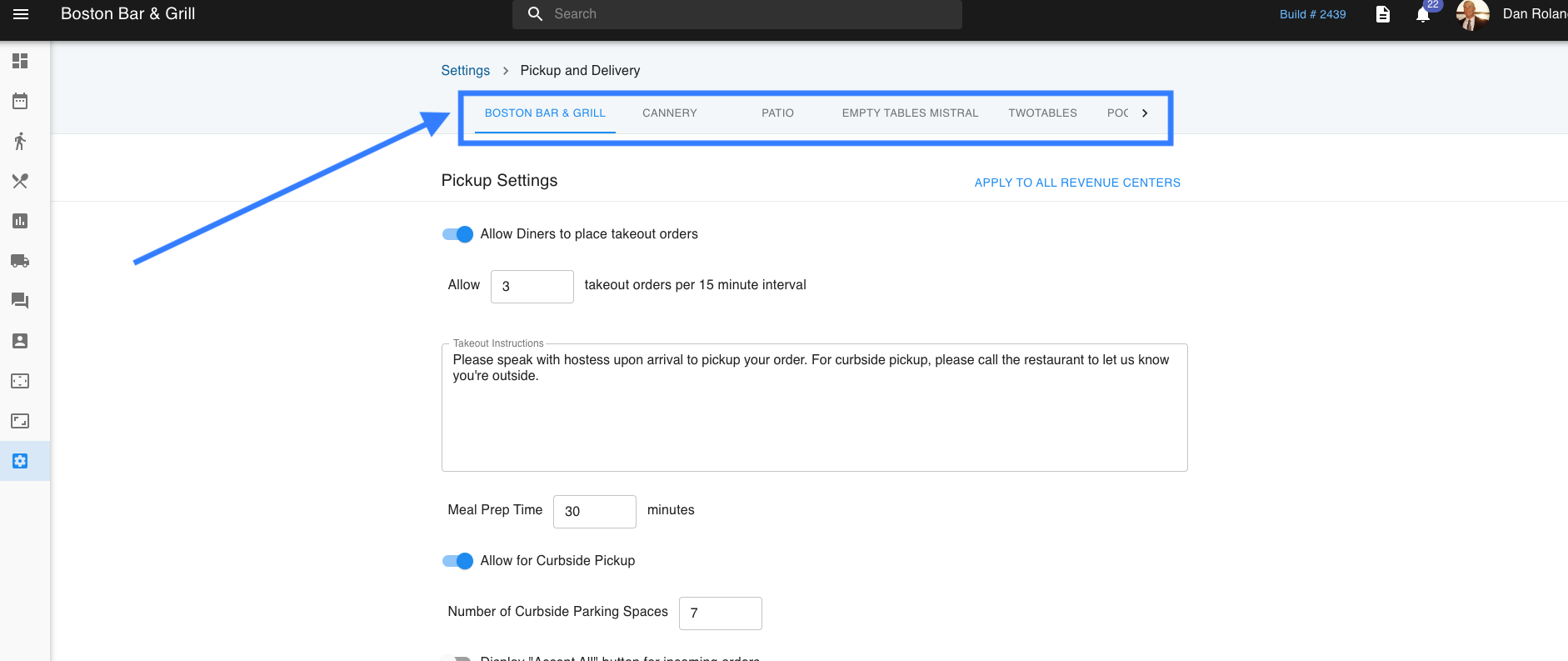
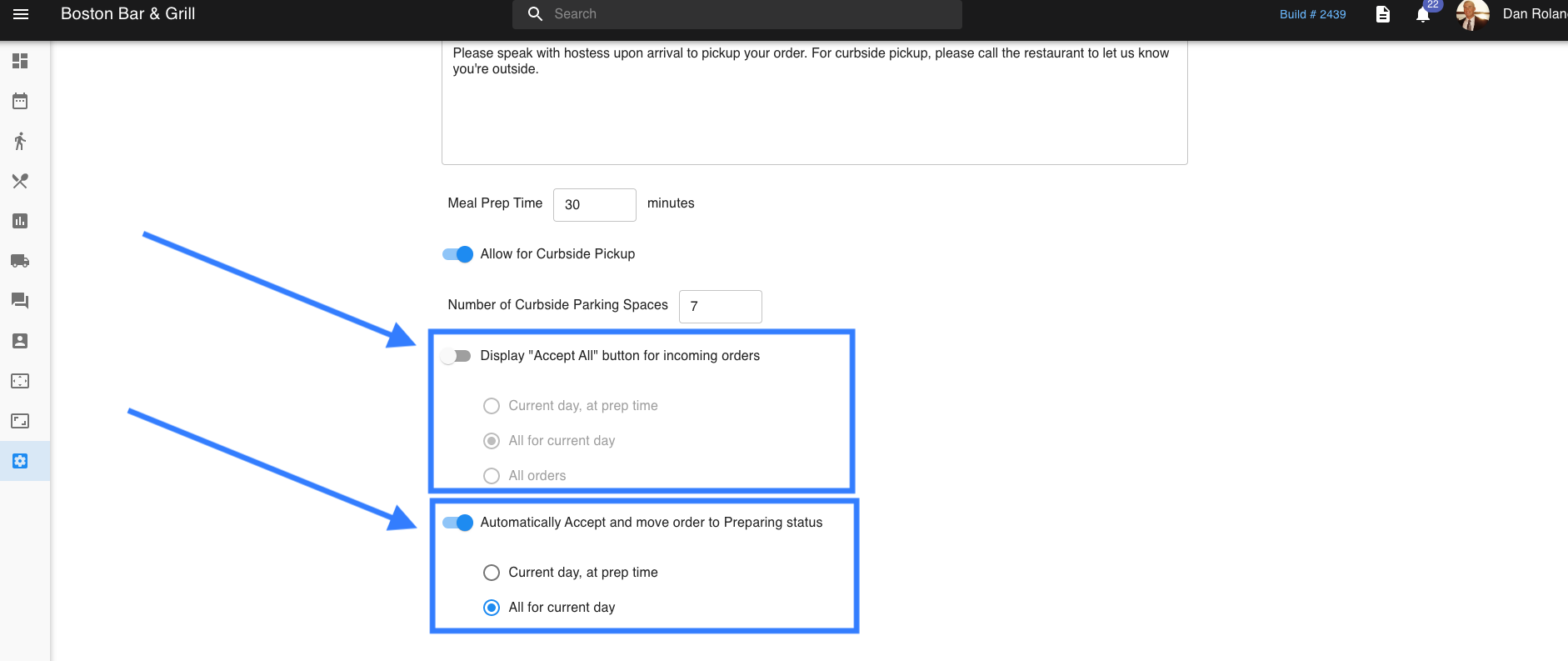
There are some toggles that you can utilize on the back end(Admin Portal) as well. To check these toggles go to: Settings > Pick Up and Delivery. The toggles to check are the Display "Accept All" button for incoming orders and Automatically Accept and move order to Preparing status.
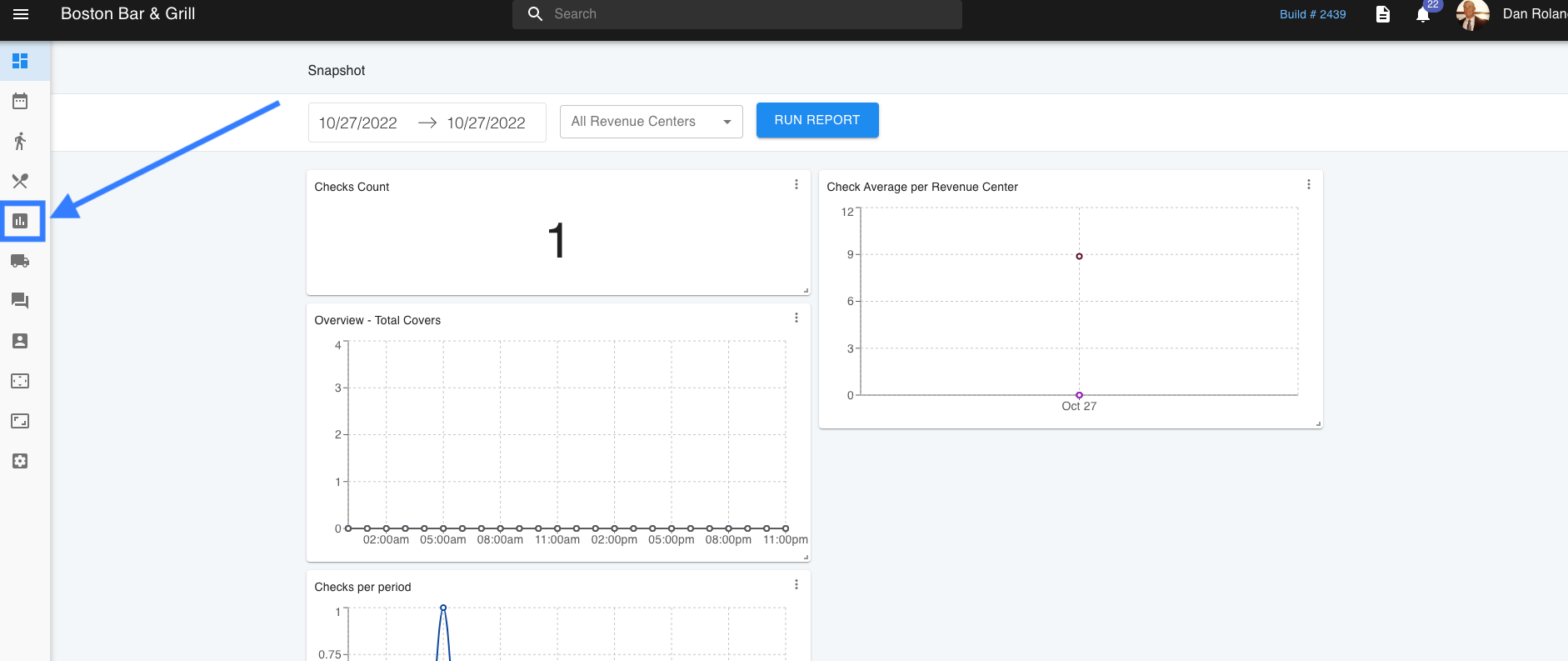
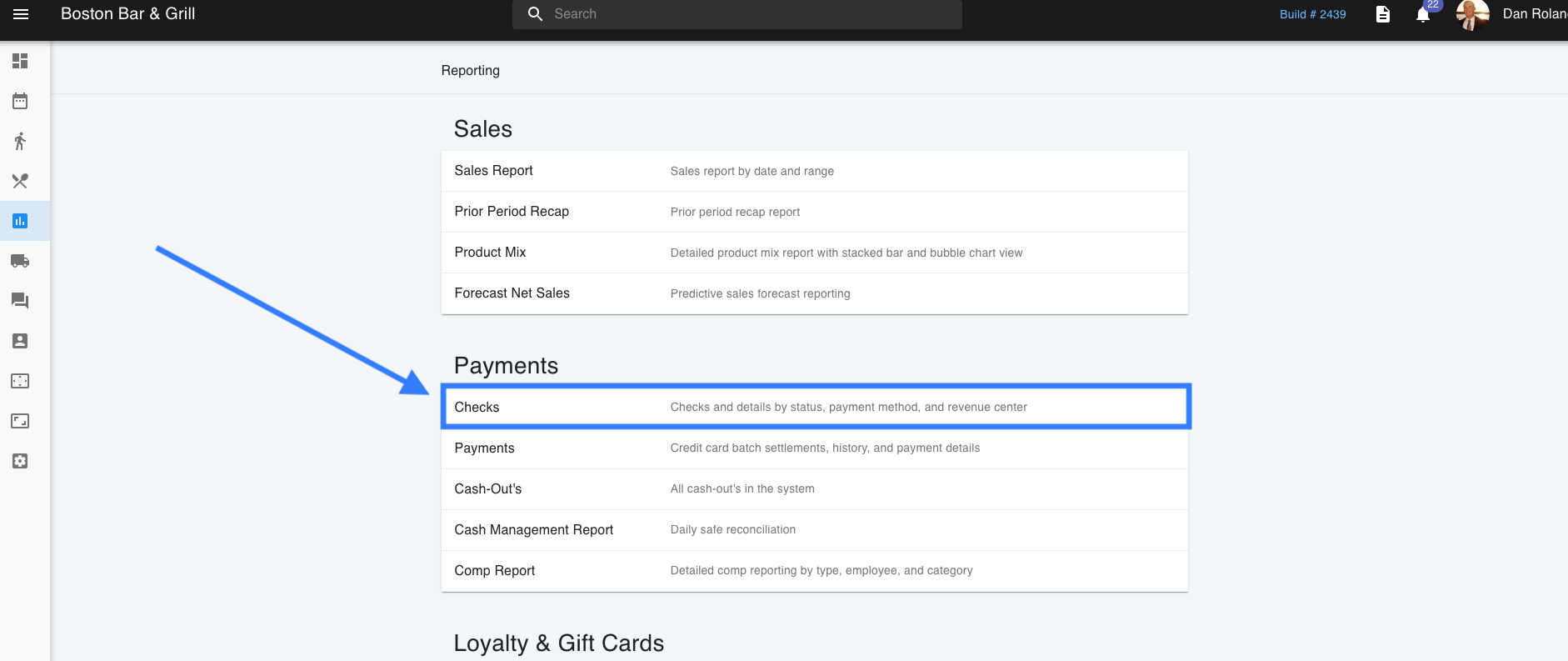
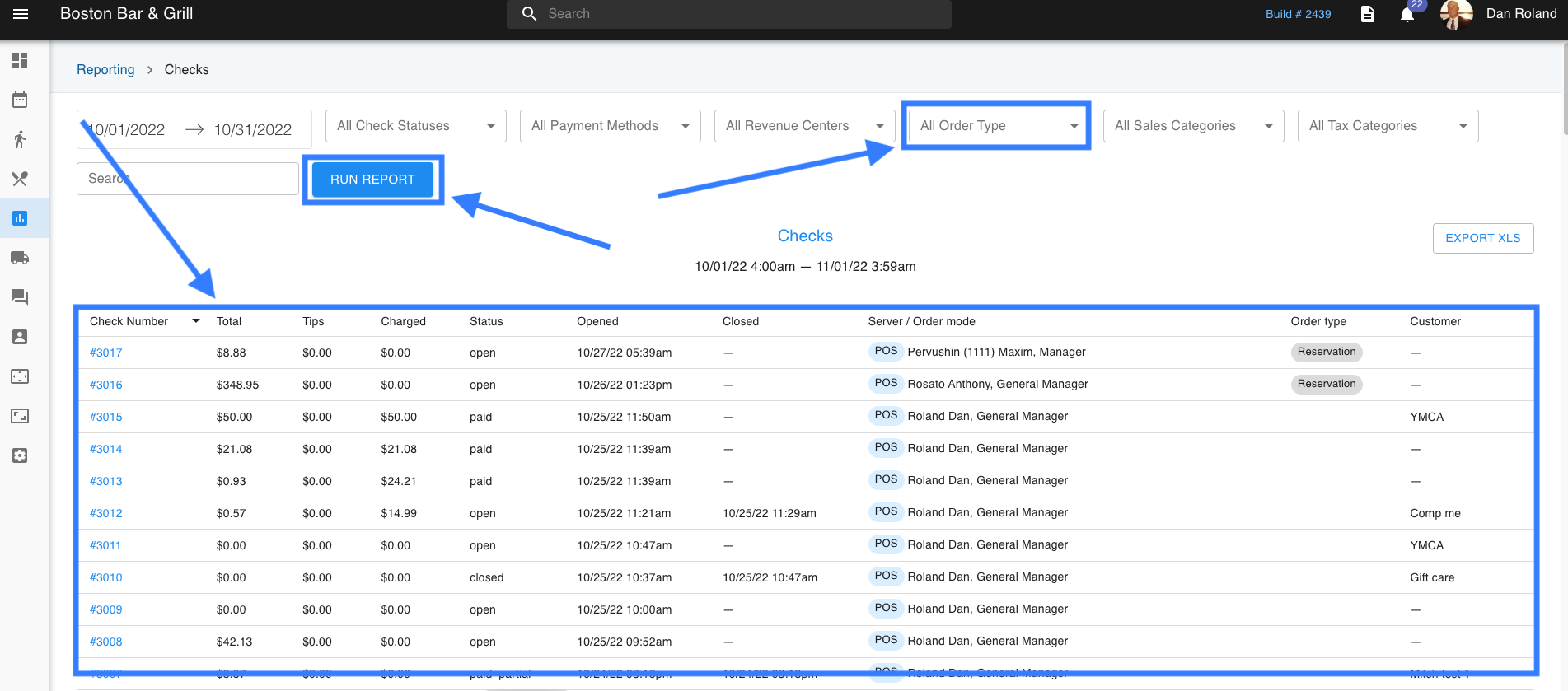
Lastly, you can also check in the reports section to see where the check might be. Go to the web side and then go to Reports > Checks. Search by the check number or you can also search by check amount. If you don't have any information on the check, you can look at types to filter out orders.