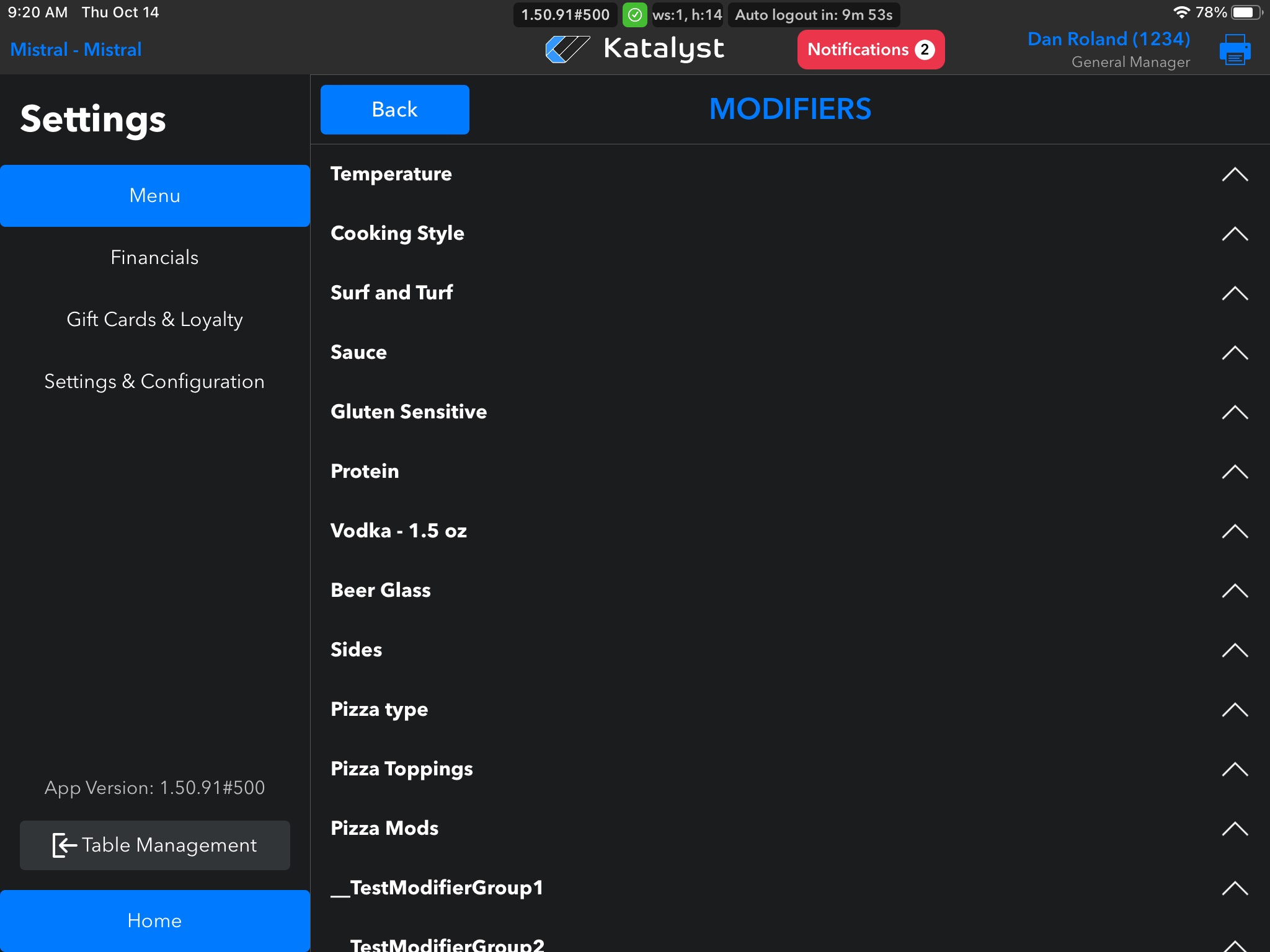
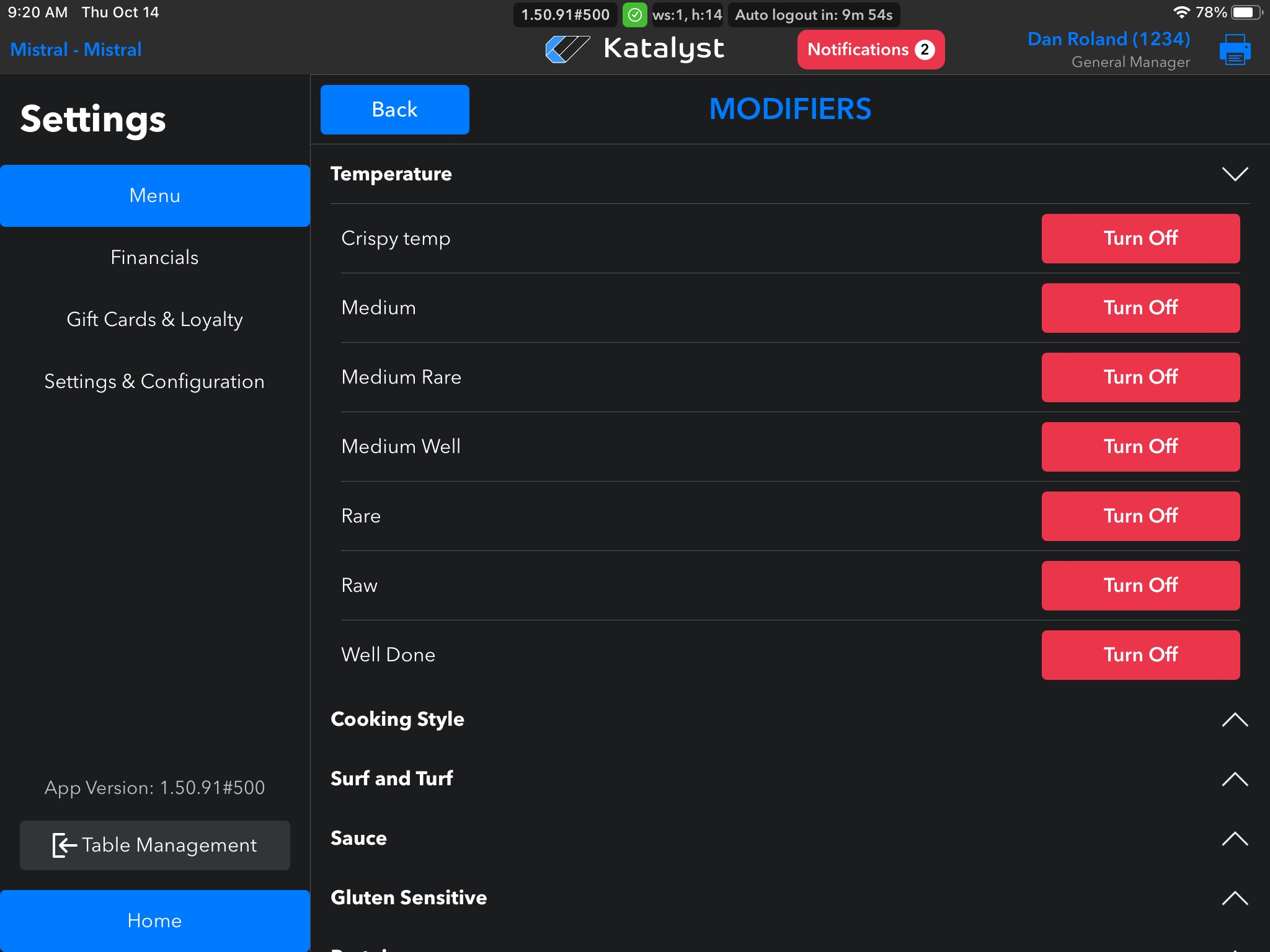
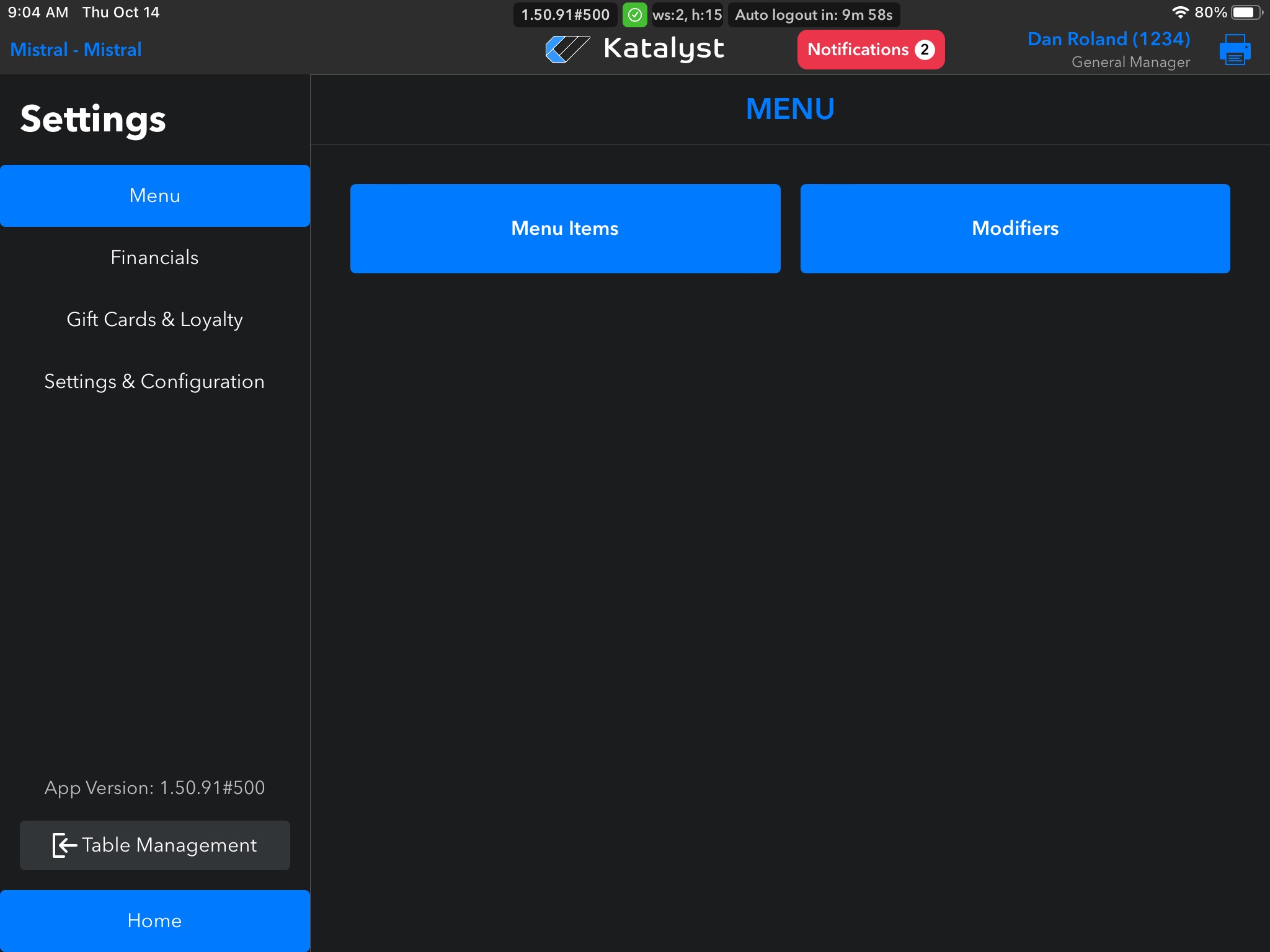
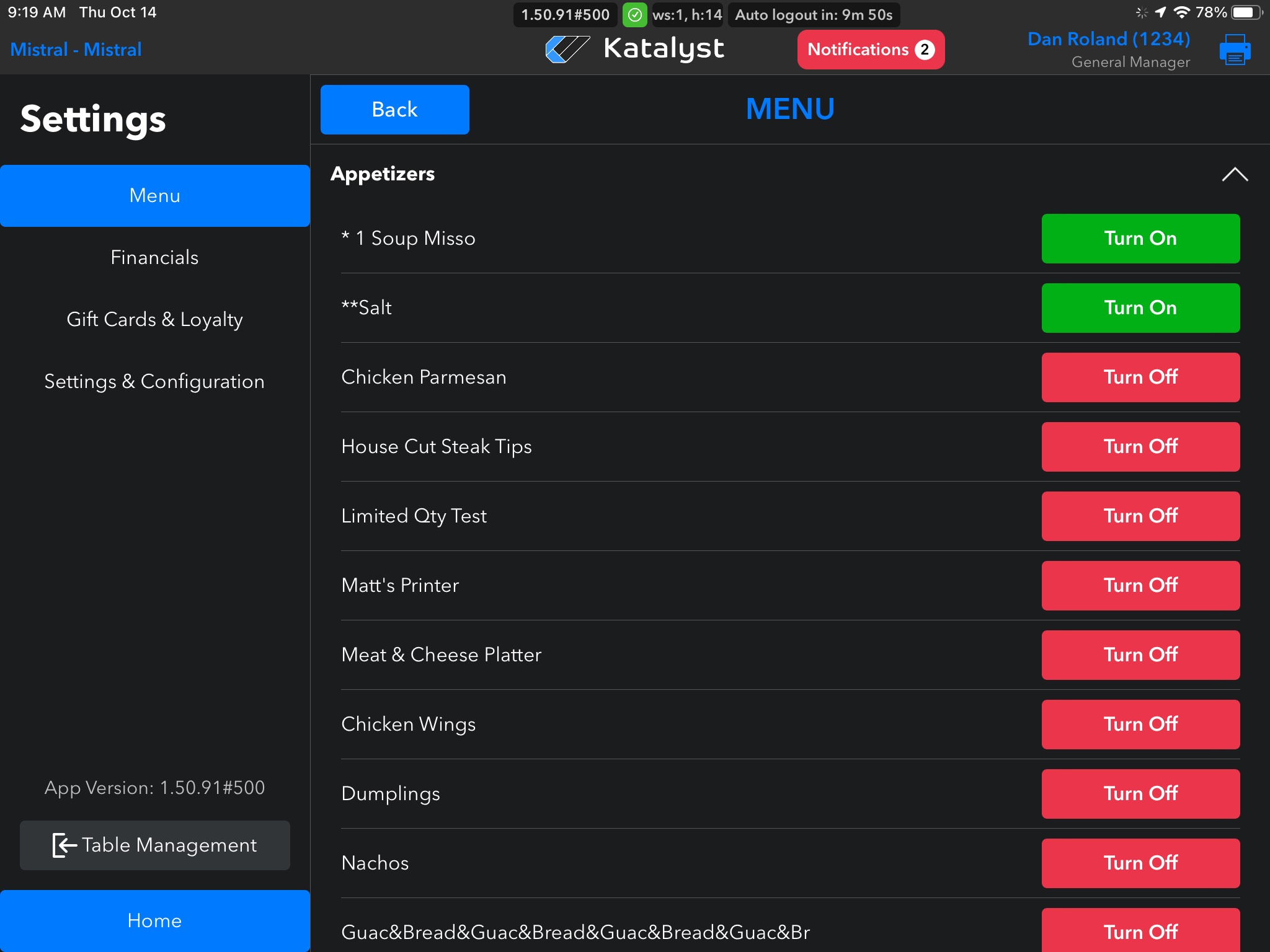
From the menu settings, you can make edits to Menu Items and Modifiers. This will be the go-to page if an item needs to be 86'd as well.
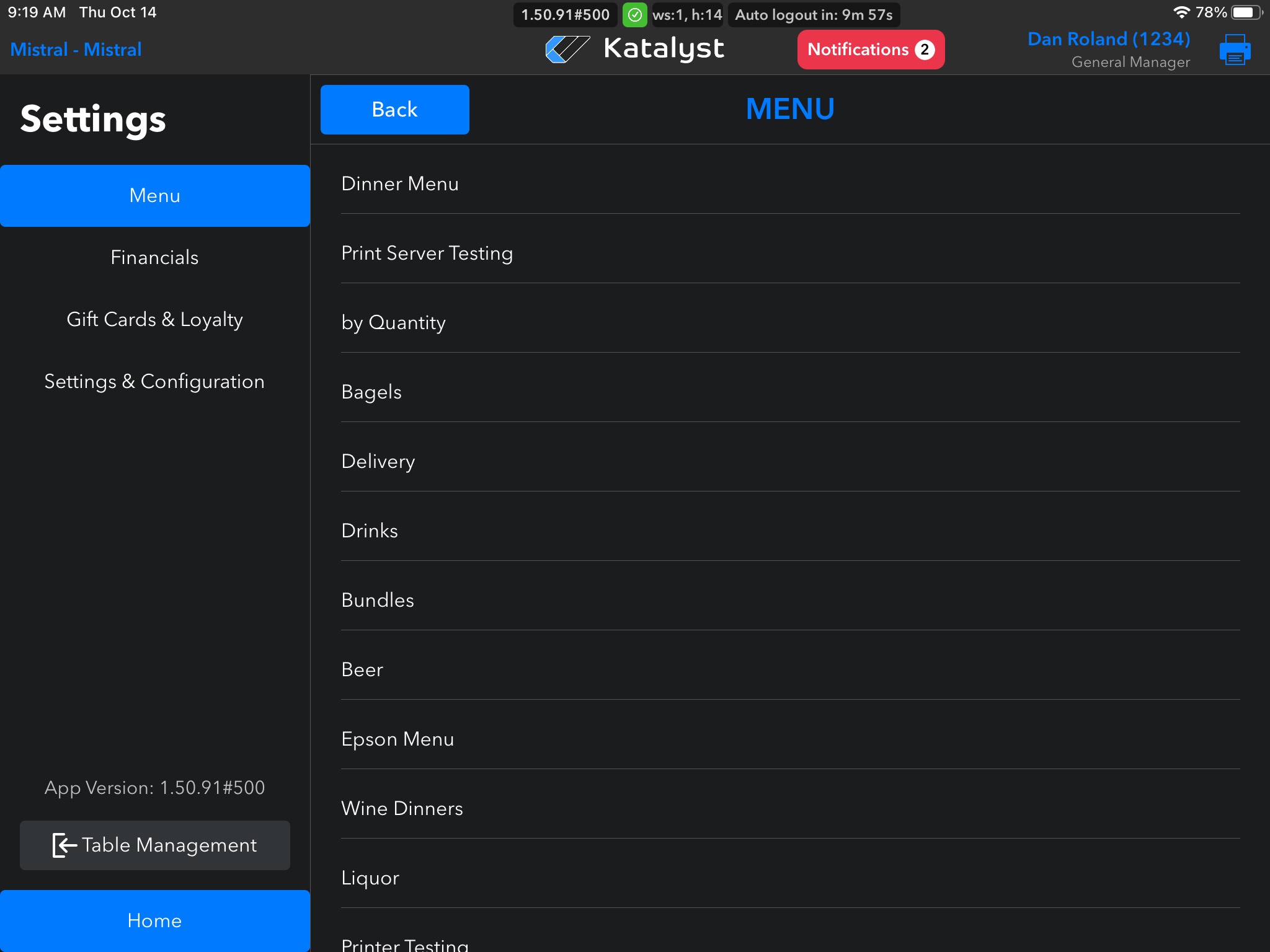
Clicking into Menu Items will show you all menu options in the order that appear in the POS.
Clicking on a menu option will show all options under this menu modal. From here, you can 86 an item. This is a common restaurant term meaning that the restaurant has run out of an item. If this happens, the item should be turned off in the system so that staff can not continue to order the item. The staff just need to remember to go back in and turn the item back on should they get more.
Clicking into Modifiers will give you the same functionality, but just for the menu modifiers.