From Settings -> Gift Cards, you are able to control the gift cards. We can see that this merchant has an active gift card program as indicated by the blue active tag at the top right of the page. Here you can use the first toggle to allow gift card purchasing online. If this toggle is set to the off position it means that a customer visiting your page will not see an option to purchase a card online.
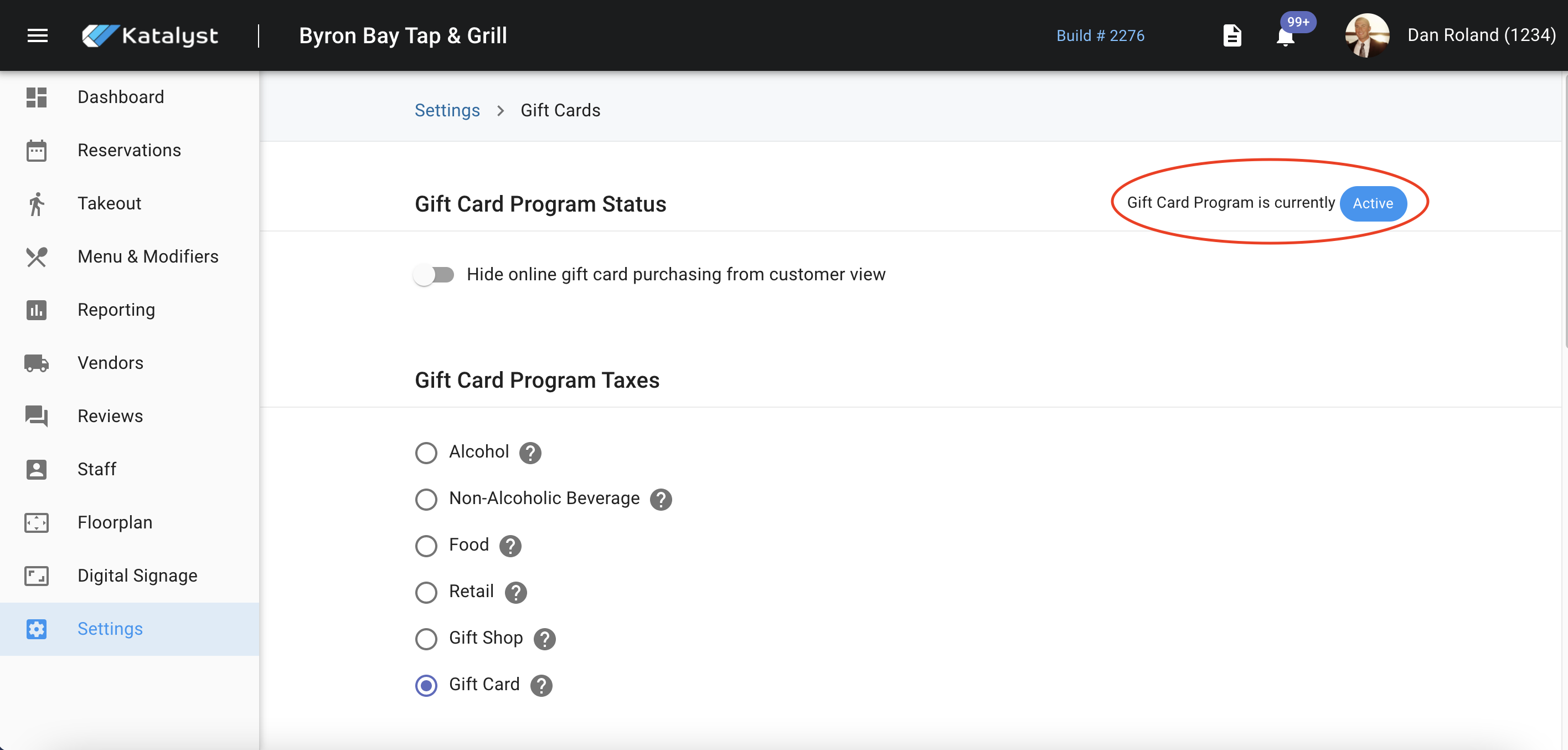 Pro tip - If you click on the circled area you can see the merchant's state and local tax.
Gift card types are where you can indicate what type of gift card you offer. These toggles allow for electronic gift cards, mailed physical gift cards, and in-person physical gift cards.
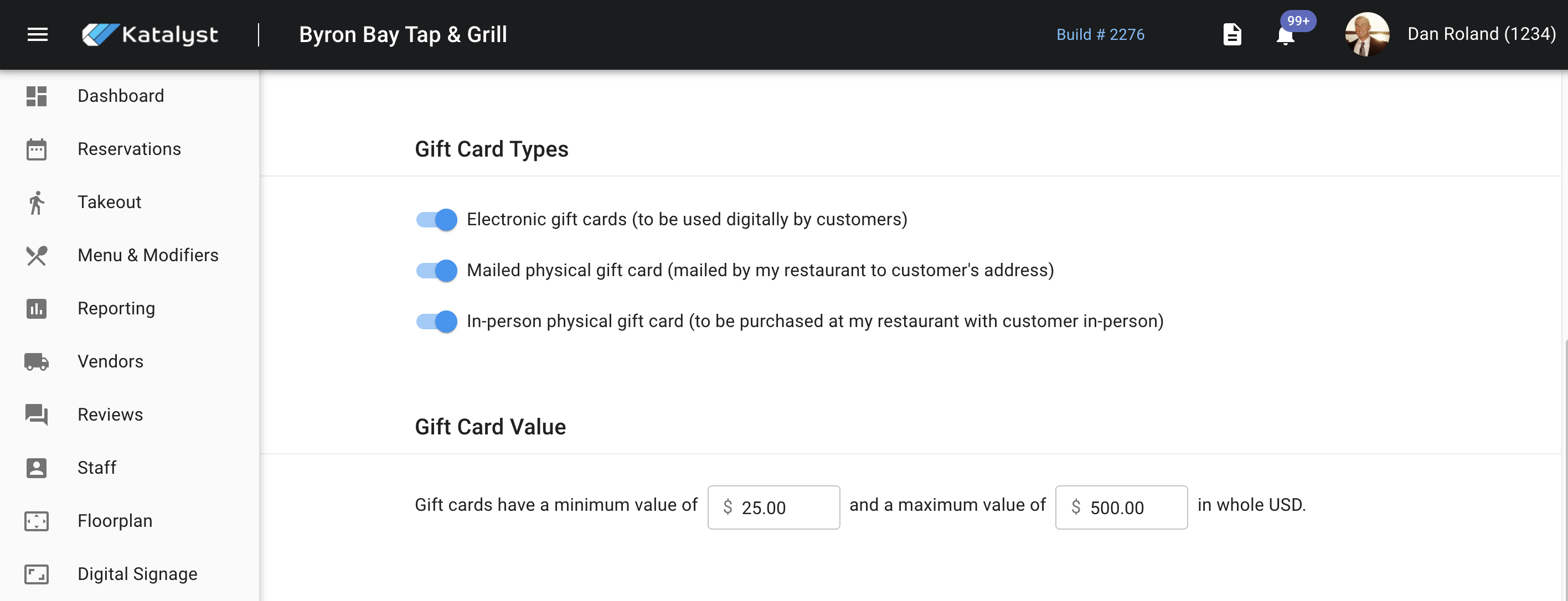
Below the gift card types settings, you're able to set the minimum purchase price value of a gift card. In this instance, your minimum purchase price is $25. You can also apply a maximum value as well. Here that is set for $500.
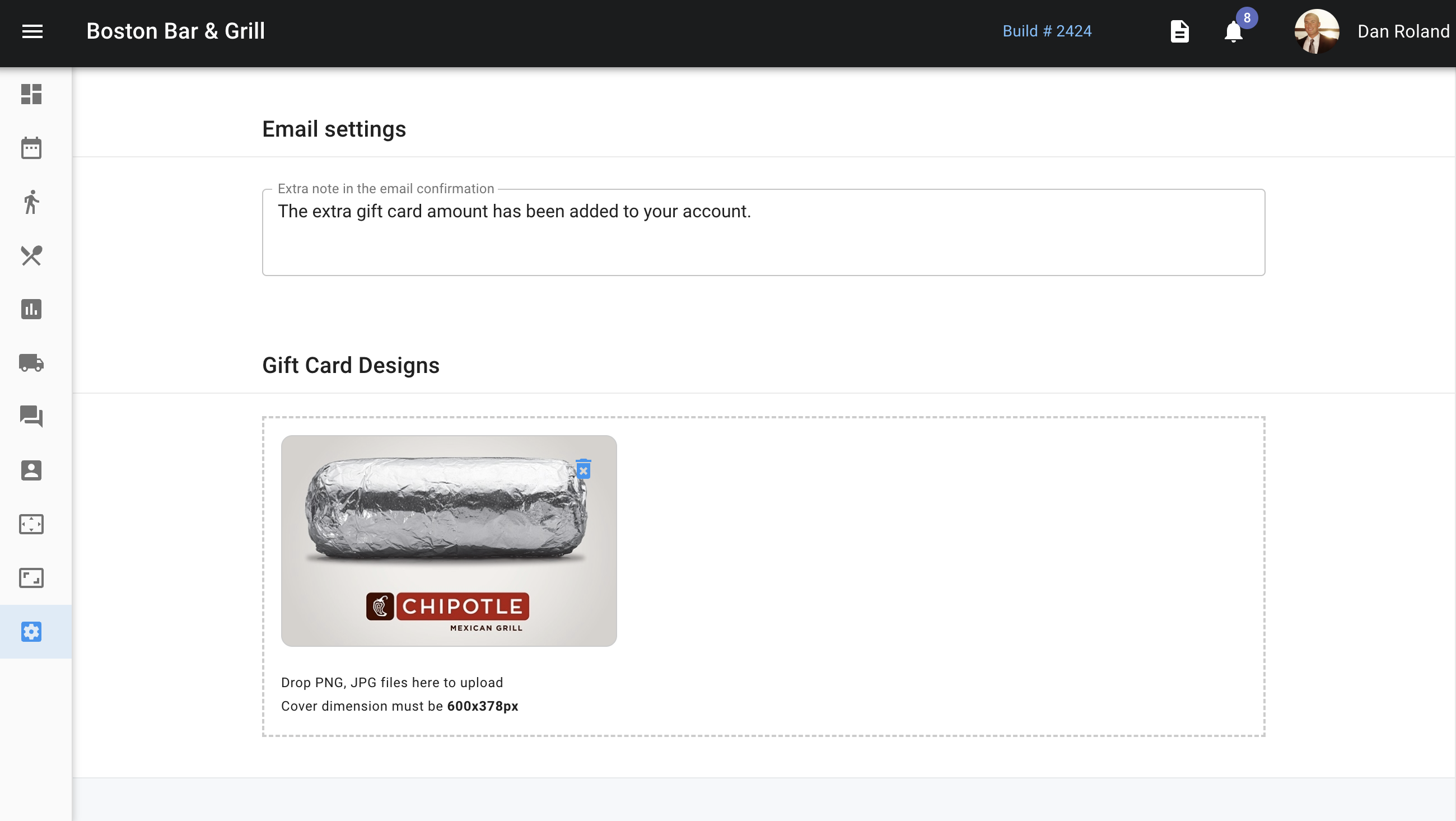 Below the gift card value settings is where a standard email notification can be set for adding money to a gift card. Below the email settings, you can also attach a photo for your first cards using drag and drop.