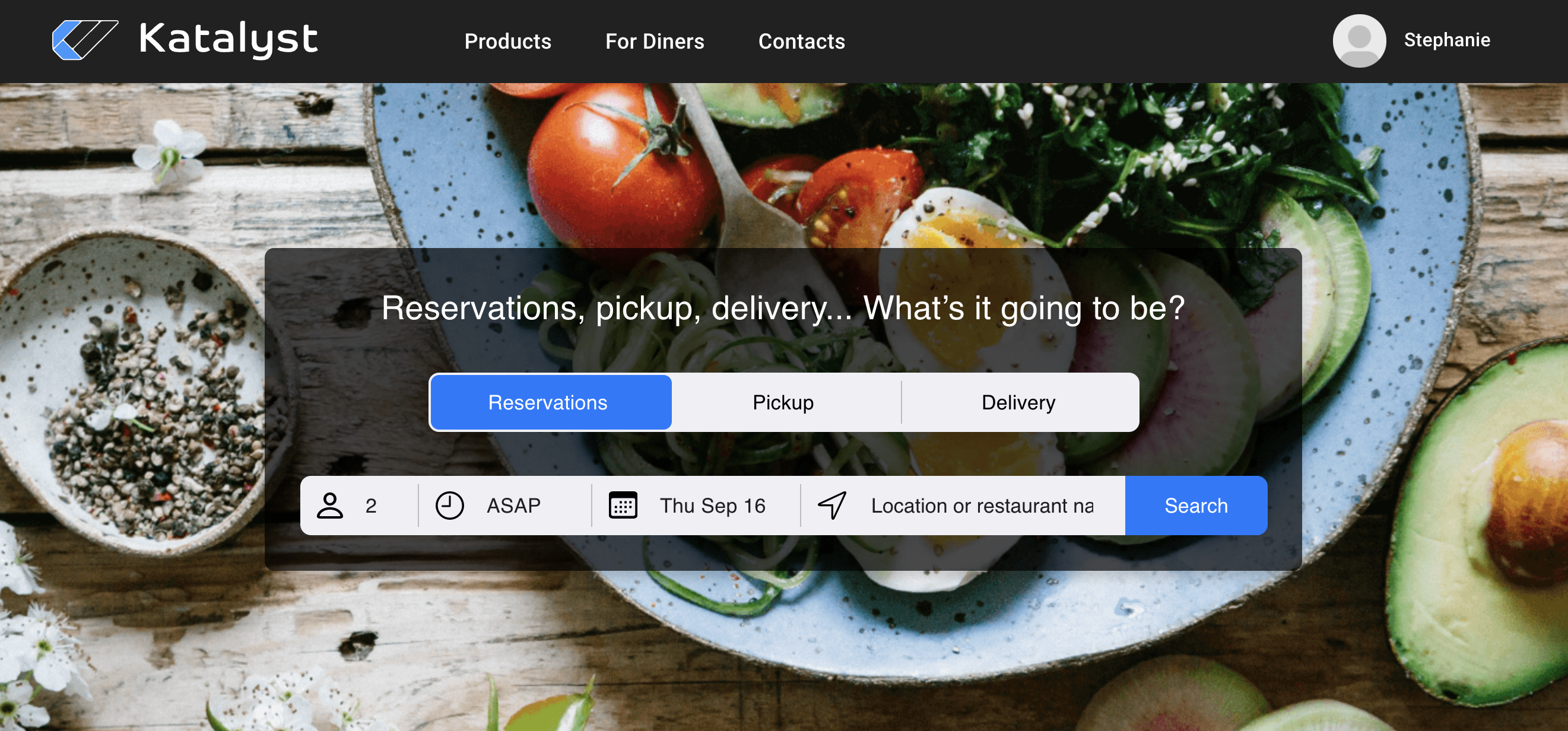
Once your customers are on the page below, they can select either reservation, pickup, or delivery. They may choose their headcount, when they would like to make a reservation, they may schedule a pick or delivery, and finally what area they would like to search.
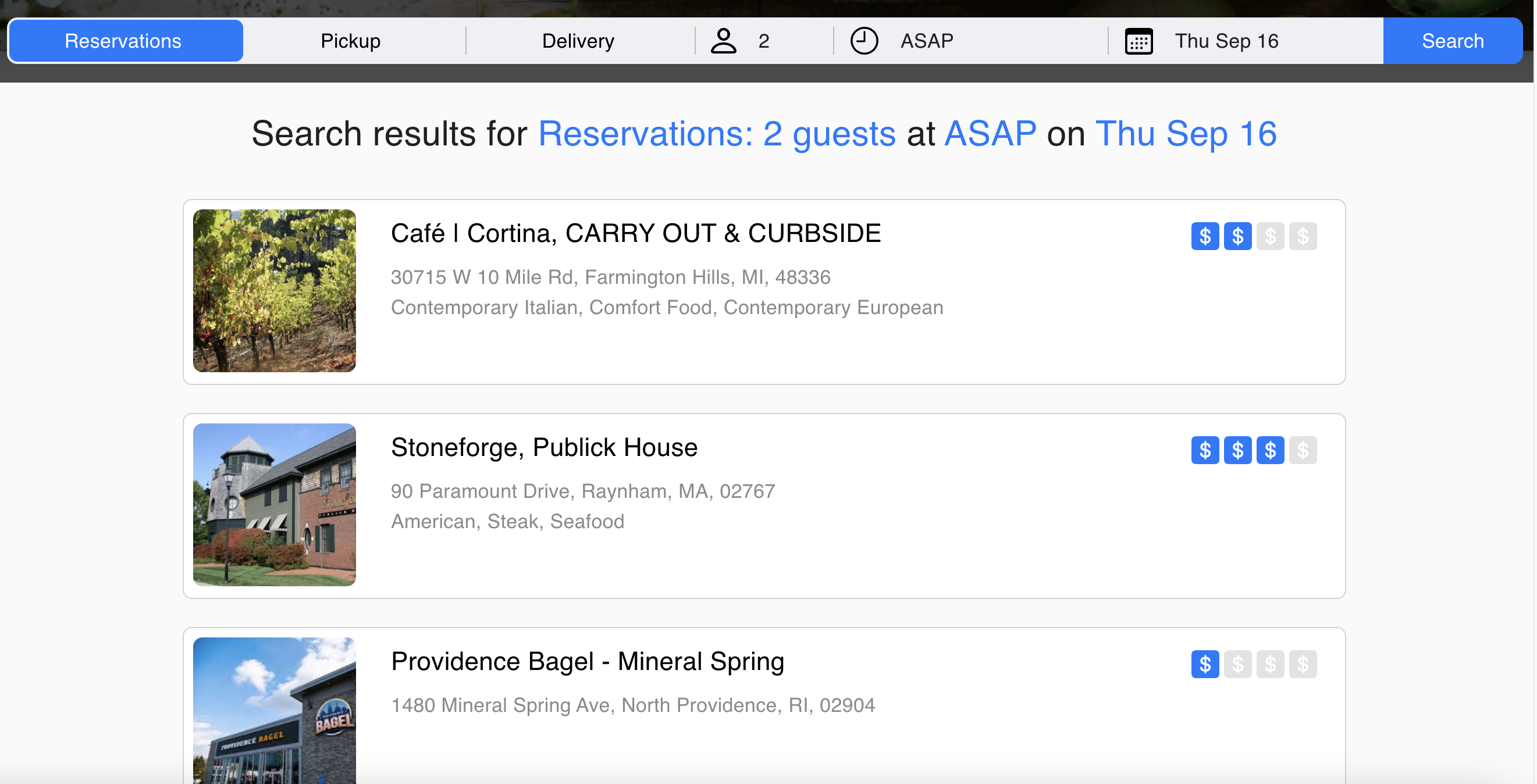
Once they have filtered out their times, location, etc., available restaurants will populate. From here the customer will be able to see the restaurant's rating, address, and food type. Once the customer knows which restaurant they would like to look at, they can click on it.
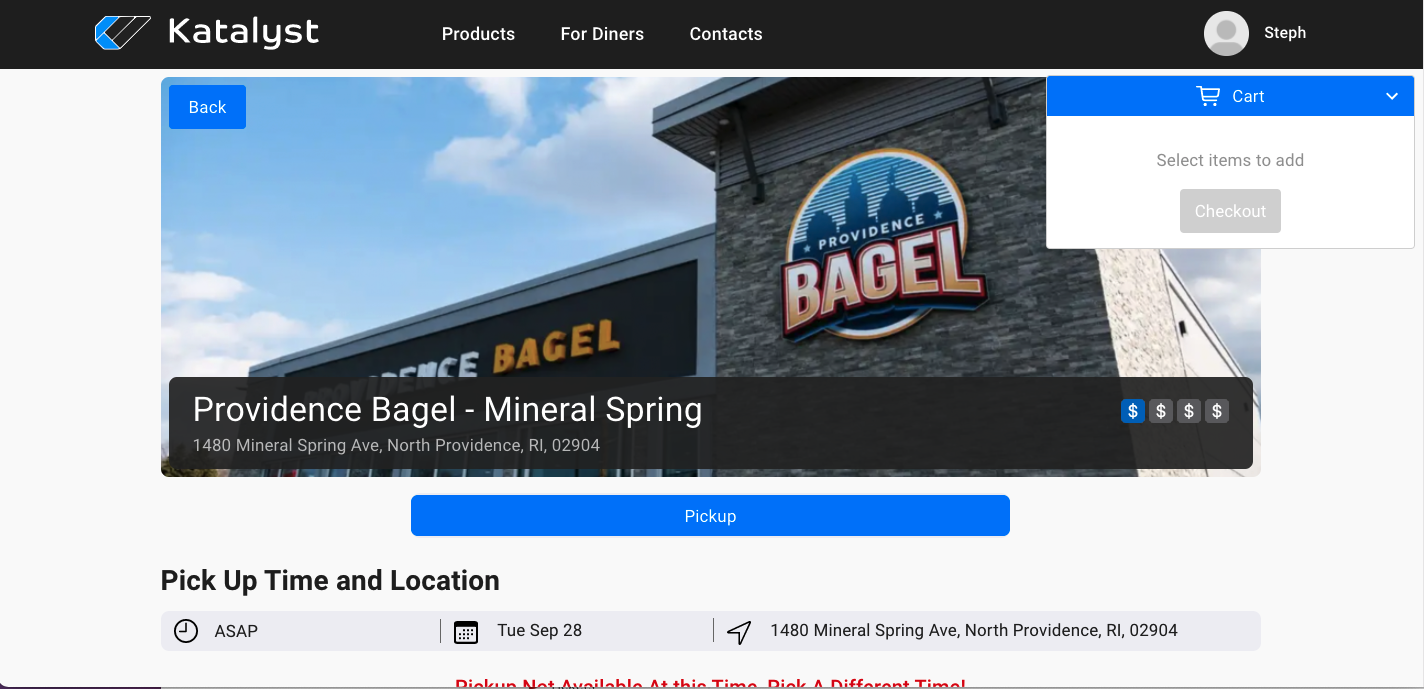
Once the customer is on the restaurant's page, they will see a header with a photo, as well as what the customer has set for time, date, and address. In the upper right-hand corner there will be the customer's cart which they can leave dropped down or by clicking on the down arrow to collapse the cart view.
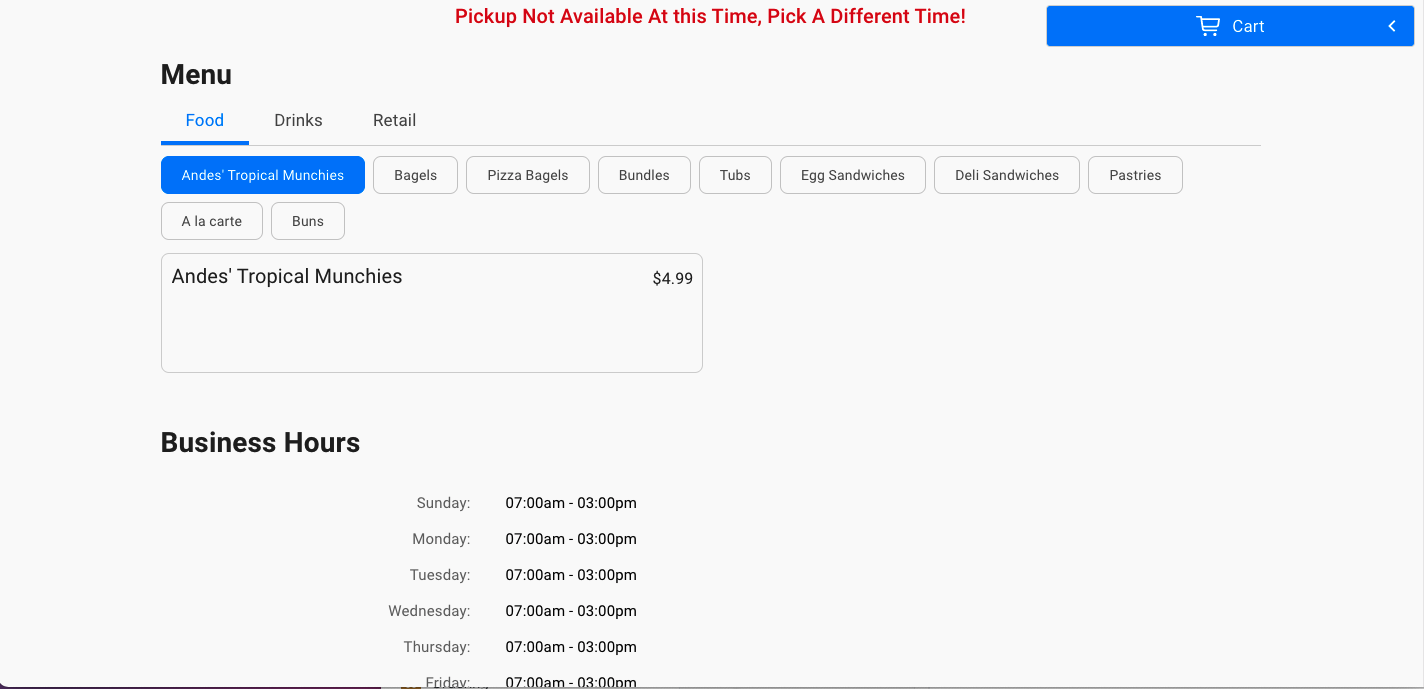
As the customer scrolls down, they can click around the restaurant's menu, view business hours, and other details about the restaurant such as payment options, phone number, and website link.