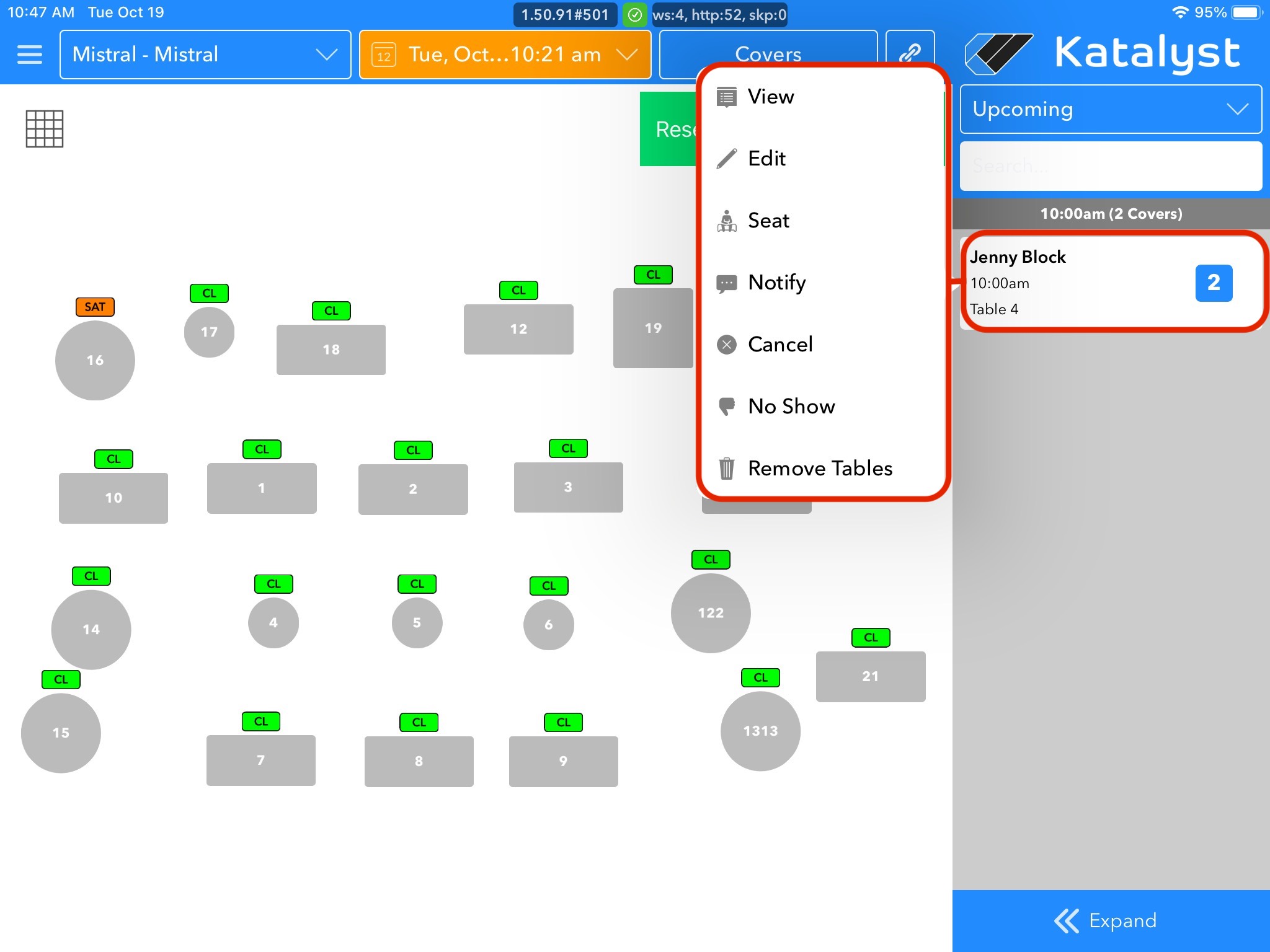
To make edits to an existing reservation, find the reservation you want to edit in the upcoming and reservations to the right. If the reservation was set in the future, use the calendar drop-down menu to move to that date.
Tap the reservation that you would like to edit and to the left, a pop-box will appear. From here you can view, edit, seat, arrive, notify, cancel, no show, and remove tables. For the purposes of this training block, we will click Edit.
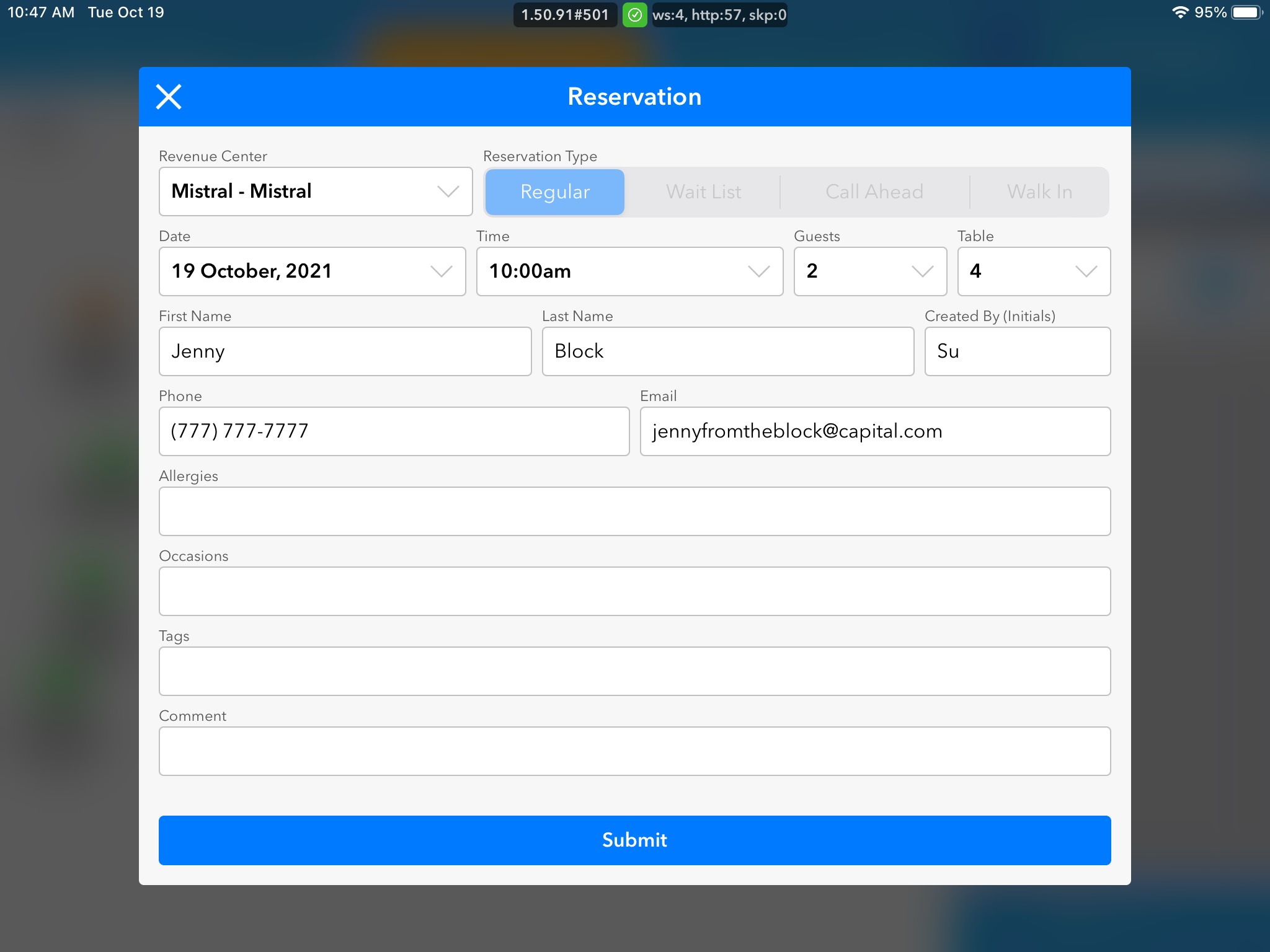
A pop-up that looks exactly as though you are creating a new reservation will appear. Make any changes and click Submit to save.