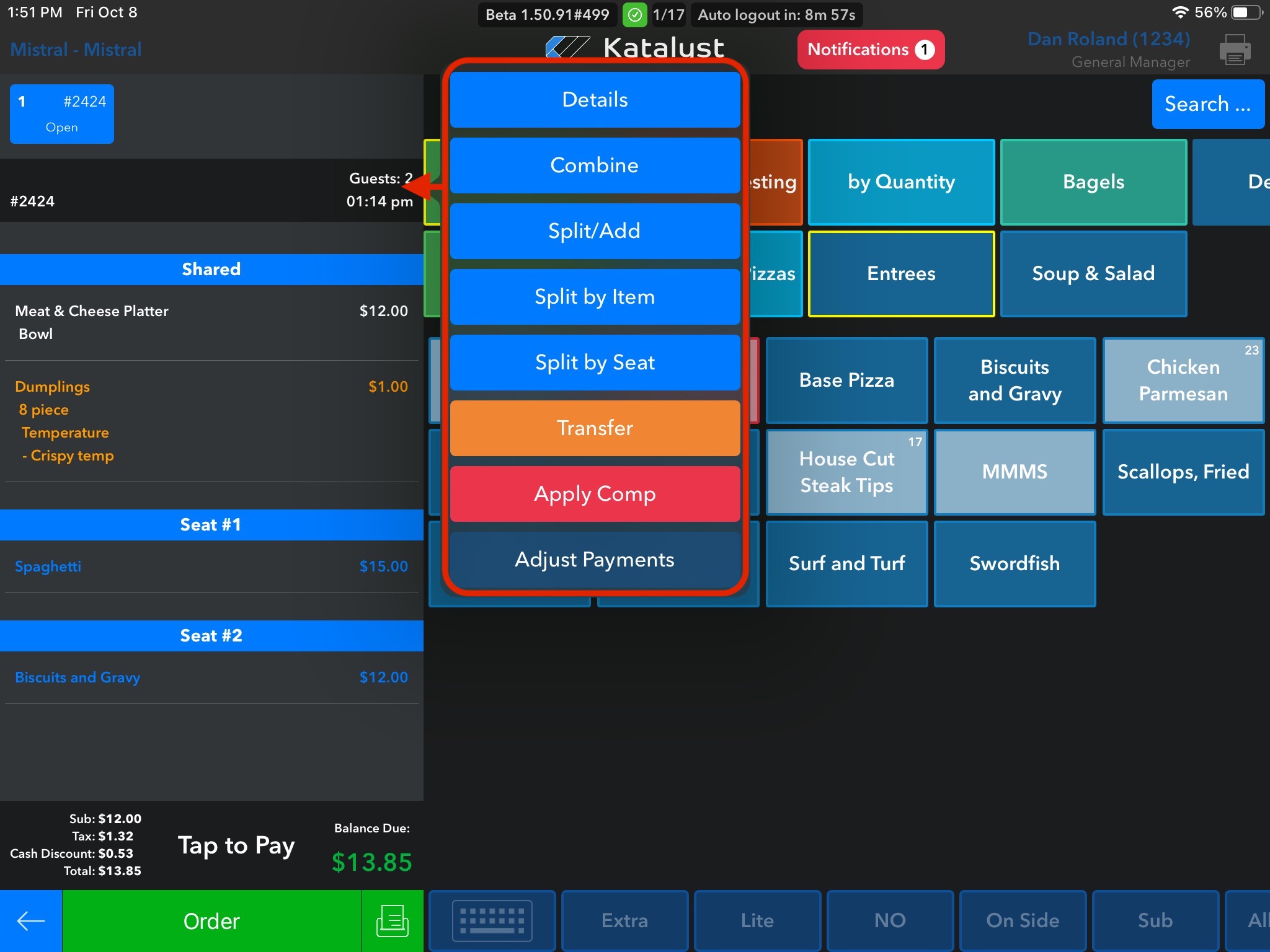
If the details of the check need to be edited, such as the number of guests, we have an easy access point for this within the check itself. Simply click into the space above that says 'Guests' and a pop-up will appear to the right. To edit details just click Details.
Once you click Details, the following screen will appear. This will show you where you can edit things such as guest number, check the name, table, shift, revenue center, loyalty member, allergies, occasions, and comments. Just be sure to click Update to save the changes.