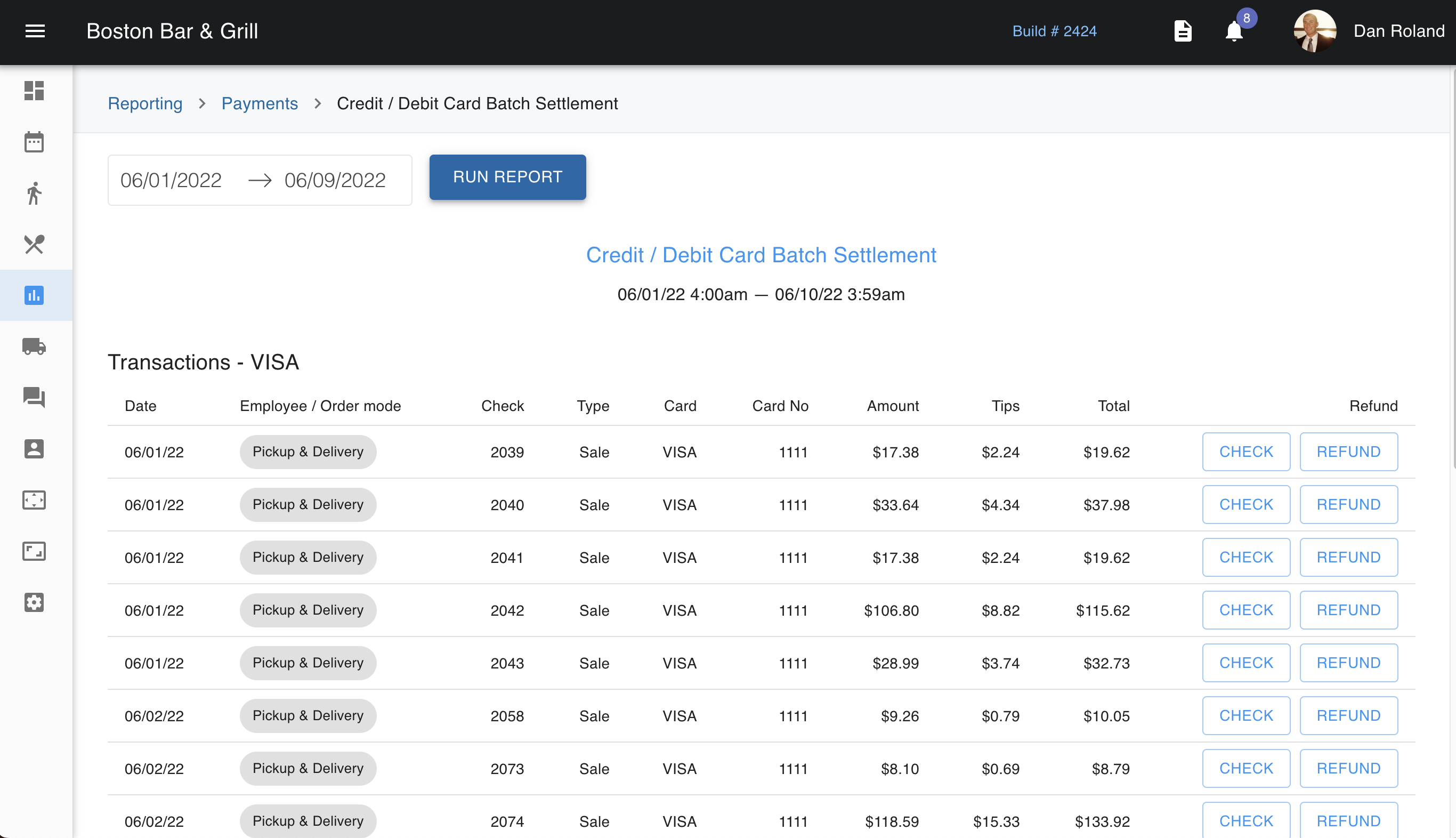
Under the Reporting tab in the Admin Portal, there is a section called 'payments' that houses multiple types of reports. One of these reports is the Credit/Debit Card Batch Settlement. You can go here and filter this report by date. Here, you can compare your batch numbers to those that the processor will send. From here, you can also pull the check much like you can from the check screen. The exception is, when viewing the check here, you will not see or be able to edit the check in the payment details. Instead, it will show you the customer's information. However, if you click on the refund option to the right, it will take you to the payment details screen which will allow for adjustments.