- Help Center
- Katalyst POS
- Reservation Management
Cancelling a Reservation
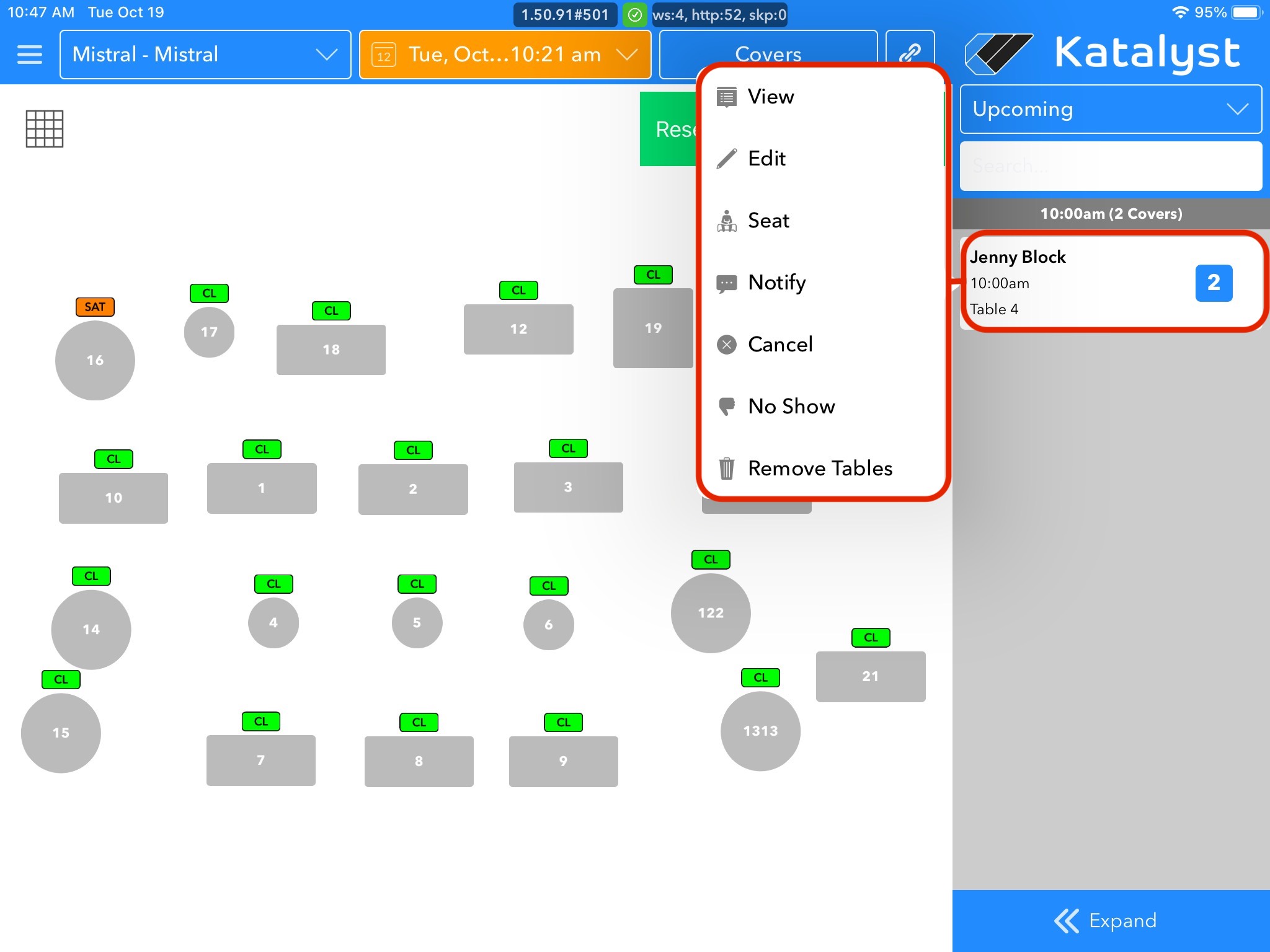
To cancel a reservation, you will follow similar steps that you take when editing a reservation. When we tap on the reservation, we will click cancel instead. When you press edit, the system will confirm that you actually want to cancel the reservation. To continue press confirm. When you do this, the guest will then get a text letting them know their reservation has been canceled.