- Help Center
- Katalyst POS
- Reservation Management
Cancel a Reservation Using the Grid View
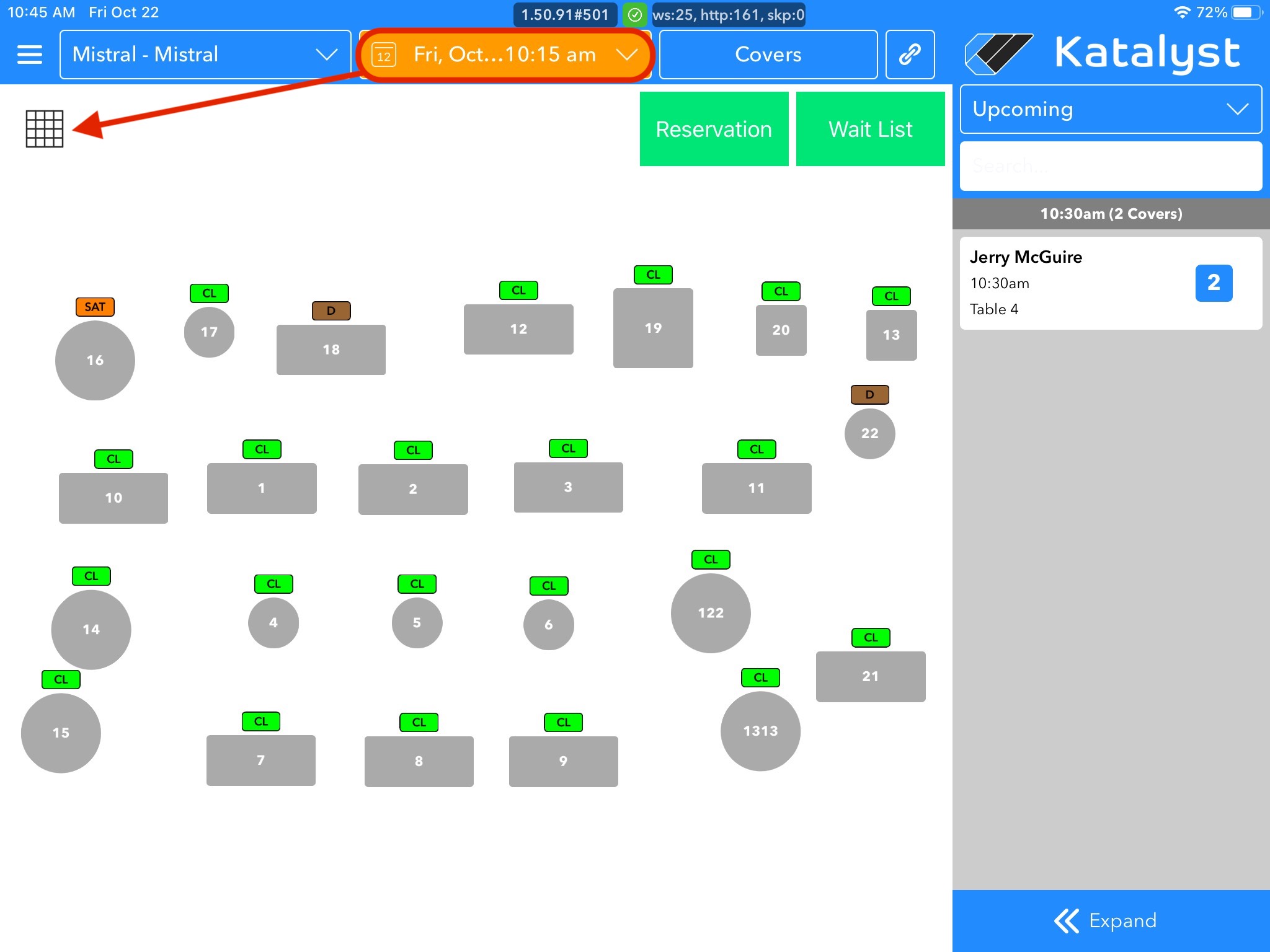
1. Select the correct date of the reservation you wish to cancel using the date picker on the floor-plan homepage. Next, tap the Grid icon in the top left
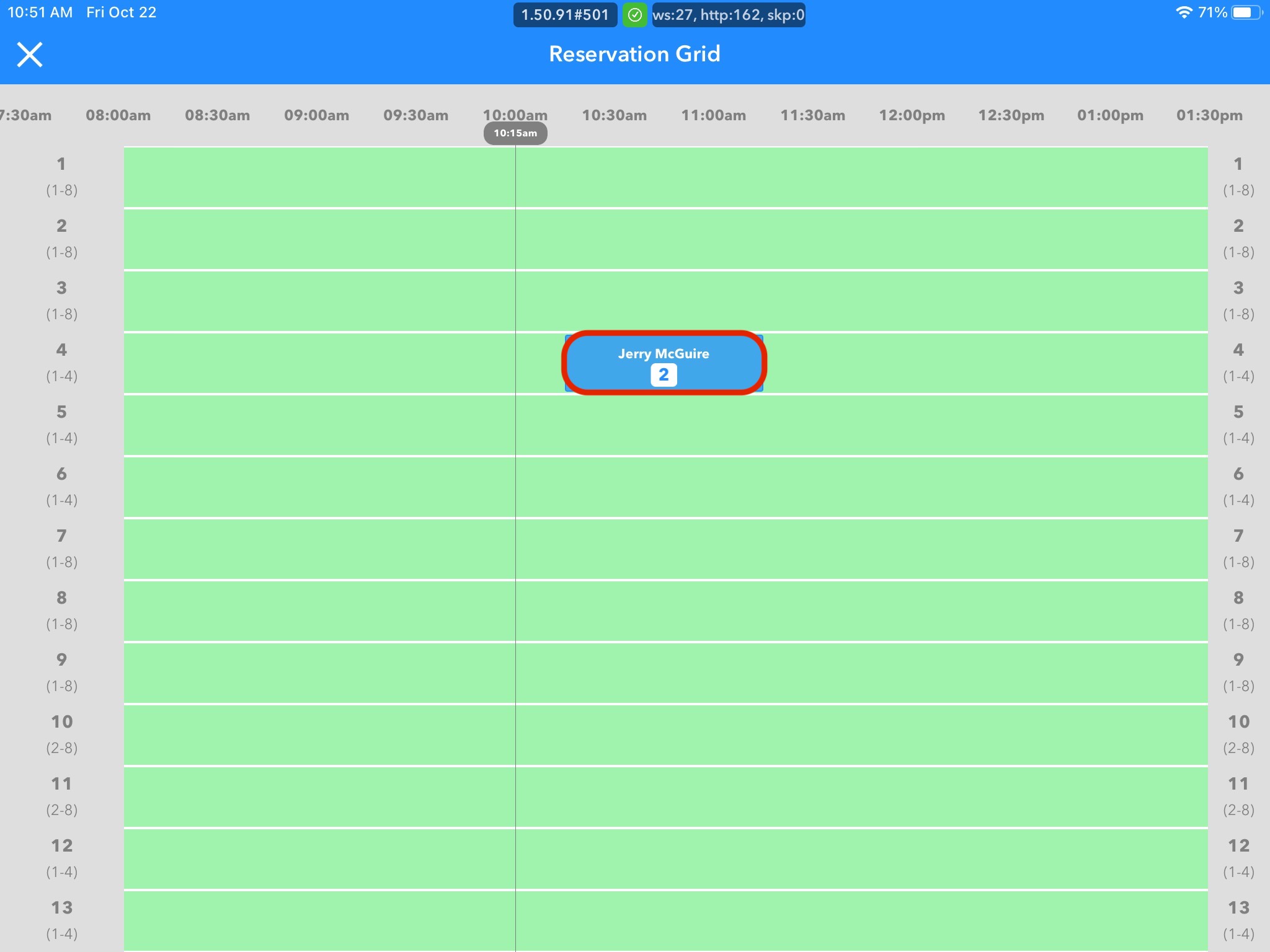
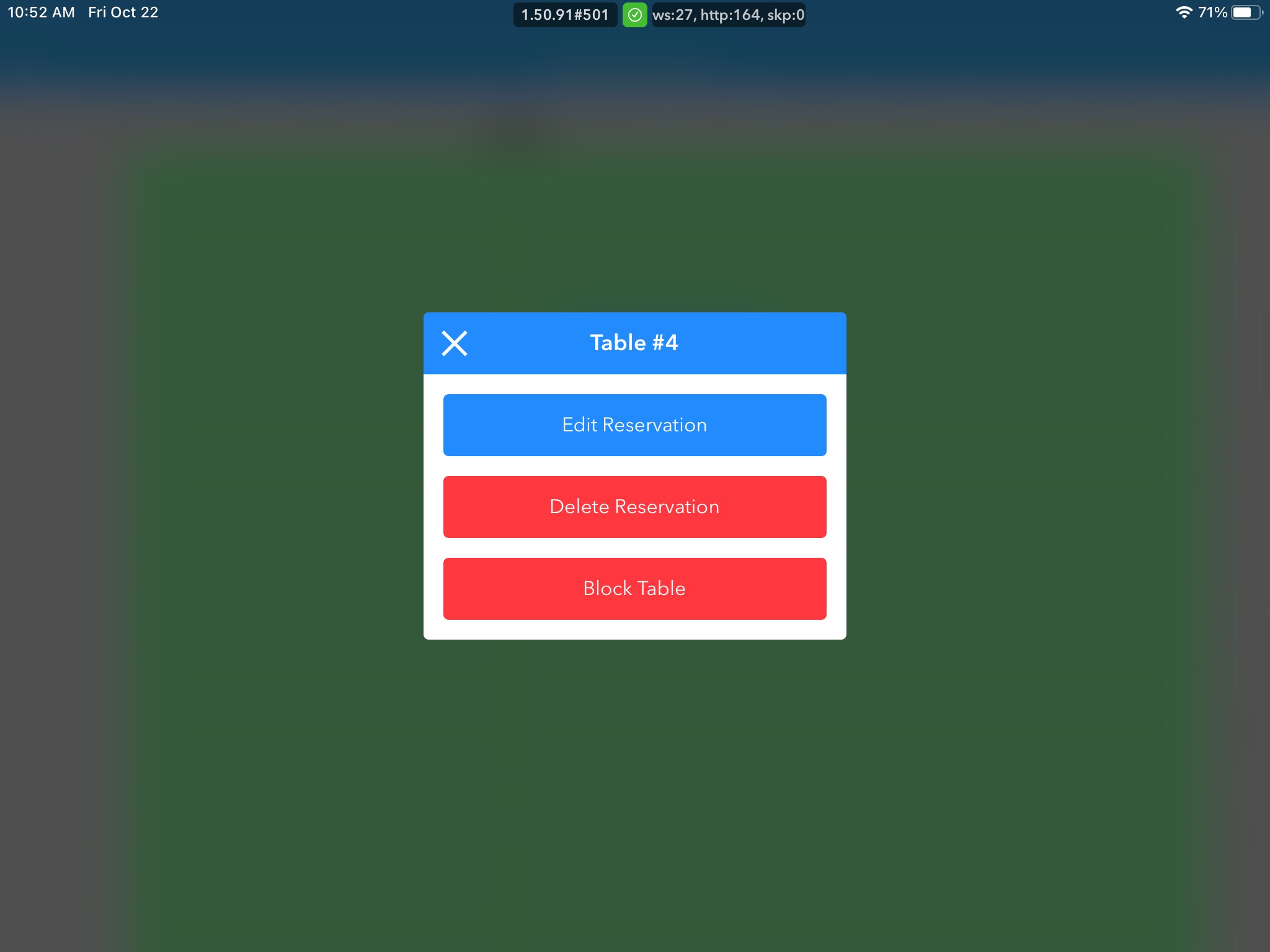
2. Click on the blue box that denotes that reservation in the grid and then click Delete Reservation in the new pop-up box
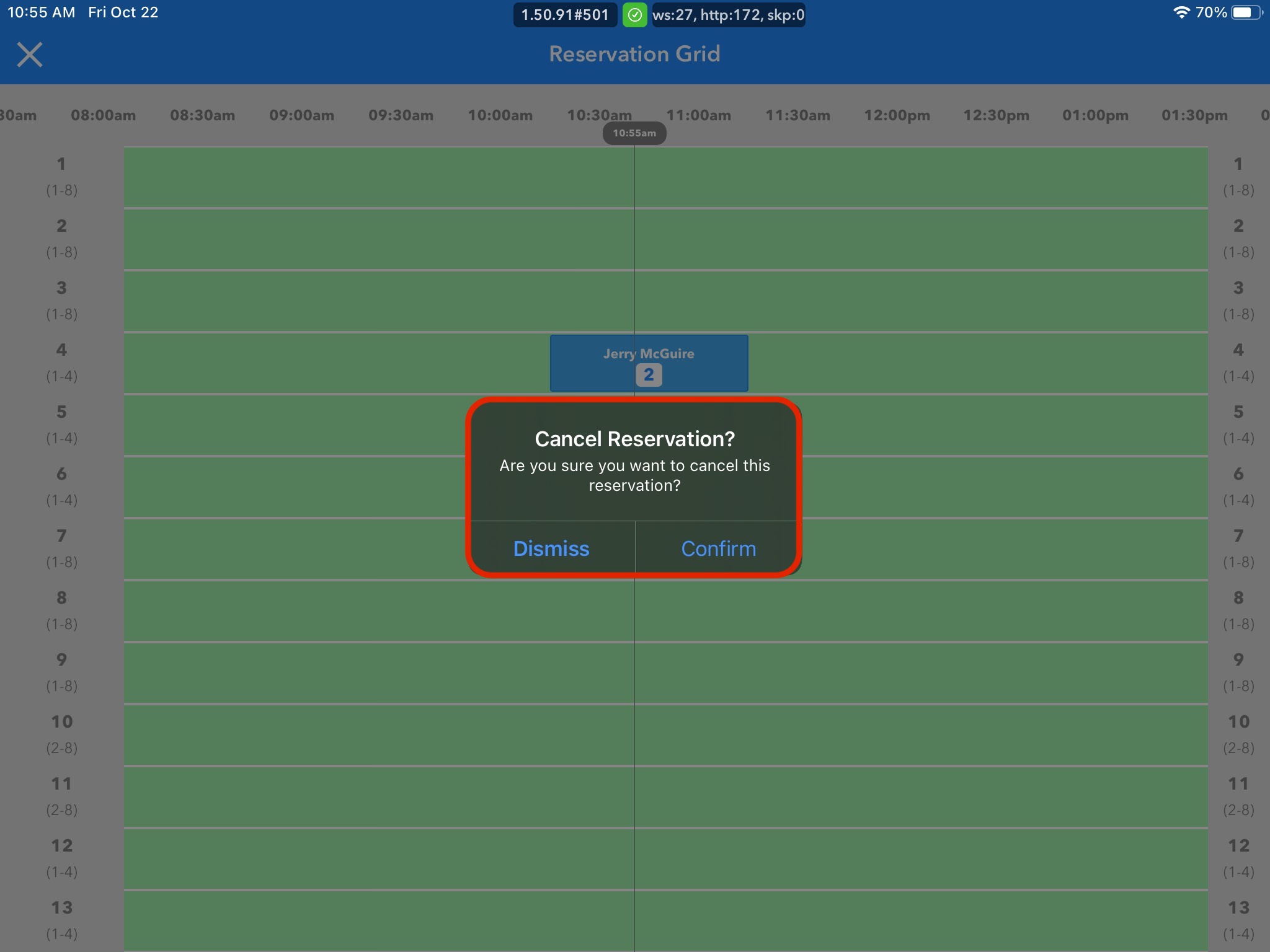
3. A confirmation box will appear for you to confirm that you would like to cancel the reservation. Click Confirm button or Dismiss to undo changes