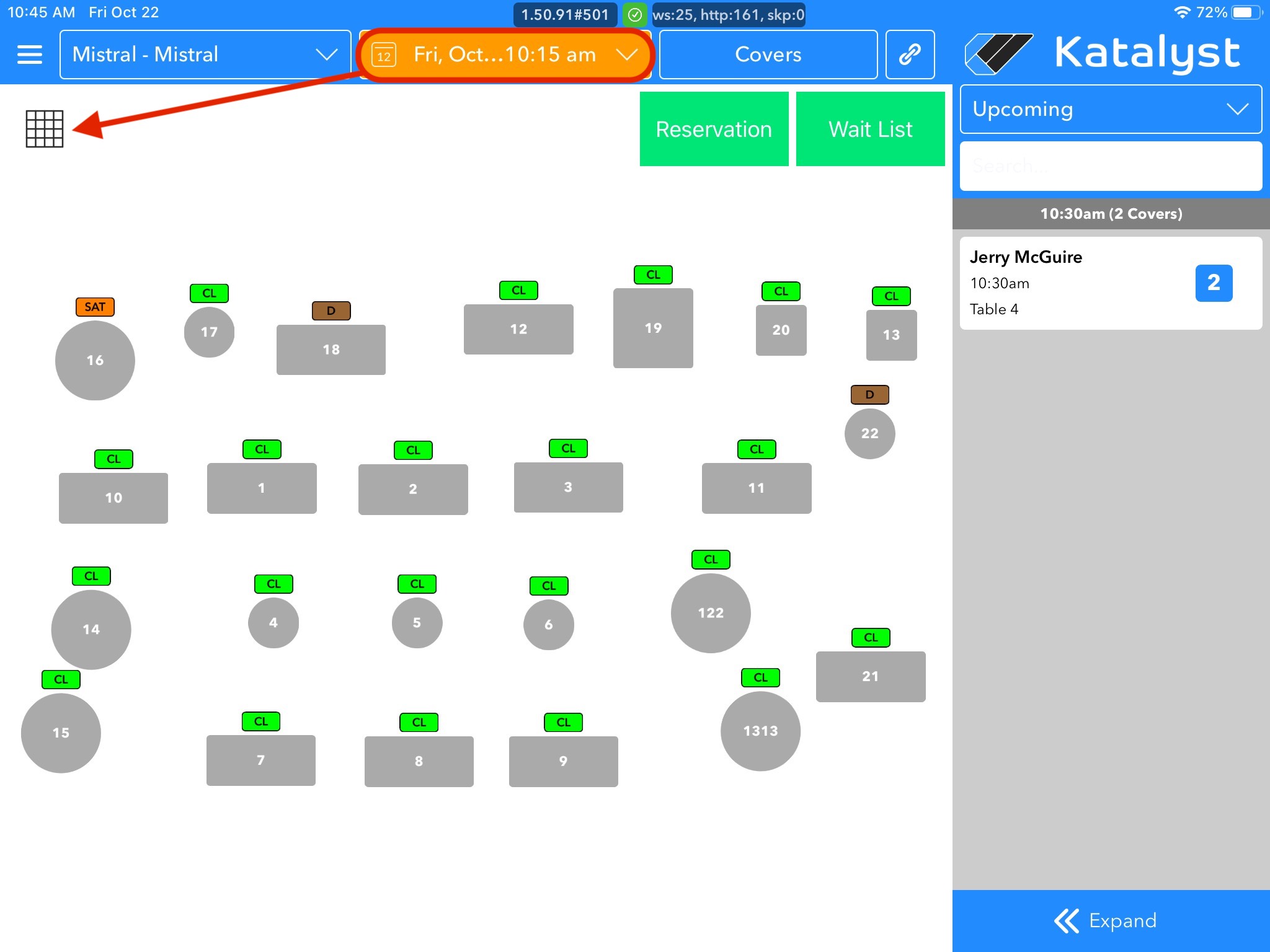
1. Select the correct date you wish to block a table using the date picker on the floor-plan homepage, then tap the Grid icon in the top left.
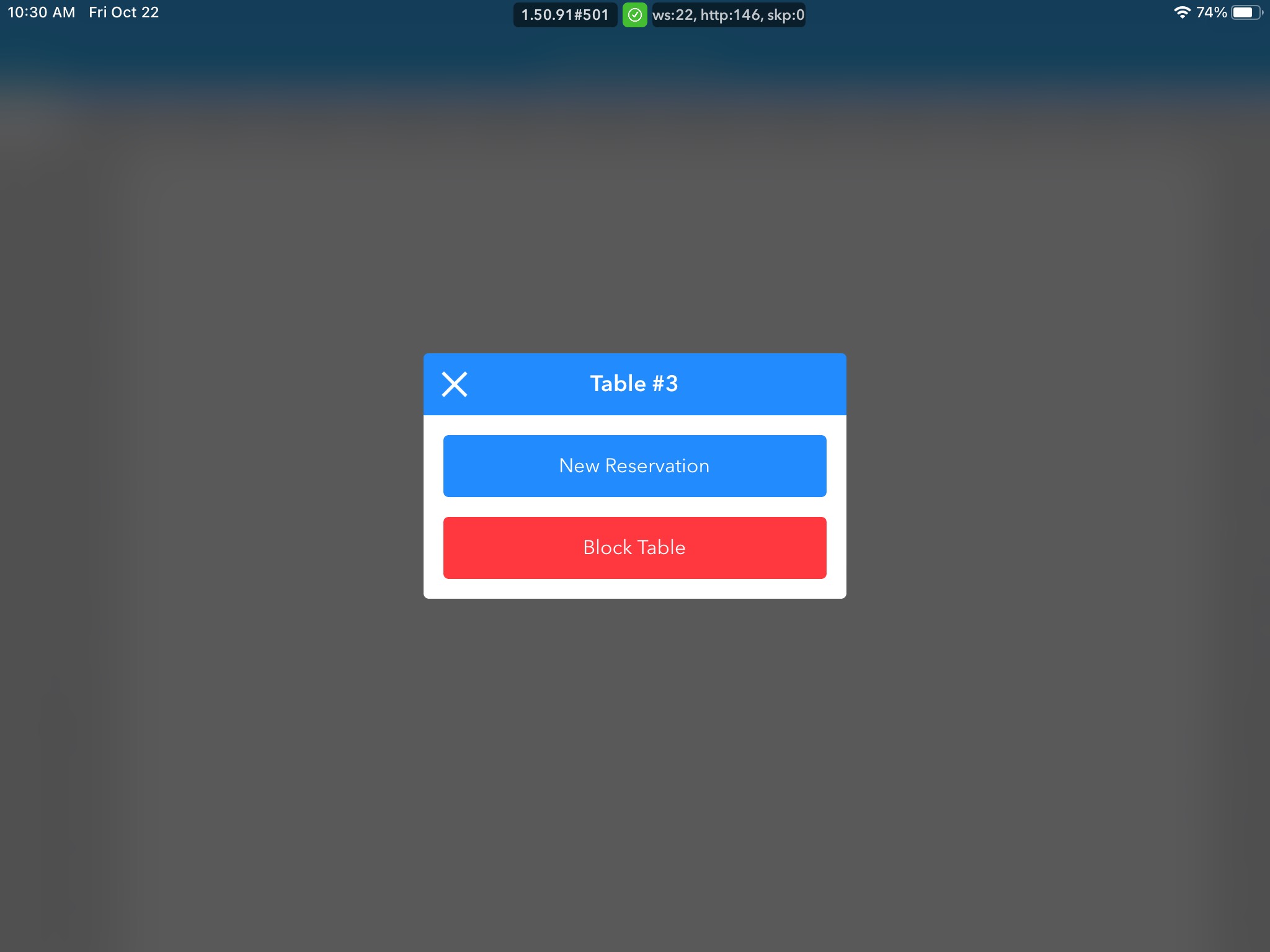
2. In the Grid, click on the selected table and corresponding time you wish to block a table for, then click Block Table in the new pop-up box.
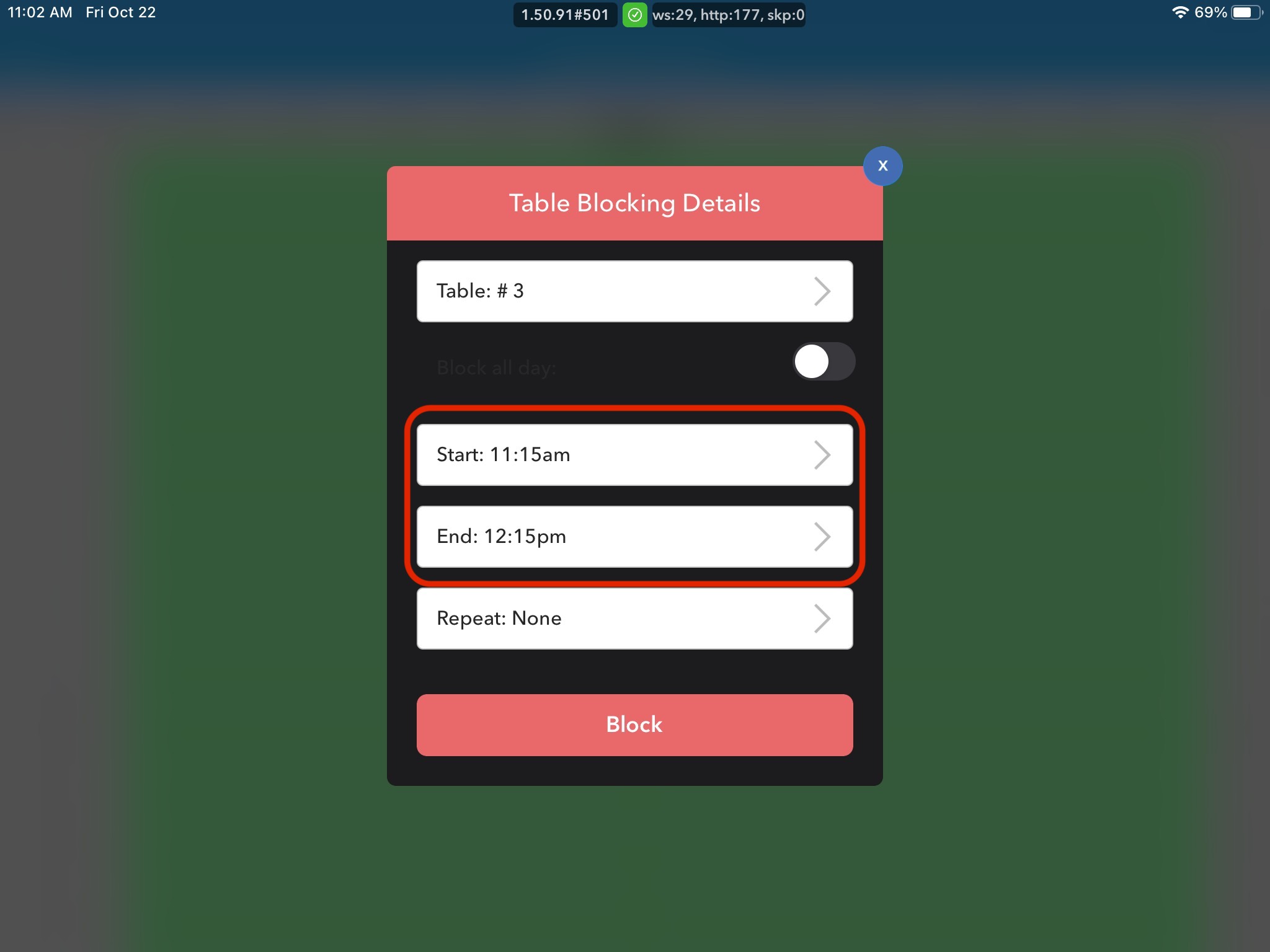
3. In the Table Blocking Details Box that will appear, select the Start and End times for table blocking. To block the table for the entire day, check the Block all-day box.
4. Select the frequency you want that table to be blocked. You can choose between: None, Daily, and Weekly. If you want to block a table just for that specific date, make sure Repeat: None is selected.
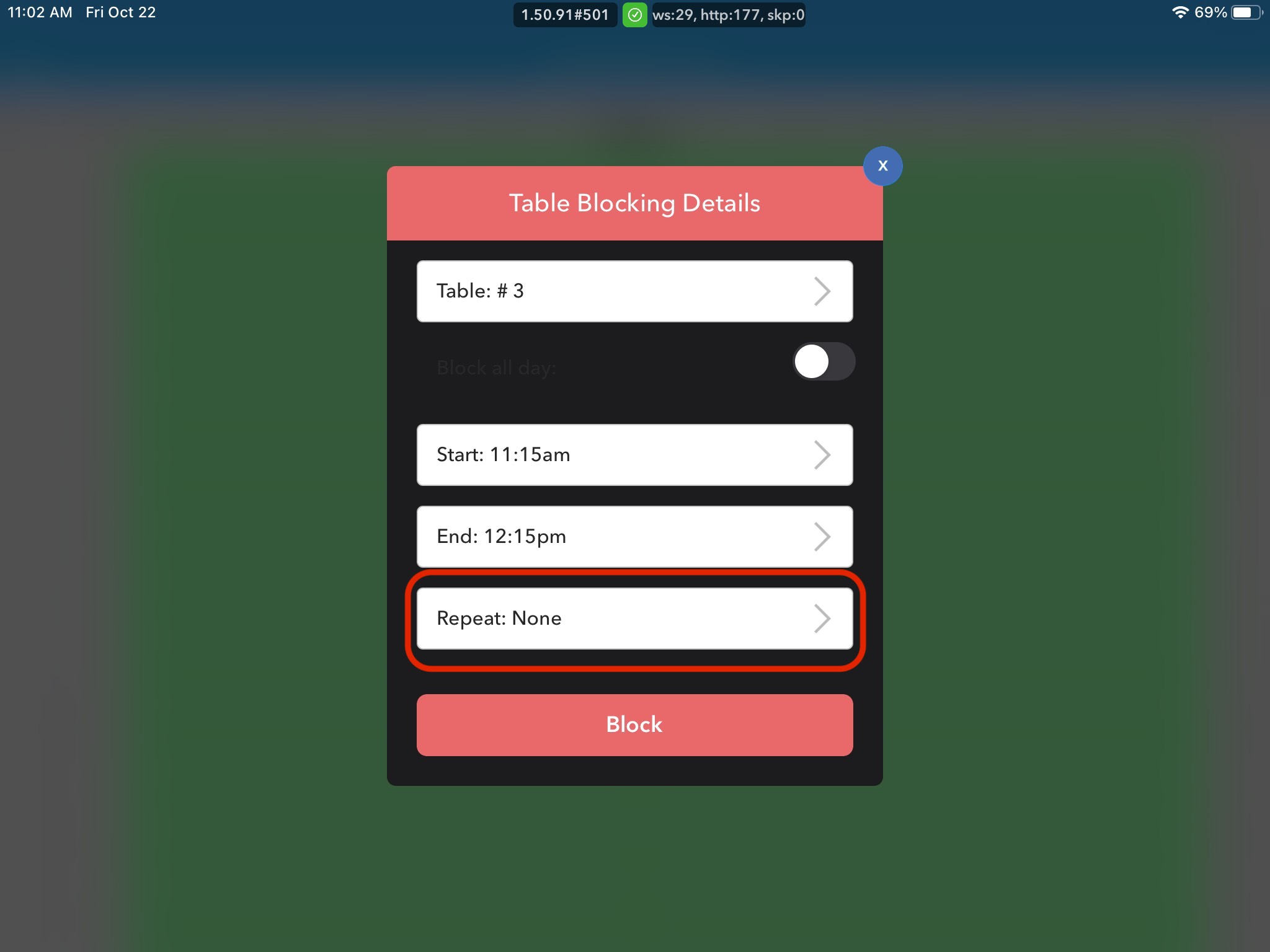
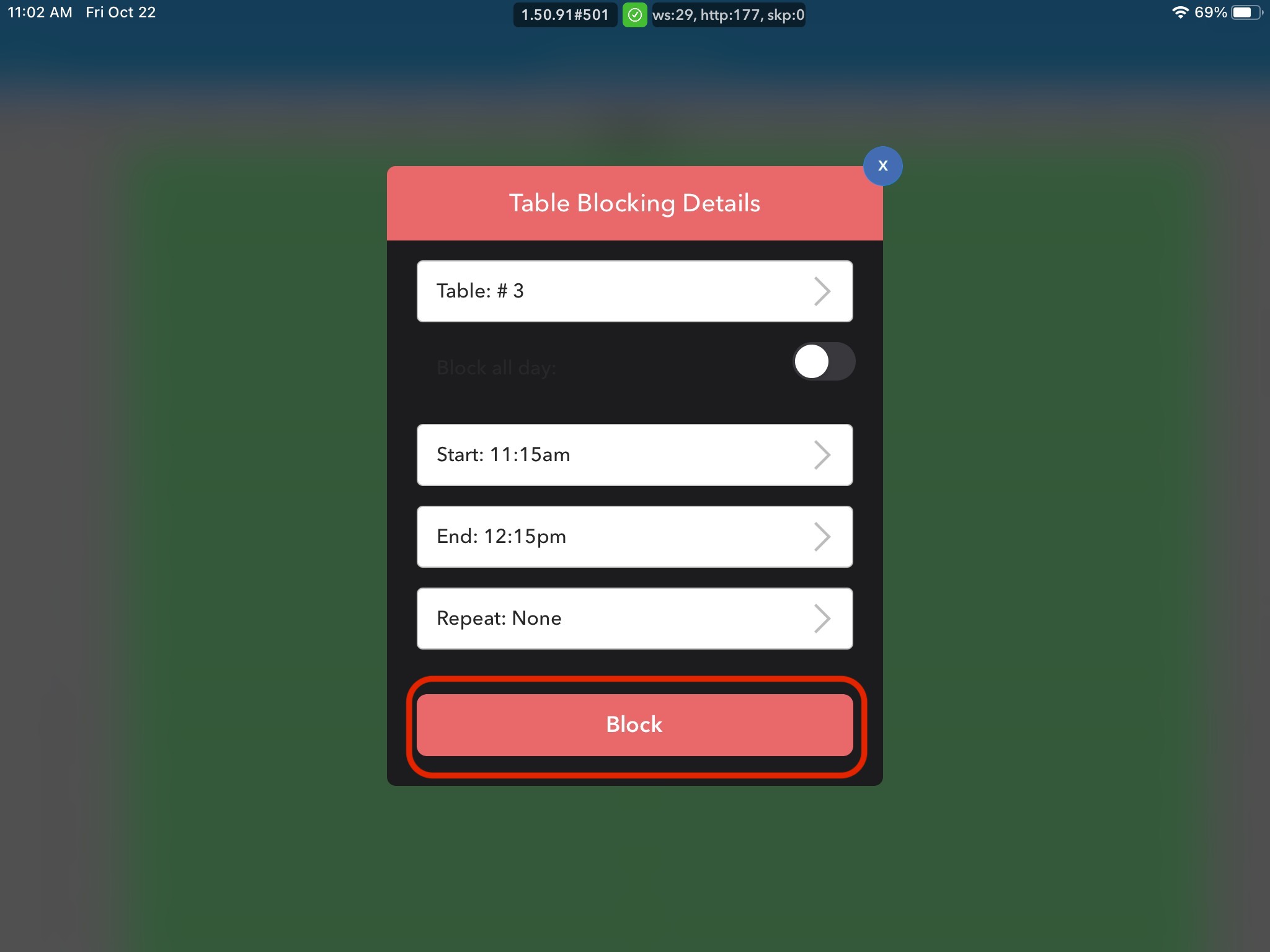
5. Click the Block button.