- Help Center
- Katalyst POS
- Check Management
Applying Comps
If you need to apply a comp for a check, you can do so by clicking on Guests above the check. When you do, a pop-up will appear.
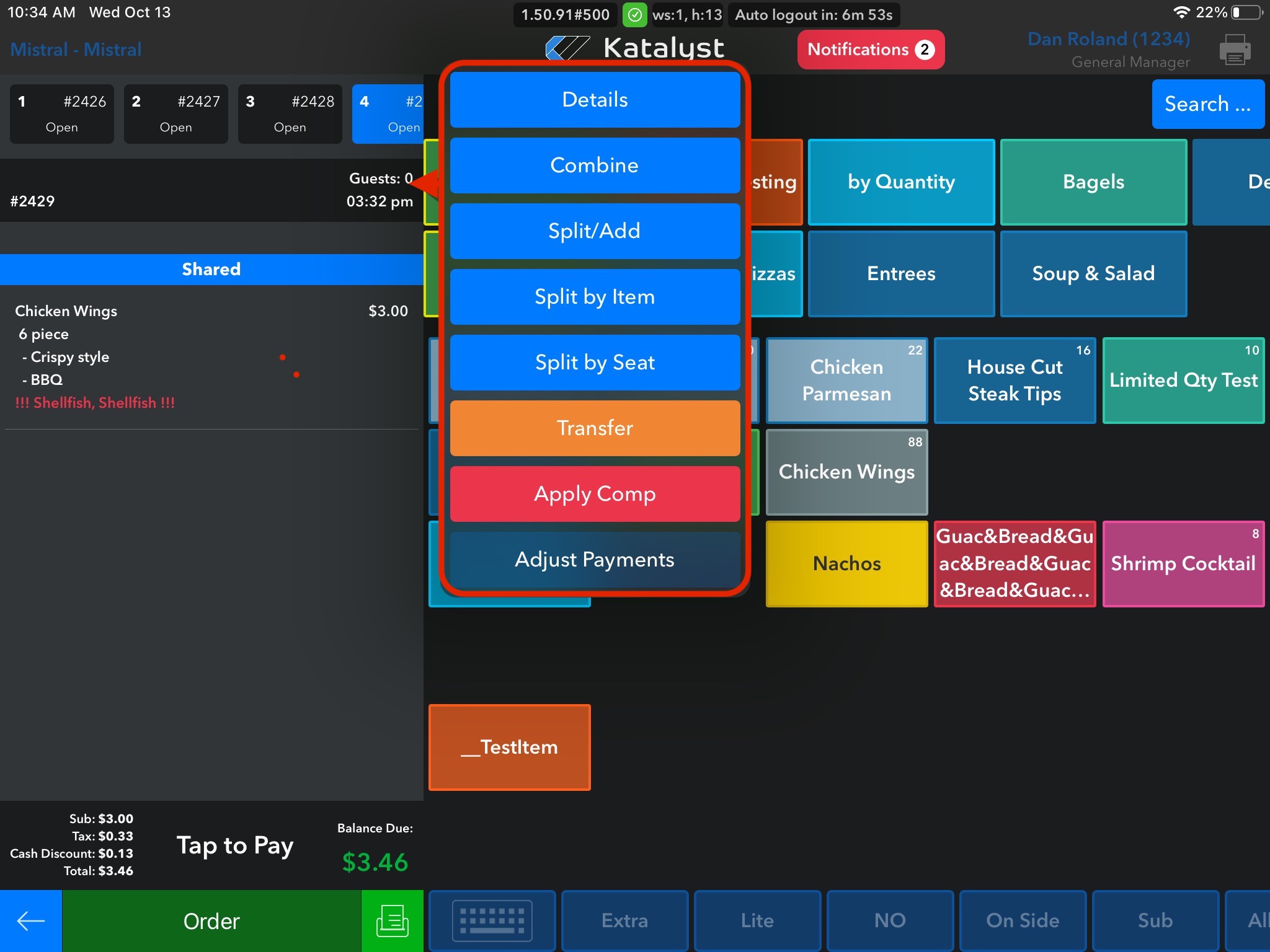
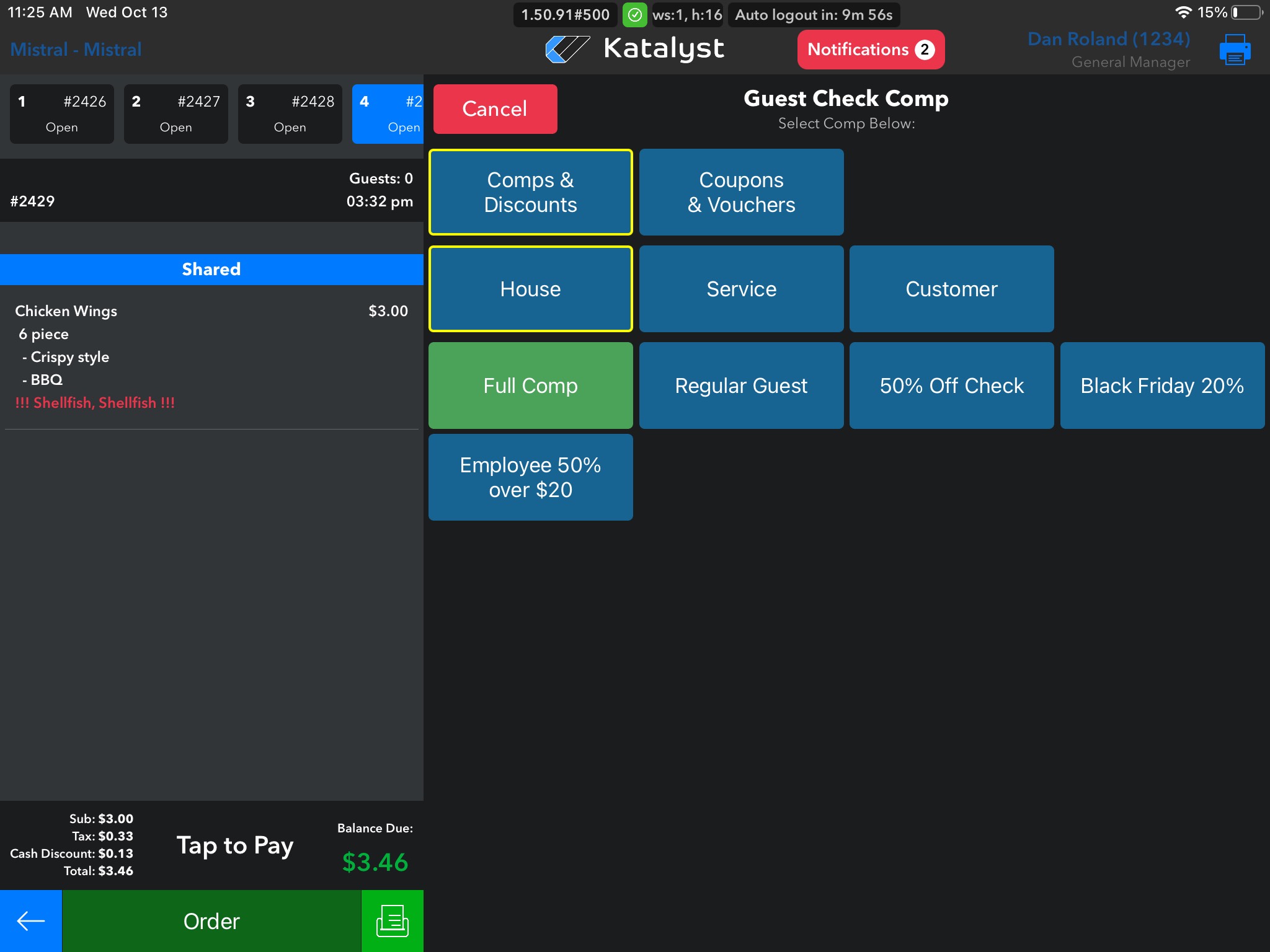
Clicking on Apply Comp will move you to the comp screen. This screen will look different per establishment as it is created to cater to what each restaurant wants. To apply the comp, just click on the comp wanted and it will update. If for some reason the screen does not update, just back out and then go back into the check, then it should be updated.