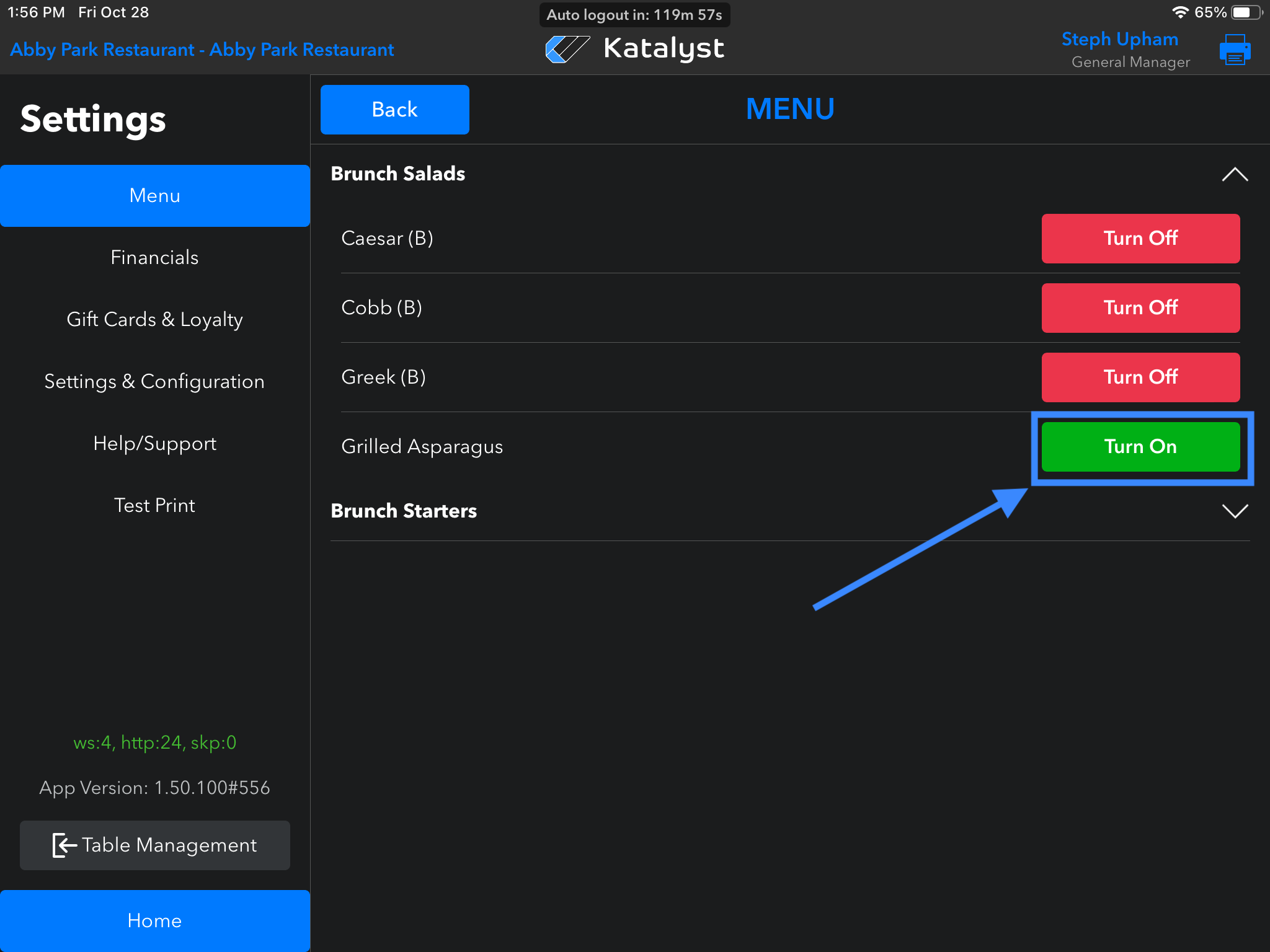
If you see an item that is greyed out and can't be selected, this indicates that this item has been 86'd
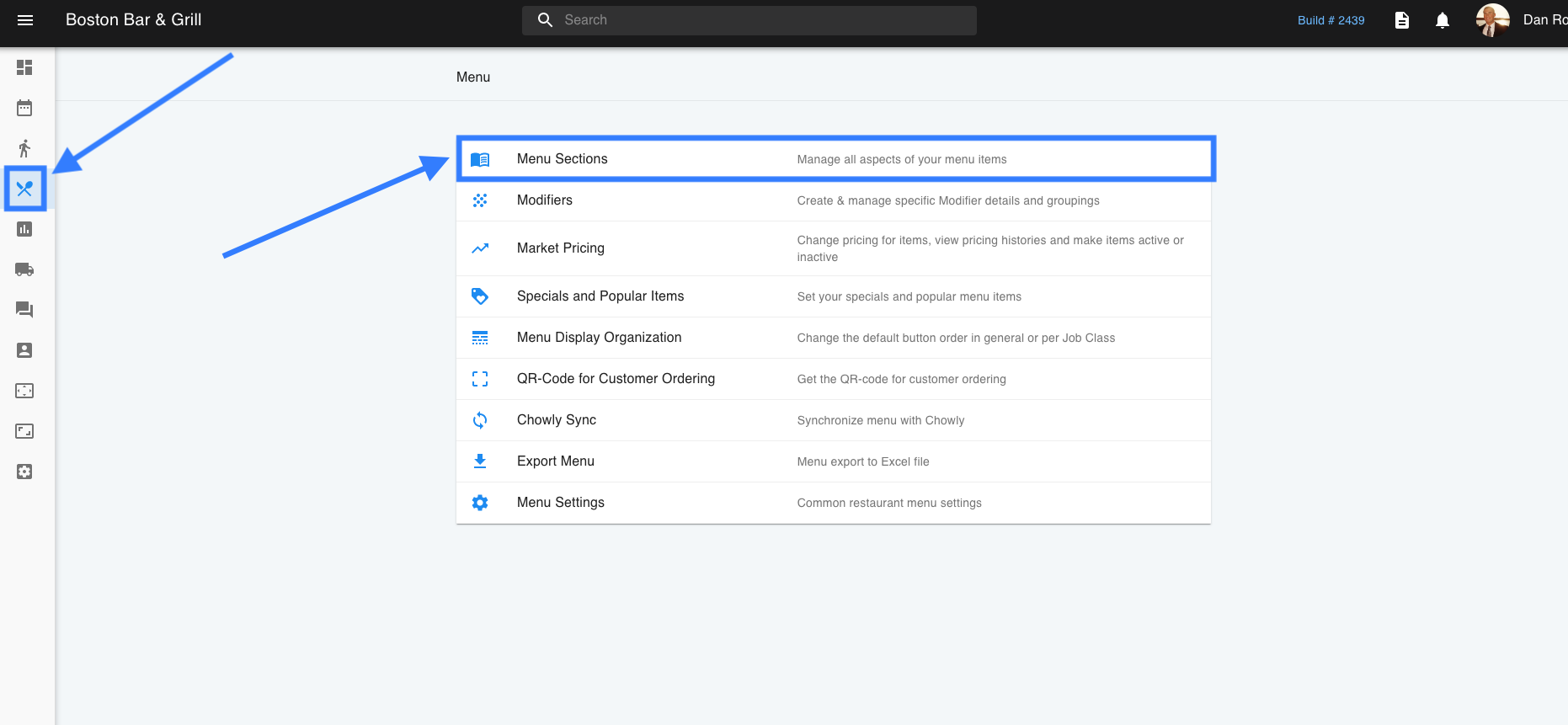
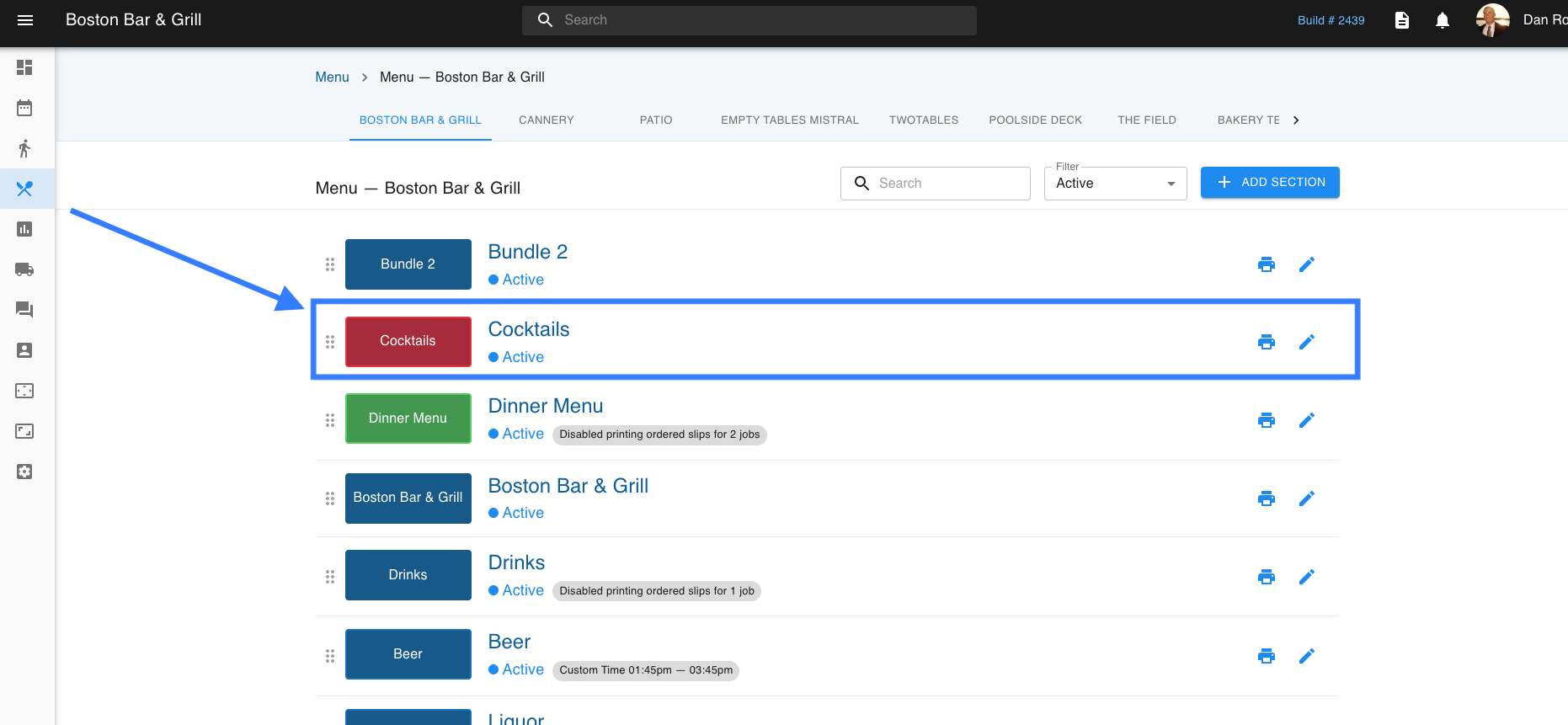
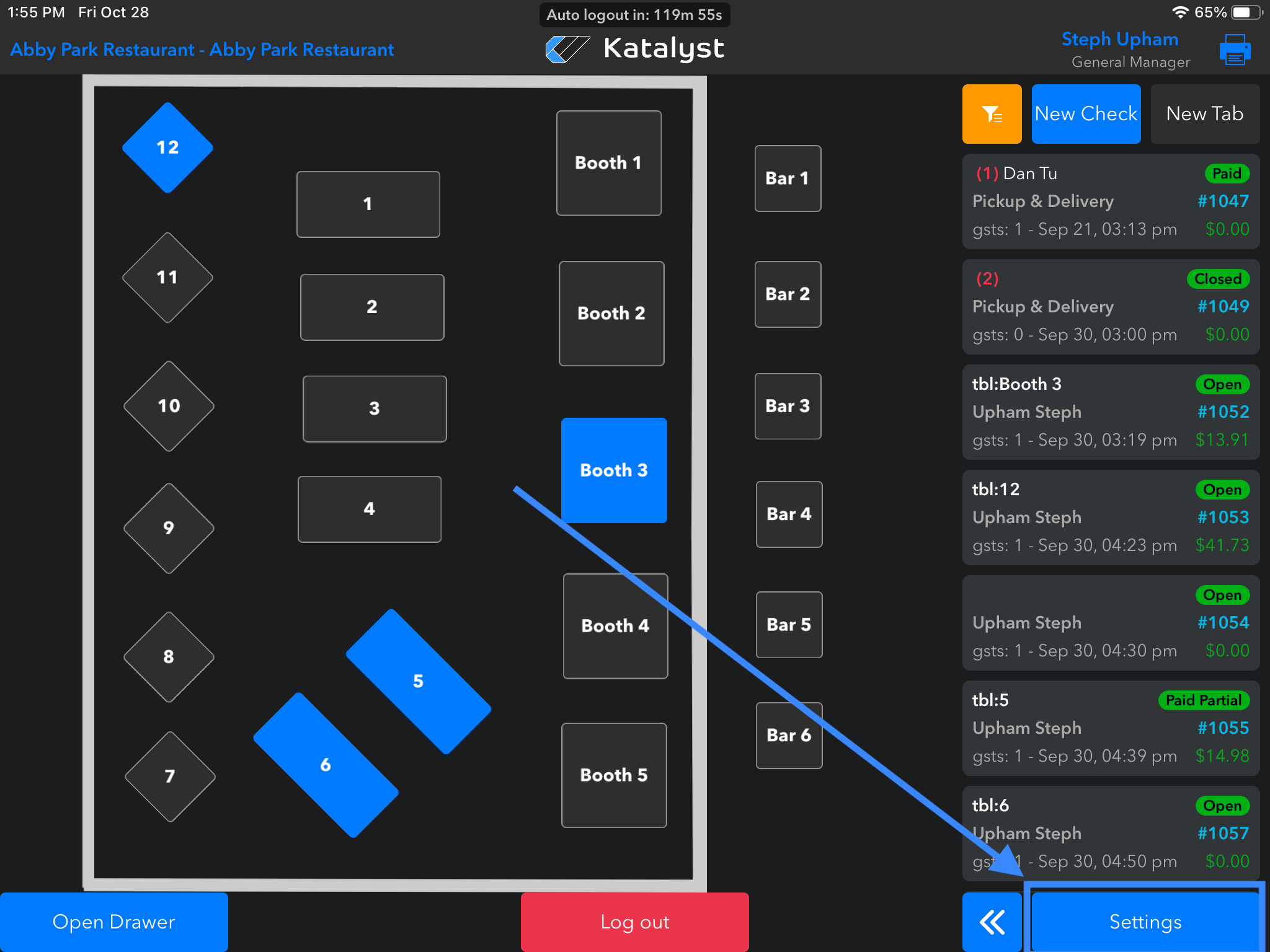
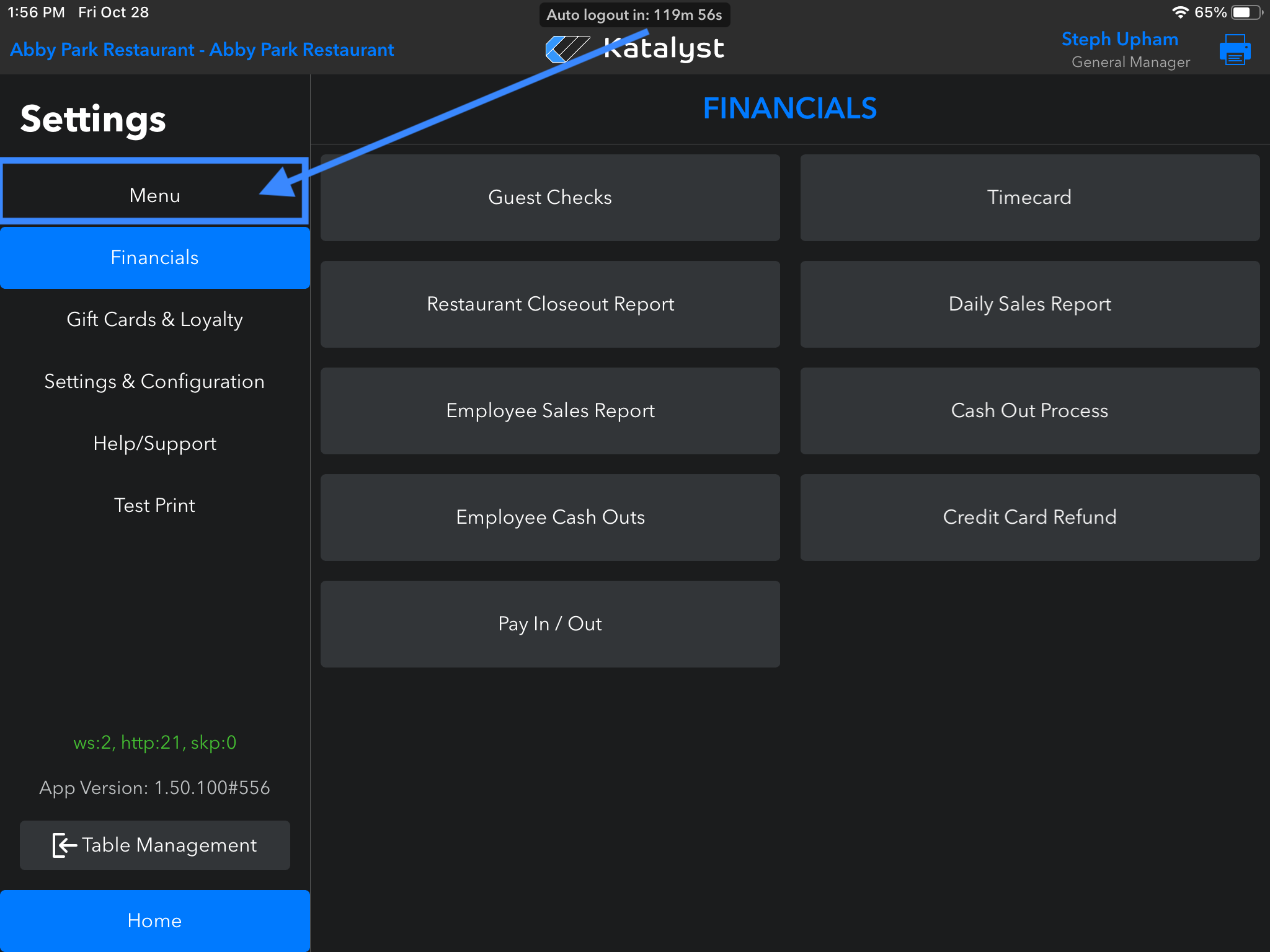
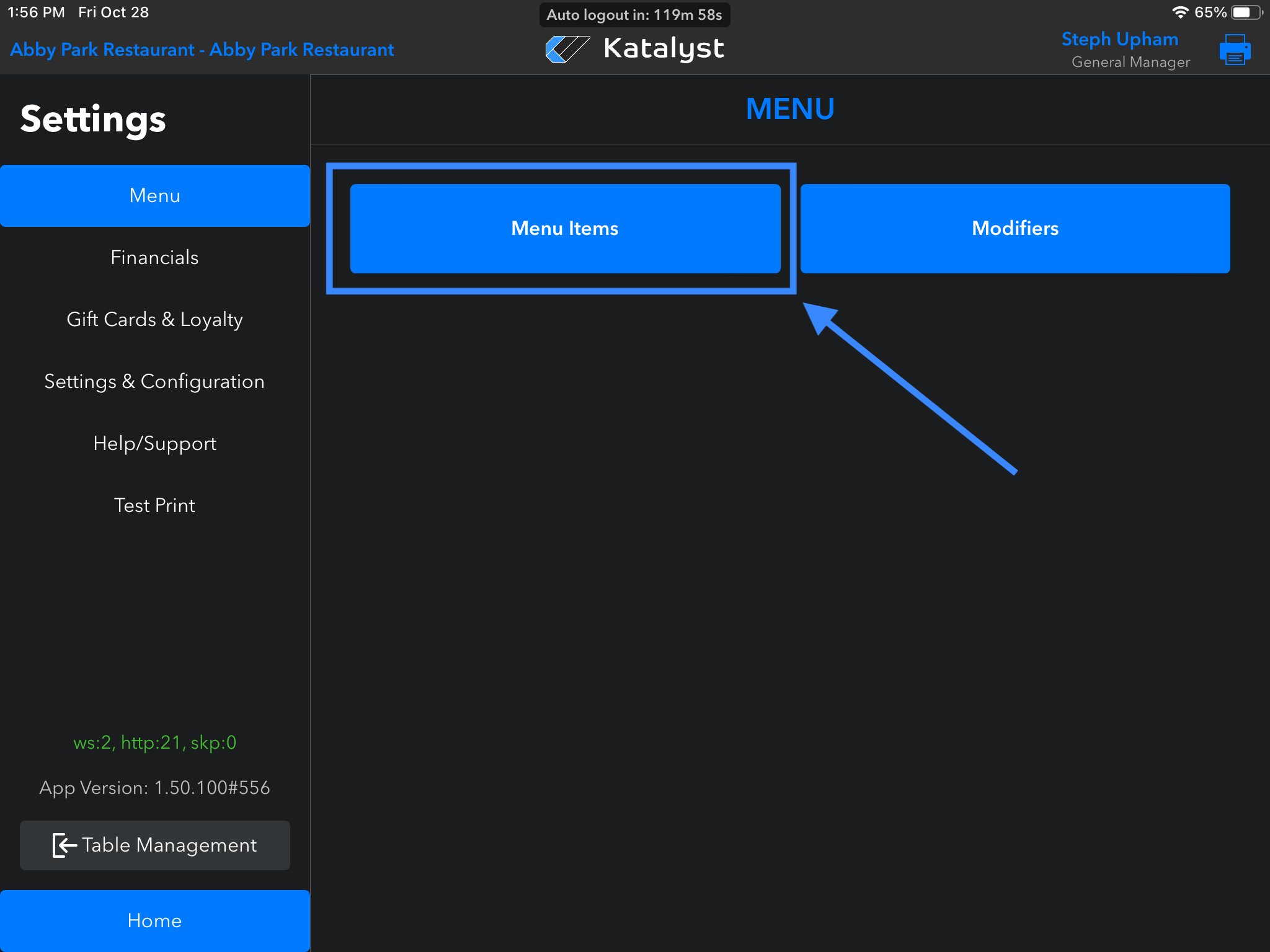
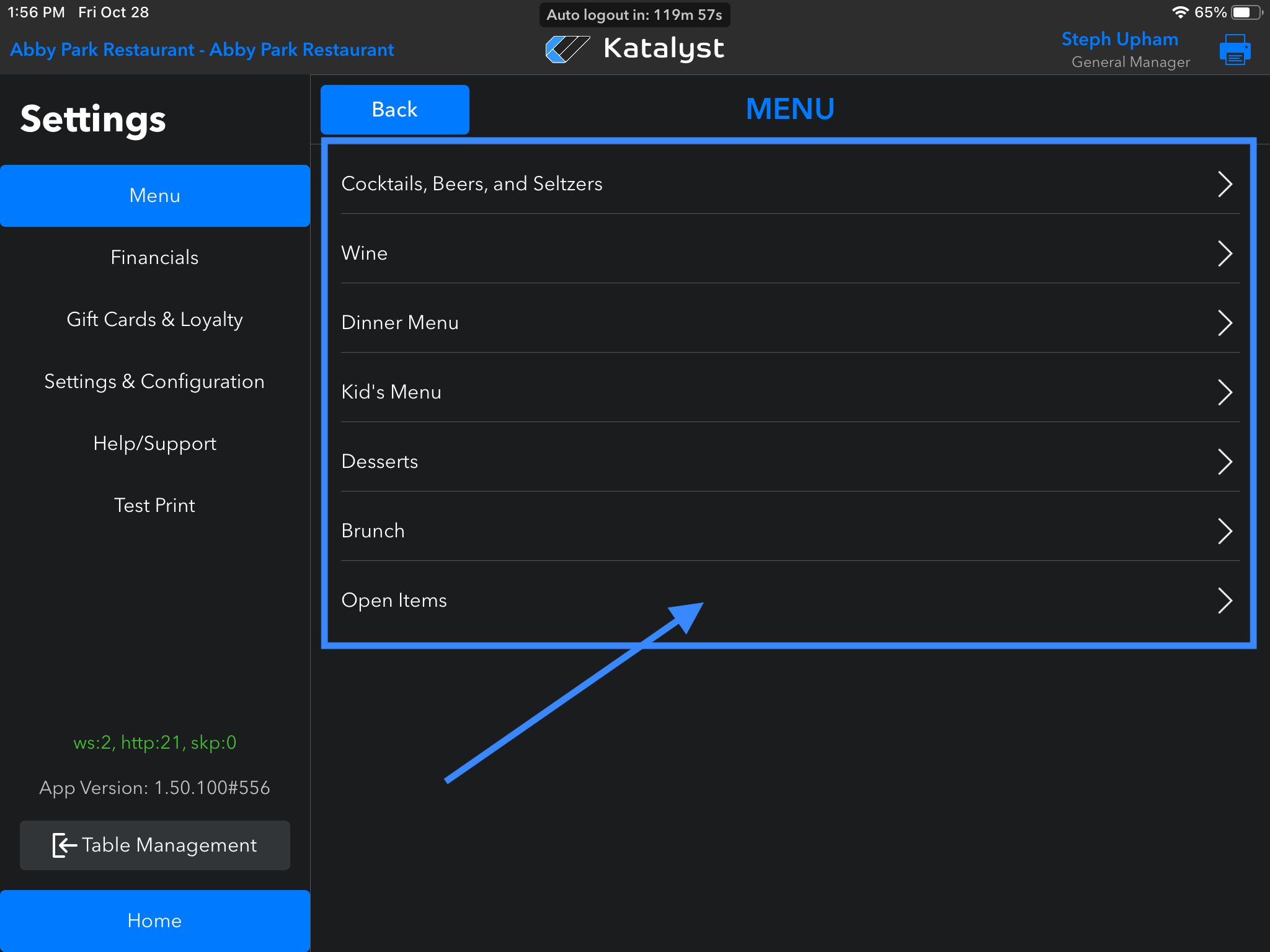
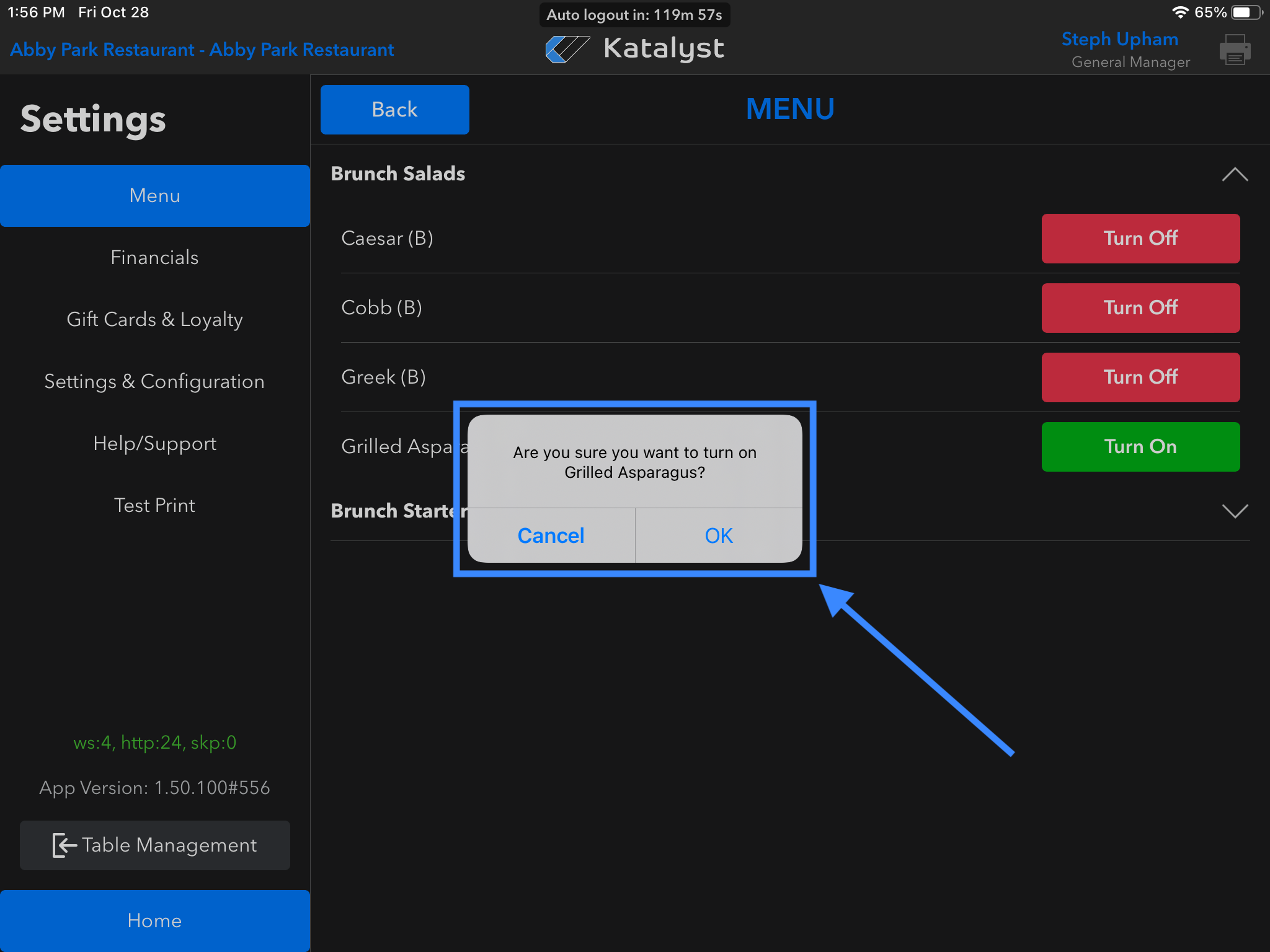
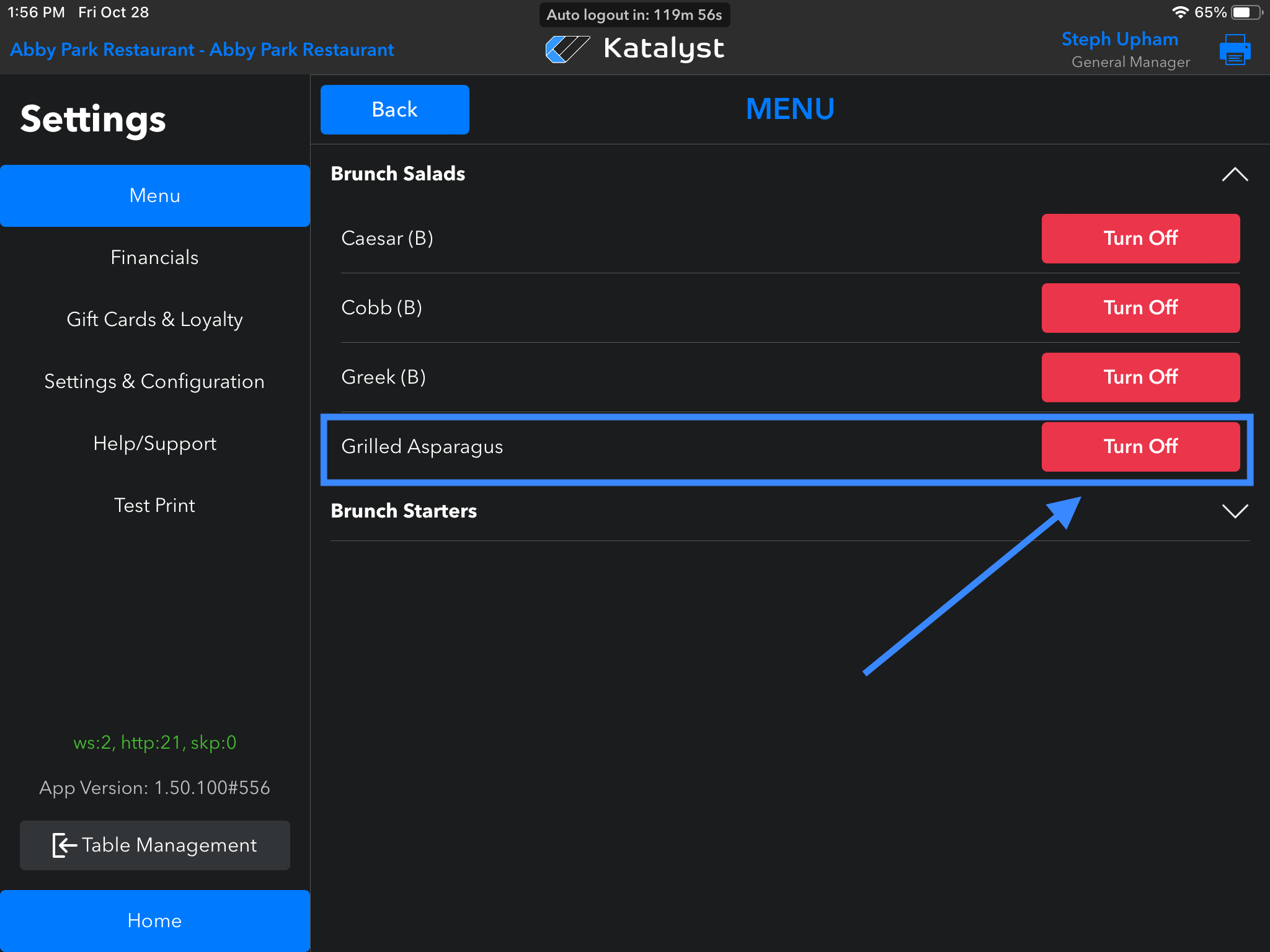
On iPad go to Settings > Menu, find the Menu Section, and see if that item is green and says ‘Turn On.’ Tap to make the item active again.A Menu Item is Greyed-Out/Can't Be Tapped
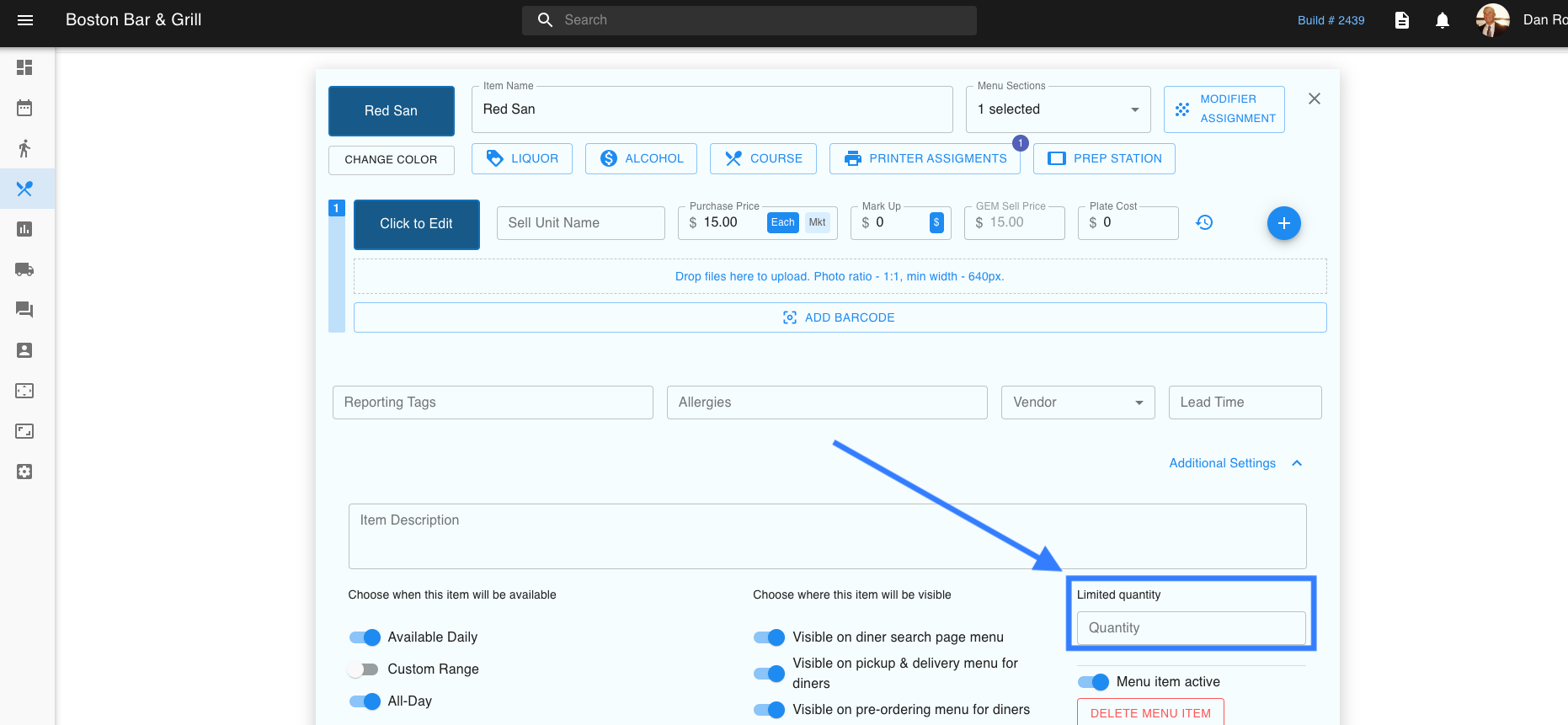
If not, check on the web side account to see if the item has a Limited Quantity number set to 0; that will grey out the button. Delete ‘0’ so it is blank and check the iPad again.